Choose a Default View
From the User Menu you can choose your desired Default Home View, which is a choice between the Product Map or the Suggestions views. It is a way to indicate your preference as to which view is displayed each time you return to the Home Experience. Regardless of which one you select as your default view, you can always toggle to the other view at any time using the toggle button in the bottom center of the Home Experience page.
To switch between the Product Map and Suggestions views:
-
To open the User Menu, in the top right corner of the Home screen, click the square button with your initials.
Figure 1-5 User Menu – Default Home View Section Expanded
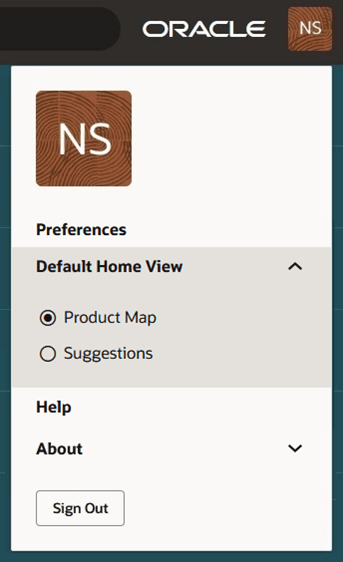
- Click Default Home View to expand the section to see the two available options: Product Map and Suggestions. Initially, the Default Home View will be set to Product Map.
- Select from the desired view and click anywhere outside of the User Menu to close the User Menu.