Organizational Hierarchy Screen
To enter the Organizational Hierarchy workflow, from the Locations Destination landing page, click the Organizational Hierarchy card or, from the Home Experience, click Organizational Hierarchy from the Product Map or Suggestions view.
Figure 3-1 Organizational Hierarchy Page
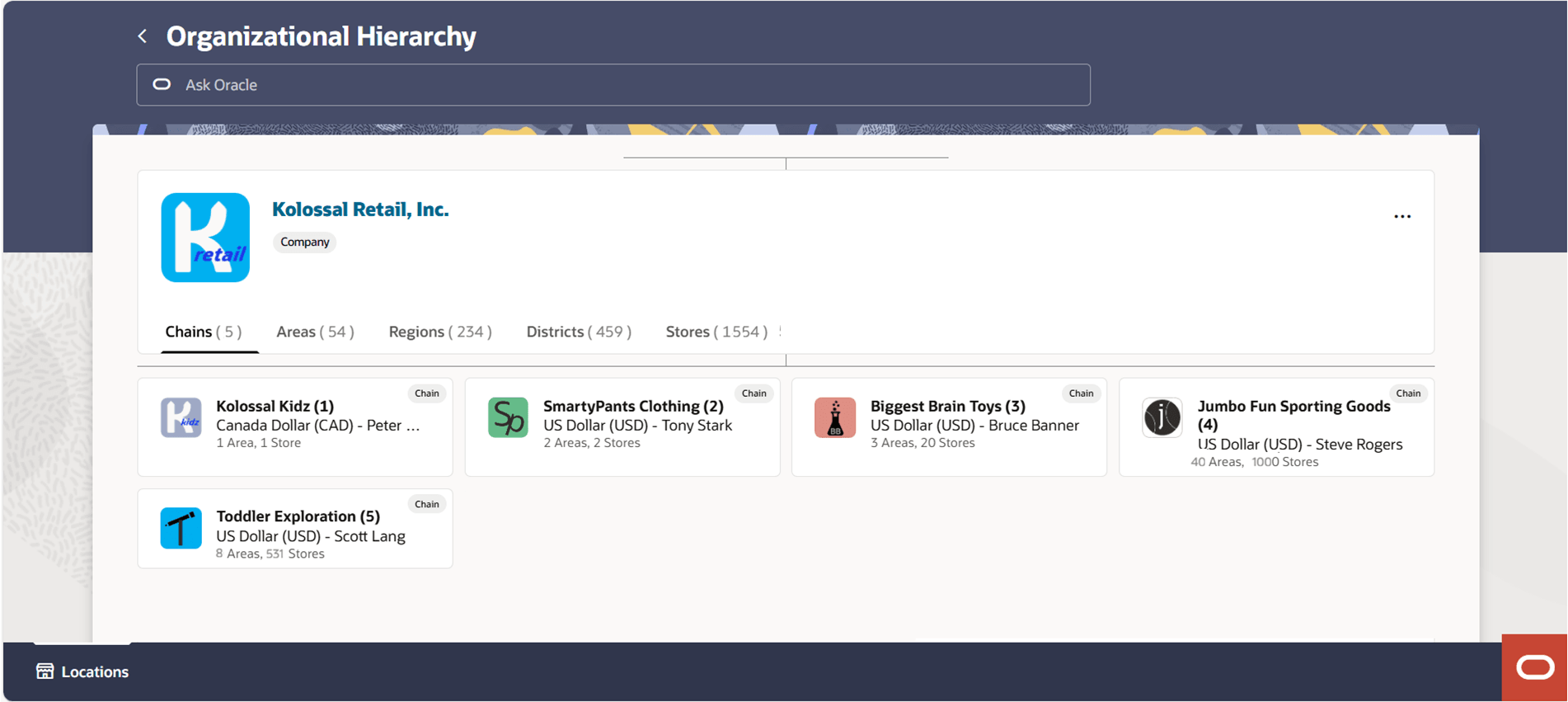
When the screen is opened, the company will be displayed in a large card, referred to as the focused card. Below the company will be a list of all chains within the company. As you select a particular chain, area, region, district or store, it will display as the focused card, with the details of what is contained within that level of the hierarchy displayed below.