Batch Monitor
The Batch Monitor allows users to check batch-job status, view job details and logs and terminate running processes.
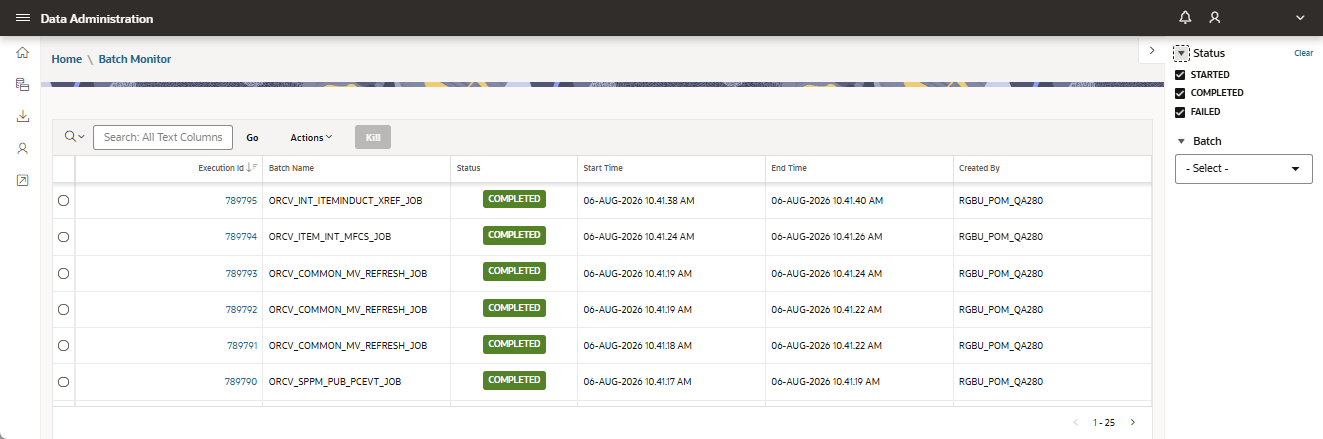
When a batch execution is selected, a dialog box opens and displays the logs for that execution.
The Threads tab displays additional information about the data processed by the job. If the job has no data to process, the grid is empty. A process in Started status can be terminated, but users should be careful when doing so, because some data may be lost and cannot be recovered. Only terminate a process that has been running for a long time and may be preventing other jobs from running.