Subject Line, Pre-Header, Header, and Footer
The email subject line, pre-header, and header engages the customer and brands the communication. The footer provides customers with links to manage preferences and unsubscribe from the email channel. It also contains the utility address, necessary legal text, and optional app download and social media links.
Requirements and Limitations
The requirements for these modules are the same requirements listed in Requirements and Limitations.
User Experience
The following sections describe the user experience for the subject line, pre-header, header, and footer.
Subject Line
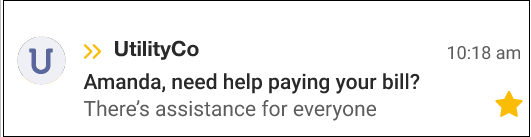
The subject line is designed to catch the customer's attention and appeal to customers who may need assistance paying their utility bill, and varies depending on the season and whether the customer has started or completed the Savings Hub Survey. The default subject line is, (first name of customer), need help paying your bill?
Pre-Header
The pre-header text appears directly below the subject line and varies depending on if the customer started or completed the Savings Hub survey. See the image in the Subject Line section above for an example.
Header
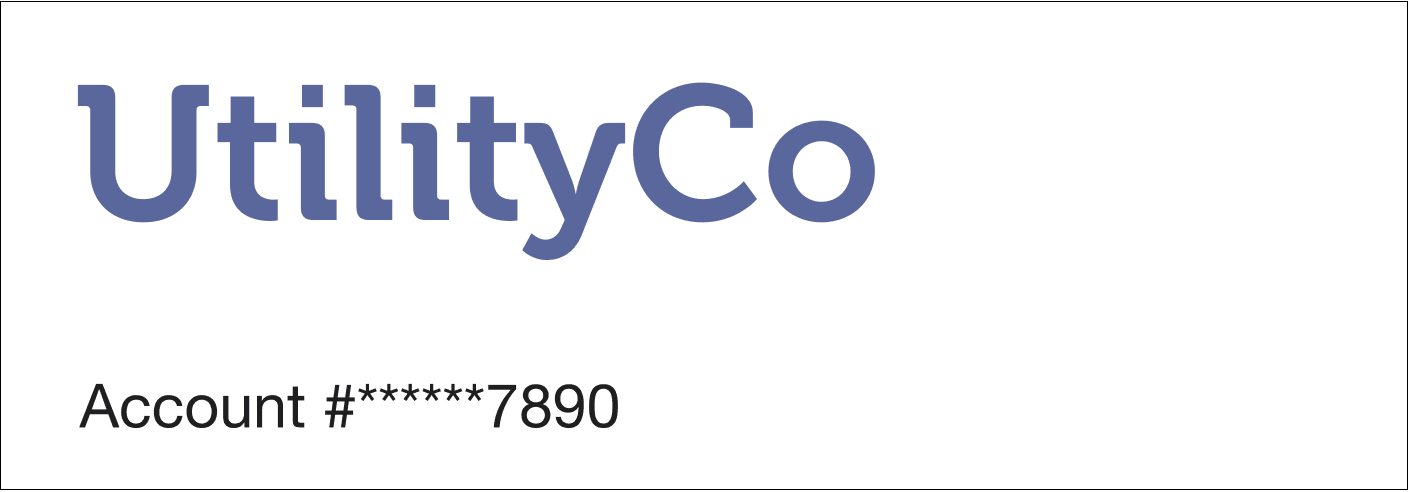
The header appears before the Introduction module and includes a portion of the customer's account number.
Footer
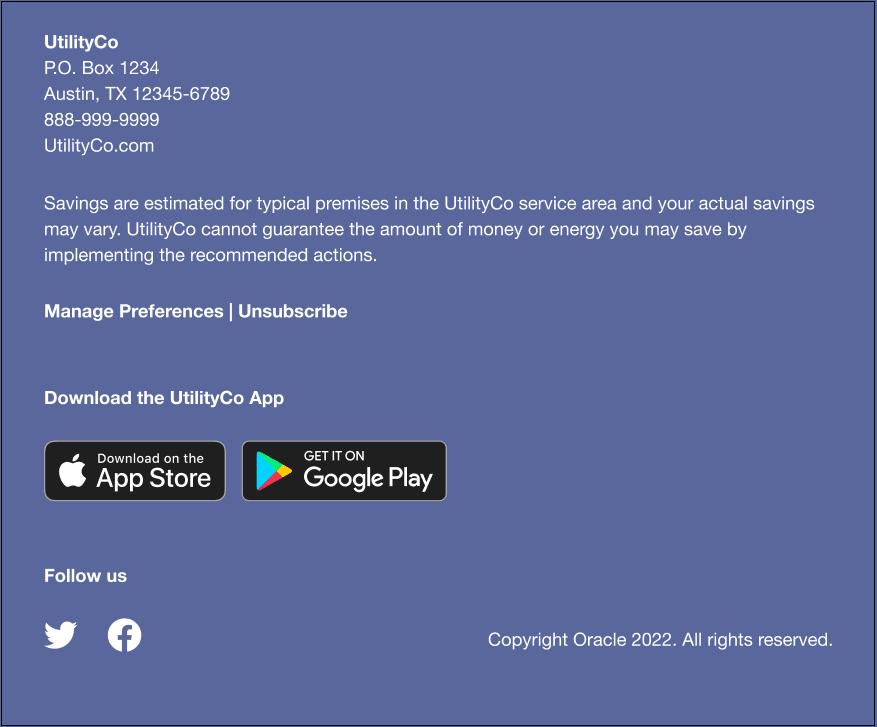
The footer appears at the bottom of each email, and includes the following information:
- Utility Address: The utility's mailing address. The mailing address must appear due to CAN-SPAM regulations in the US and similar regulations abroad.
- Manage Preferences: A link to a web portal page where a customer can edit their report preferences.
- Unsubscribe: A link to a page where customers can unsubscribe from Affordability Proactive Alerts. An unsubscribe link must appear due to CAN-SPAM regulations in the US and similar regulations abroad. The URL the unsubscribe link points to cannot be customized. Unsubscribing from within the email unsubscribes the customer from all Affordability communications. This action is permanent.
- Disclaimer: This is an optional disclaimer that can be added at the request of the utility.
- Legal text: The copyright and any other legal text required by the utility or Oracle Utilities Opower.
- App Download and Social Media Links: Optional app download and social media links can be added at the request of the utility.
User Experience Variations
This topic describes the user experience variations of the subject line and pre-header.
Subject Line Variations
The subject line for Affordability Quarterly Alerts varies depending on the season, and also on the status of the customer's Savings Hub survey.
| Season | Subject Line Variation |
|---|---|
| General (not summer nor winter) |
|
| Winter |
|
| Summer |
|
Pre-Header Variations
The pre-header for Affordability Quarterly Alerts varies depending on the status of the customer's Savings Hub survey.
| Survey Progress | Pre-header Text |
|---|---|
| Unstarted Survey | There's assistance for everyone |
| Started Survey | Finish the 2-minute survey to see your assistance options |
| Completed Survey | Check out your recommended programs |