Numbered Steps
The Numbered Steps module for quarterly alerts shows three easy steps for the process of finding financial assistance through the Savings Hub survey.
Requirements and Limitations
The requirements for this module are the same requirements listed in Requirements and Limitations.
User Experience
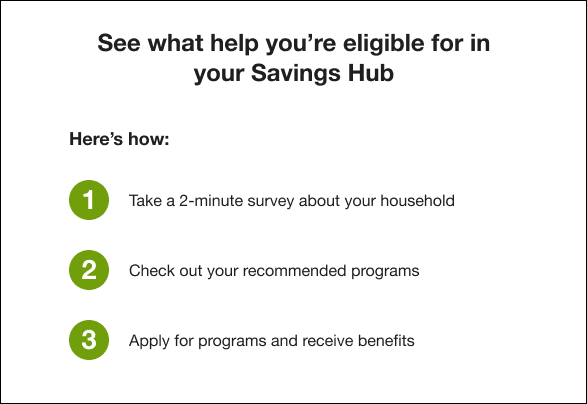
The user experience for the Numbered Steps module in quarterly alerts includes a header calling for the customer to see their eligible programs, and three steps outlining the process. Each step is preceded by a number icon.
The following is an example of the Numbered Steps module for customers who have not started the Savings Hub survey.
Numbered Steps Variations
The Numbered Steps module in quarterly alerts varies depending on the season, and on the status of the customer's Savings Hub survey.
General (Not Summer or Winter)
| Survey Status | Variation Text |
|---|---|
| Unstarted Survey | Step 1: Take a 2-minute survey about your household. |
| Started Survey |
|
Winter
| Survey Status | Variation Text |
|---|---|
| Unstarted Survey |
|
| Started Survey |
|
Summer
| Survey Status | Variation Text |
|---|---|
| Default and Fallback Unstarted Survey |
|
| Started Survey |
|