Header
The report header appears at the top of each report communication vary by report type. The report header is composed of a report image (logo), customer address block, and Johnson Box. The Johnson Box includes the program name or report type label, report date, account number, service address, and a benchmark insight or introduction module. The title of the report and whether a benchmark insight or introduction module is included in the report varies by report type .
Appears in: All Report Types.
Header Examples
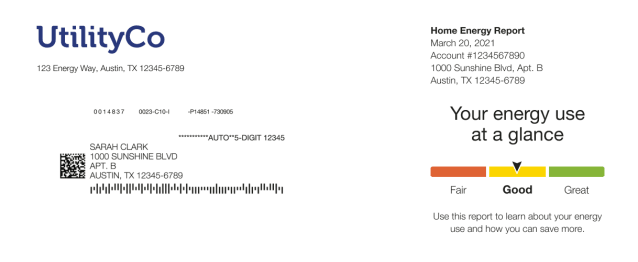
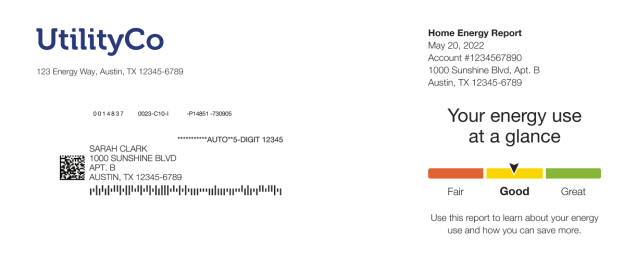
The image below is an example of the header module for the Progress Report.
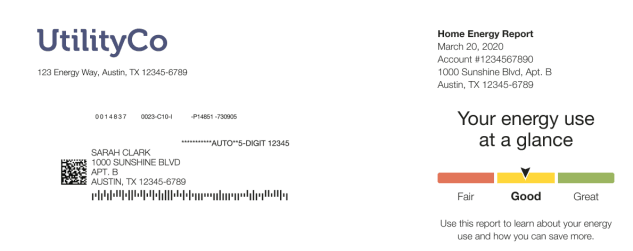
Note:
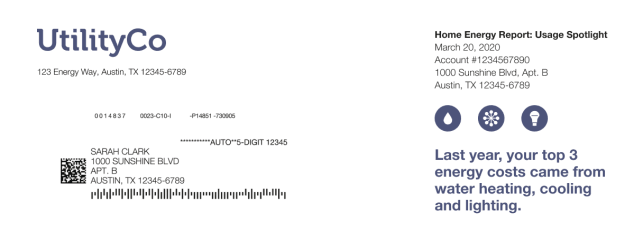
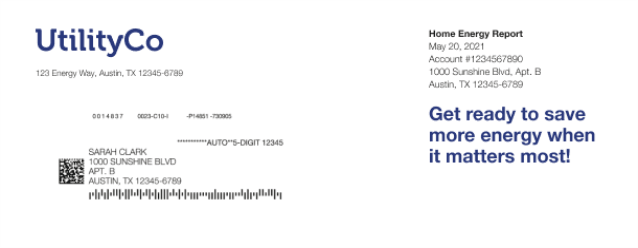
Some report type headers include a Introduction instead of a Benchmark module. See the individual Report Types for more information.This image is an example of the Header module design for the Promotion Report.
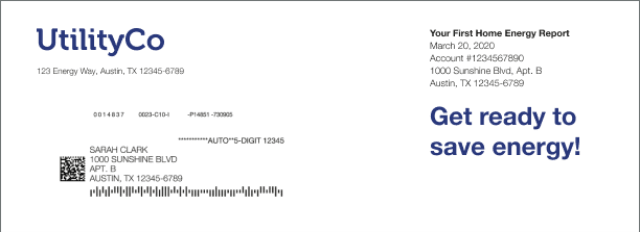
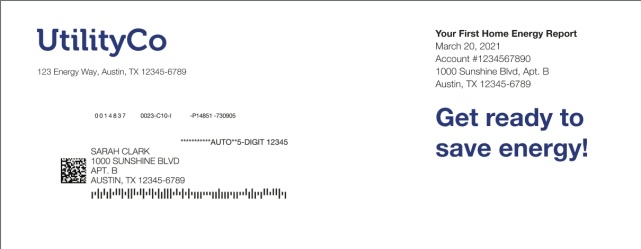
This image is an example of the Header module design for the welcome version of the Welcome and Announcement Report.
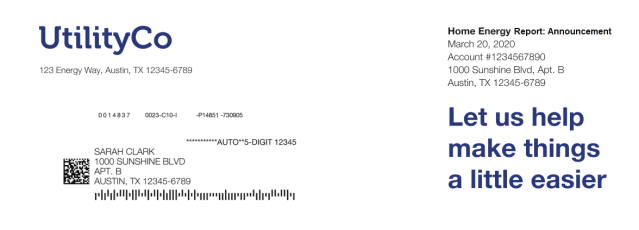
This image is an example of the Header module design for the announcement version of the Welcome and Announcement Report.
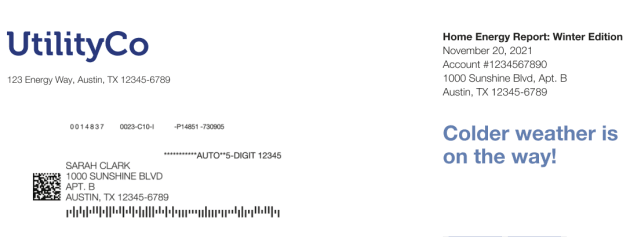
This image is an example of the Header module design for the Seasonal Report with a winter season focus.
This image is an example of the Header module design for the Limited Income Welcome Report.
This image is an example of the Header module design for the Limited Income Progress Report.
This image is an example of the Header module design for the Time of Use Welcome Report
This image is an example of the Header module design for the Time of Use Progress Report
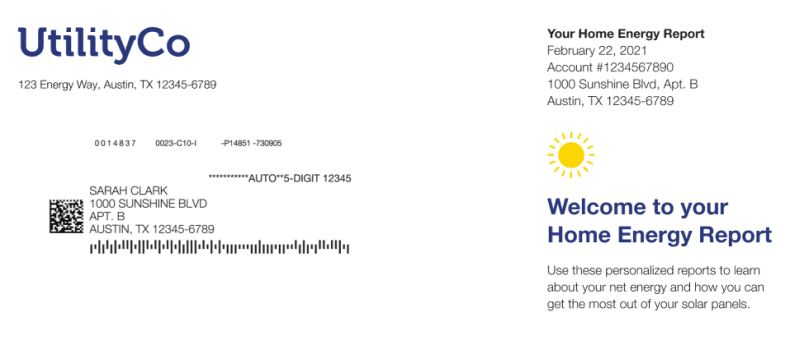
This image is an example of the Header module design for the Solar Welcome Report.
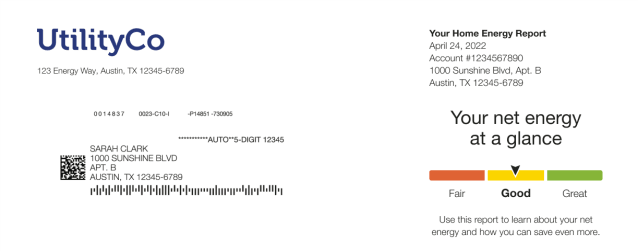
This image is an example of the Header module design for the Solar Progress Report.
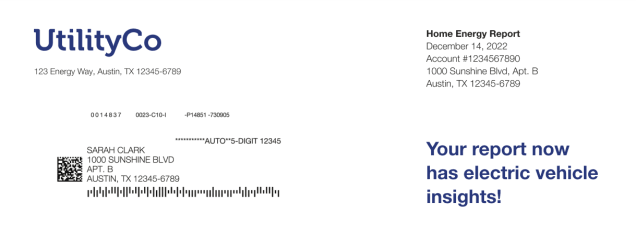
This image is an example of the Header module design for the Electric Vehicle Report.
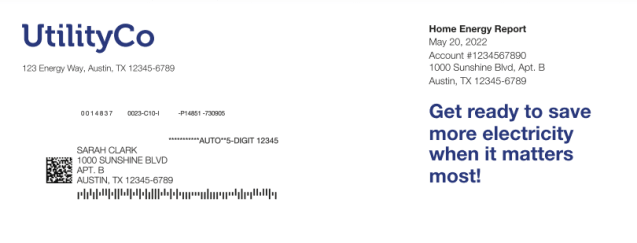
This image is an example of the Header module design for the Peak Focused Welcome Report.
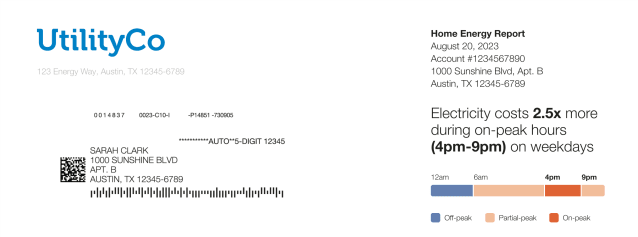
This image is an example of the Header module design for the Peak Focused Progress Report.
Configuration Options
For each element listed in the table, indicate the desired configuration in the Input Value column. If you do not provide an input for optional configurations, the default will be used.
| Configuration Option | Input Value |
|---|---|
| Configuration Option | Input Value |
| Utility Logo
The CMYK version of the utility logo as an .ai file. Oracle Utilities Opower will configure the logos appropriately for the communication. Note: Separate logos may be used on the front and back of the Home Energy Reports v3. |
Required Provide the utility logo in the Oracle Utilities Opower Platform Configuration Guide. Optional Discuss using separate logos on the front and back of the report with your Service Delivery Manager. |
|
Program Name and Report Title The Program Name appears on print Oracle UtilitiesOpowerHome Energy Reports and on the Oracle UtilitiesOpower Web Portal. The Report Title appears along with the program name at the top of all Home Energy Reports v3. Default: Progress Report, Limited Income Report, Time of Use Report, Peak Focused, and Electric Vehicle Report: By default, only the program name Home Energy Report appears at the top of the report. Promotion Report: By default, the program name and report title "Home Energy Report: Usage Spotlight" appear at the top of the report. Welcome and Announcement Report: By default, the program name and report title "Your First Home Energy Report" appear at the top of the report. Seasonal Report: By default, the program name and report title, "Home Energy Report: [Summer/Winter] Edition" Solar Report: By default, the report title "Your Home Energy Report" appears at the top of the report. |
Required Provide the desired program name in the Oracle Utilities Opower Platform Configuration Guide. |
|
Premise Address The premise address can be enabled to appear after the account number for customers with one or more premise. Default: By default, the premise address value does not appear if it matches the customer’s mailing address. |
Optional Contact Your Delivery Team about configuring the premise address. |
User Experience Variations
The user experience of the feature may vary for customers and utilities depending on their service types (gas, electricity, dual fuel, and so on), available data, costs, locale, and other factors. For more information, see the Header description in the Oracle Utilities Opower Energy Efficiency Cloud Service Product Overview and go to the User Experience Variations section.