
 To Deploy Using Autodeploy
Steps
-
Find install_dir /samples/quickstart/hello.war.
-
Copy it to install_dir /domains/domain1/autodeploy/.
Tip –On Windows, you can create a shortcut to the autodeploy directory on your desktop and then drag and drop the hello.war file onto the shortcut.
When the server has finished deploying the application, it creates a file named hello.war_deployed in the autodeploy directory. Depending on the speed of your system, the process can take a few seconds. Until that file appears, a 404-File Not Found error occurs when you try to visit the application page.
-
Click this URL to visit the application page: http://localhost:8080/hello.
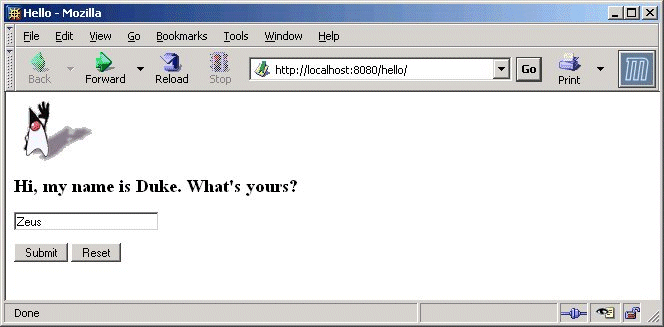
You should now see the application’s first page, which asks you to fill in your name:
-
Type your name, and click Submit.
You should now see the customized response, giving you a personal Hello.
Note –You can also use the asadmin command-line utility to deploy from the command line or in a shell script. The command is asadmin deploy.
- © 2010, Oracle Corporation and/or its affiliates