Setting Up Templates
To reduce time and errors in preparing travel authorizations and expense reports, you can create templates that reflect common expense types. The system administrator sets up public templates for all employees to use. Employees set up user templates for their own personal use.
To set up templates, use the Template (EX_TEMPLATE.GBL) component.
Pages Used to Set Up Templates
| Page Name | Definition Name | Usage |
|---|---|---|
|
EX_TEMPLATE |
Create or modify travel authorization or expense report templates that reflect the items that typically appear in these documents. |
|
|
TE_OPR_TEMPLATE |
Create a template to pre-populate travel authorizations or expense reports for a user ID. |
Public Templates Page
Use the Public Templates (EX_TEMPLATE) page to create or modify travel authorization or expense report templates that reflect the expense types that are typically used. Public templates are available to all users
Navigation:
This example illustrates the fields and controls on the Public Templates page.
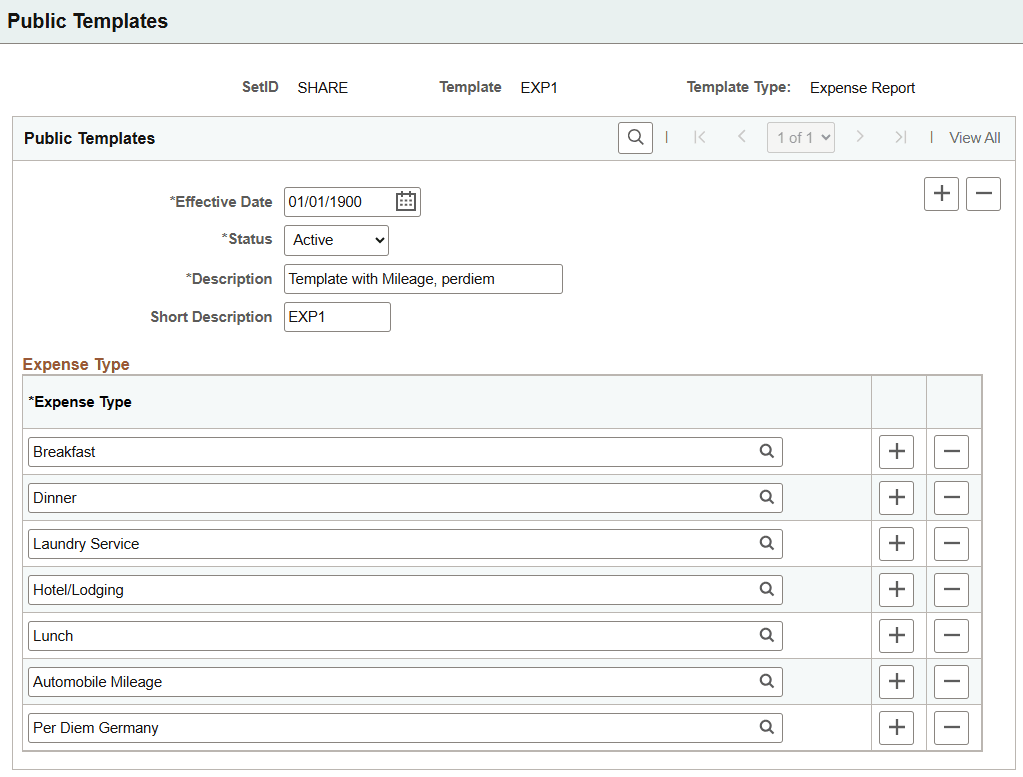
Public templates are available to all users on the Expense Report Page and the Travel Authorization Page (add). This template is effective dated and can therefore be changed if needed. Enter the expense types for the template.
User Template Page
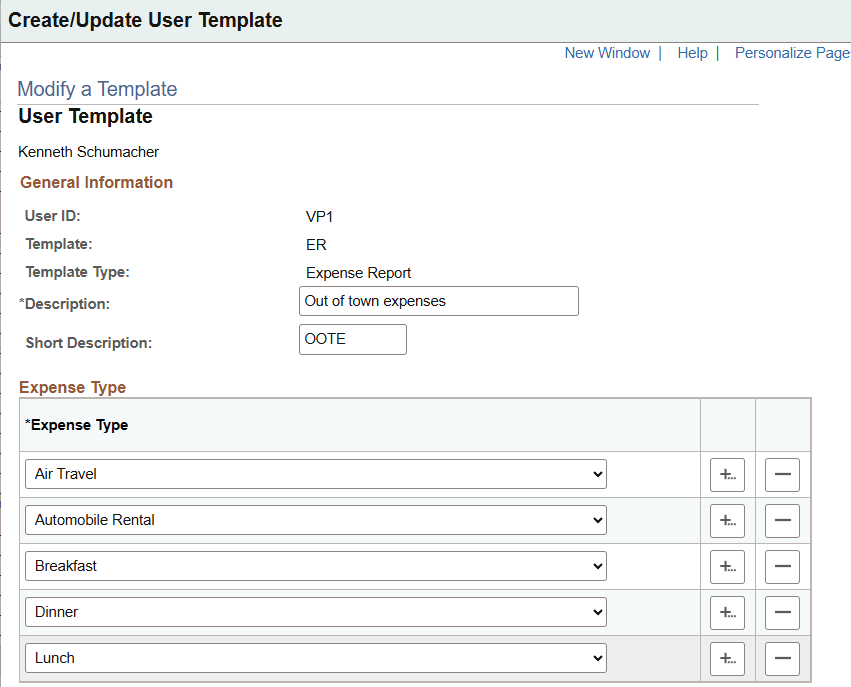
Use the User Template page (E_OPR_TEMPLATE) to create a template to pre-populate travel authorizations or expense reports for a specific user ID.
Navigation:
This example illustrates the fields and controls on the User Template page.
Note:
Before creating templates, you must define expense types.
User templates are available to the specific user on the Expense Report Page and the Travel Authorization Page (add).
Common Elements Used to Set Up Templates
| Field or Control | Description |
|---|---|
|
Expense Type |
Select types to include in the template. Add more rows until you complete the expense type list. When you use the template to prepare a travel authorization or expense report, lines in the document are automatically populated with the list of expense types. |
|
Template Type |
Designate whether the template is for an expense report or travel authorization. |