OnBoarding Activities Tile (for Employees)
Use the OnBoarding Activities tile to launch the OnBoarding activity guide that enables you to perform actions and tasks required for a new job.
Navigation:
Select the OnBoarding Tile from the Employee Self Service fluid homepage (or any other homepage with the tile).
Note:
Employees must be assigned the OnBoarding Employee role and be assigned to a least one step to complete in an OnBoarding template instance to view and access this tile.
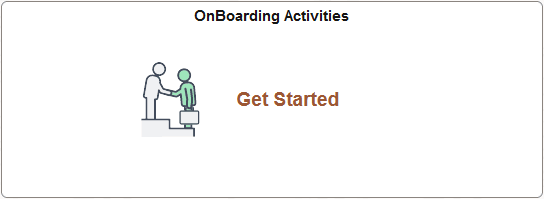
This example illustrates the OnBoarding Activities tile when a user first accesses the activity guide.
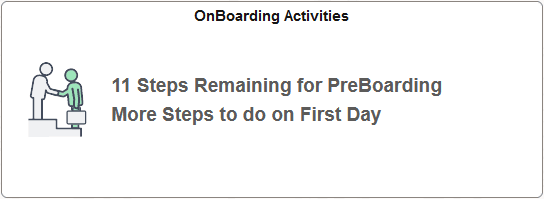
This example illustrates how the OnBoarding Activities tile may appear after a user has previously accessed the activity guide and is still in the PreBoarding phase of the process.
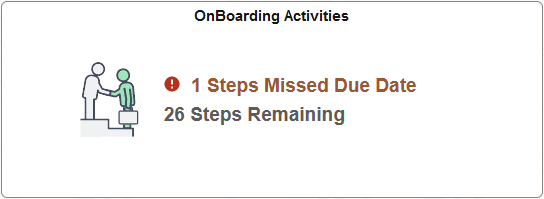
This example illustrates how the OnBoarding Activities tile may appear after an employee has previously accessed the activity guide and is not in the PreBoarding phase of the process.
Important:
You must always start the OnBoarding activity guide from the delivered OnBoarding Activities Tile (for Employees). The creation of the activity guide instance includes special processing that is mandatory for the successful transition between the PreBoarding and OnBoarding phases.
When the activity guide is in progress, the tile will display the number of employee steps that are remaining. If it is a multi-participant activity guide, it will not show the number of steps that need to be completed by the other participant, such as the manager.
| Activity Guide Process Scenario | List of Page Steps |
|---|---|
|
If you have not yet accessed the activity guide. |
The tile will display the text Get Started. |
|
You are on the PreBoarding phase of activity guide process and have not reached your start day. |
The tile shows the total number of steps remaining in the PreBoarding phase and a message that there will be more steps to do on the first day of work. |
|
You have started the activity guide process, have started your first day of work, but have not completed the OnBoarding process. |
The tile shows the total number of steps remaining. If a step has passed it’s due date, the tile will also display a warning message and number count of how many steps have exceeded the due date. |
|
You have just marked the OnBoarding activity guide as complete. |
You will see the message Completed and you will no longer be able to access the activity guide. |
Select the tile to access the OnBoarding activity guide to begin or continue completing the PreBoarding or OnBoarding steps.