Setting General Properties
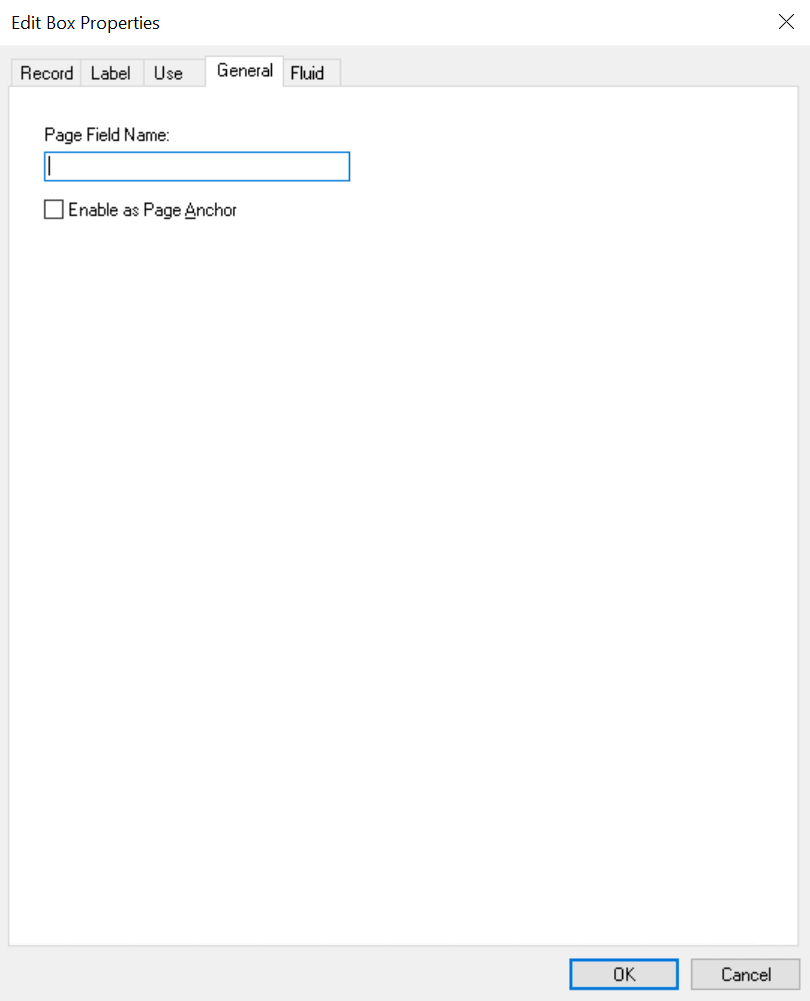
The General tab enables you to specify an optional internal page field name that is referenced by the page.
Access the page field properties for the control and select the General tab.
This example illustrates the fields and controls on the Edit Box Properties dialog box: General tab. You can find definitions for the fields and controls later on this page.
Note:
For most controls, the General tab contains only the Page Field Name and Enable as Page Anchor settings. Grids and scroll areas have additional settings on the General tab that are described later. The Enable as Page Anchor check box is available for all controls that have a page field name.
| Field or Control | Description |
|---|---|
|
Page Field Name |
Enter a name for the page field that you are creating. This is a system-only setting. It does not appear as the label for the page field. The page field name enables you to refer to a particular field on a page using PeopleCode. This setting is optional unless you select the Enable as Page Anchor check box. |
|
Enable as Page Anchor |
Select to apply an anchor tag to the current page field on the page. If you select this check box, you must add a page field name to identify this field when setting the related control for the link. This check box is deselected by default. |