Change Package Settings
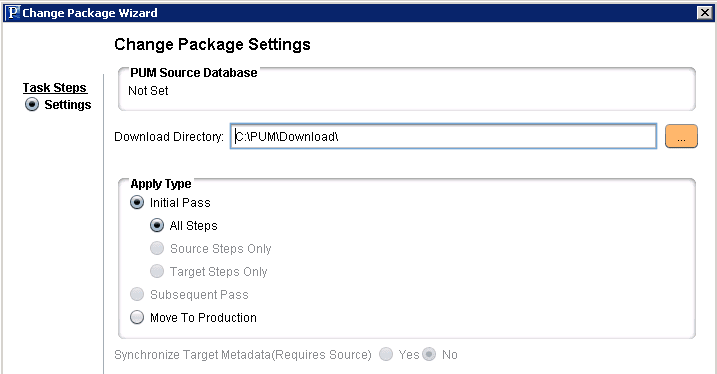
On the Change Package setting page, you will select the download directory and apply type.
This example illustrates the fields and controls on the Upgrade Application - Change Package Settings. You can find definitions for the fields and controls later on this page.
| Field or Control | Description |
|---|---|
|
Download Directory |
Select the directory where you created the Upgrade Package. |
|
Apply Type |
Select the Apply Type. By default Initial Pass is selected.
|