Select Upgrade Target Database
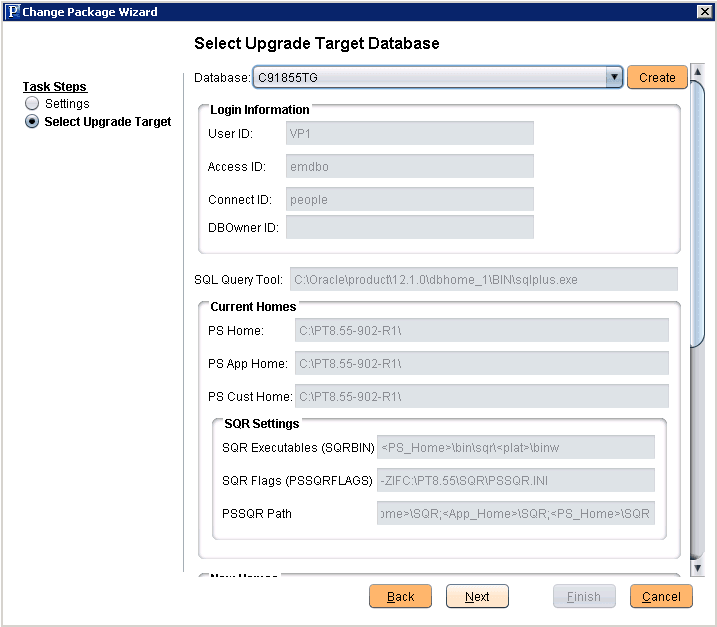
On the Select Target Database page, select the target database to upgrade. If the target database does not exist, click the Create button to launch the Database Wizard. See Defining Databases
Note:
For upgrades, you need to set the new home information on bottom of the Select Upgrade Target Database page. To set the new homes see Configuring New Homes for Upgrade.
This example illustrates the fields and controls on the Select Upgrade Target Database page.