Setting PeopleTools Data Access
In order to modify a PeopleTools owned data set definition, the developer must have:
-
Full access to copy and compare for data migration.
-
Permission list access to the tools tables.
-
PeopleTools Data Set access
To set PeopleTools Data Set access:
-
Select .
-
Select the PeopleTools tab.
-
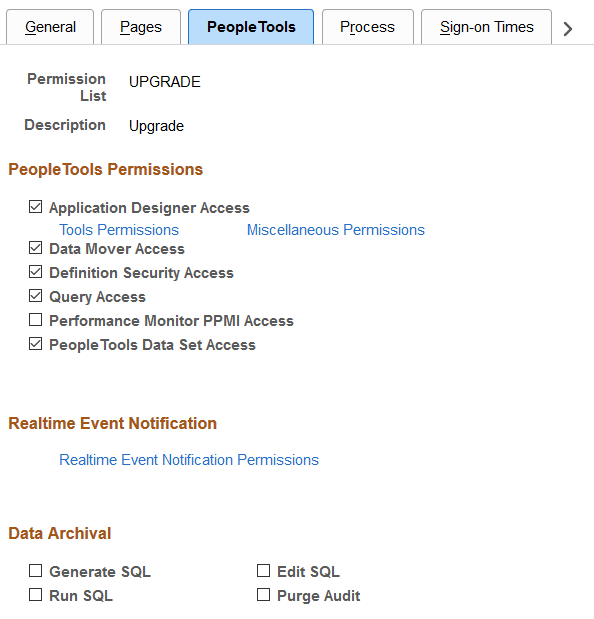
Select the PeopleTools Data Set Access check box.
-
Save the page.
This example illustrates the fields and controls on the Permission List – Tools page.