Unified Navigation Configuration Status Page
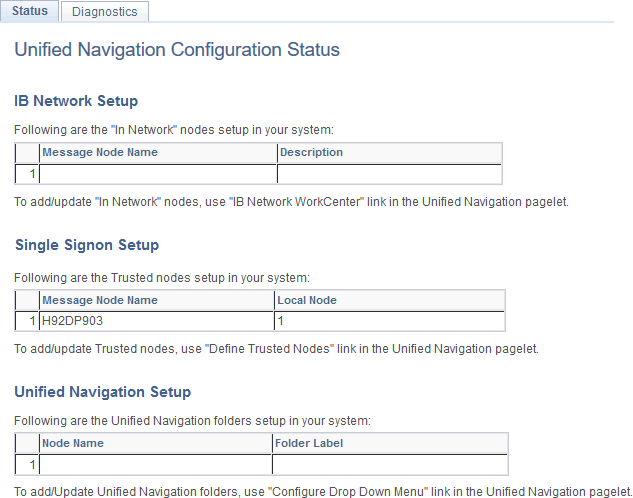
The Unified Navigation Configuration Status page is a read-only page that displays the nodes in the Integration Broker network, the trusted nodes in single signon, and the folders pointing to remote content that are defined in the designated portal system.
To view the Unified Navigation Configuration Status page:
-
Select .
-
In the Configure Unified Navigation center, click the link to open the Unified Navigation Configuration Status page in the target area.
This example illustrates the nodes in the Integration Broker network, the trusted nodes in single signon, and the folders for remote content created in the portal system.