Get a Public Link to a Workbook
Get a public link for a workbook so that you can distribute the content publicly through an approved communication channel.
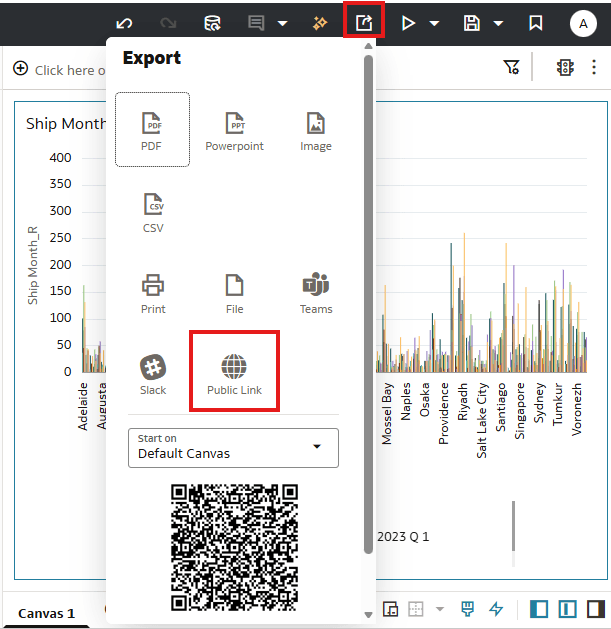
- Click Export, then Public Link.Oracle Analytics copies the public link to the clipboard.If you don't see the Public Link option, check that the folder where the workbook is located has the public role assigned. See Configure a Folder for Public Content.