Create Disaster Recovery Protection Groups for Full Stack Disaster Recovery
You can configure your Oracle Integration for disaster recovery environment to use Disaster Recovery (DR) Protection Groups for OCI Full Stack Disaster Recovery.
What Is OCI Full Stack Disaster Recovery
OCI Full Stack Disaster Recovery allows you to set up fully automated disaster recovery for an entire business system that includes Oracle Integration along with many other OCI resources, OCI services, and Oracle or non-Oracle applications.
OCI Full Stack Disaster Recovery orchestrates fully automated, end-to-end disaster recovery for individual business systems in which Oracle Integration is an important component of a complete application stack.
See Overview of Full Stack Disaster Recovery in Using Oracle Cloud Infrastructure Full Stack Disaster Recovery.
Create a DR Protection Group
A DR Protection Group is a resource type used by OCI Full Stack Disaster Recovery. A DR Protection Group represents a consistency grouping created for the purposes of disaster recovery. A DR Protection Group combines together all the components of a full stack application so that you can recover all the components together to restore the full stack application.
See Manage Disaster Recovery Protection Groups in Using Oracle Cloud Infrastructure Full Stack Disaster Recovery.
Note:
Full Stack Disaster Recovery is only available if you have already installed Oracle Integration for disaster recovery.- Go to the Details tab for
the primary Oracle Integration
disaster recovery instance.
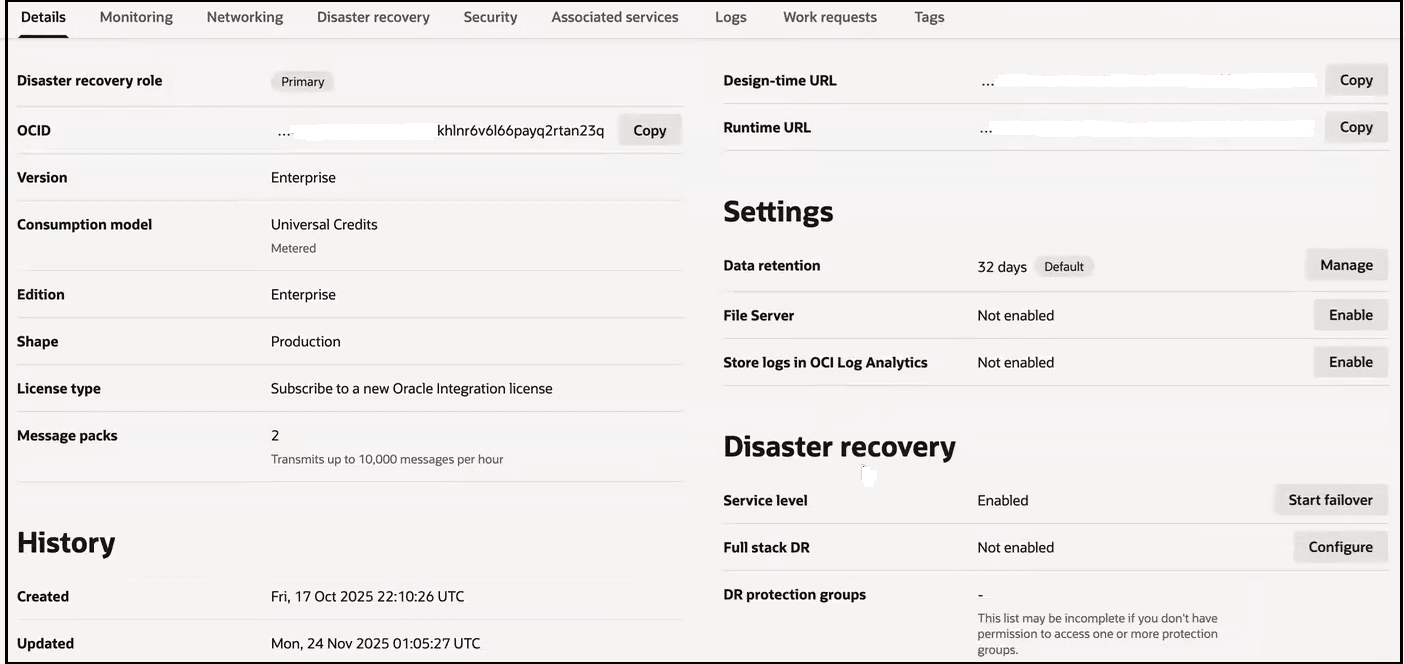
- Go to the Disaster recovery
section.
This section is only shown if you have installed Oracle Integration for disaster recovery.
For this example, Full stack DR is listed as Not enabled and no groups are listed under DR protection groups.
- Click Configure.
The Region map appears.
- Scroll down to the Get started section.
- Click Create DR protection
group to create a protection group for
the primary instance that you want to include in a disaster
recovery plan. You only need to create the protection group
for the primary instance. During failover, the protection
group details are copied to the secondary
instance.
See Create Disaster Recovery Protection Groups in Using Oracle Cloud Infrastructure Full Stack Disaster Recovery.
- When complete, click Create.
The protection group appears on the DR protection groups page.
- Return to the Details tab
for the current primary Oracle Integration instance and note that
Full stack DR is listed as
Enabled and the group you
created is listed under DR protection
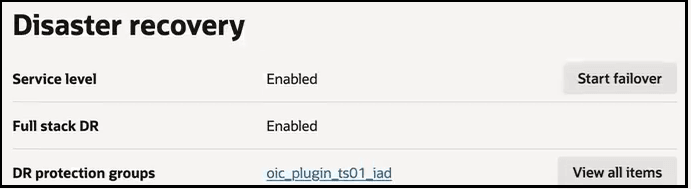
groups.