Connections Page
The Connections page in Intelligent Advisor Hub is where connections between policy models and external applications are created and managed. It is also where custom root certificates, client certificates and Hub certificates are added and managed.
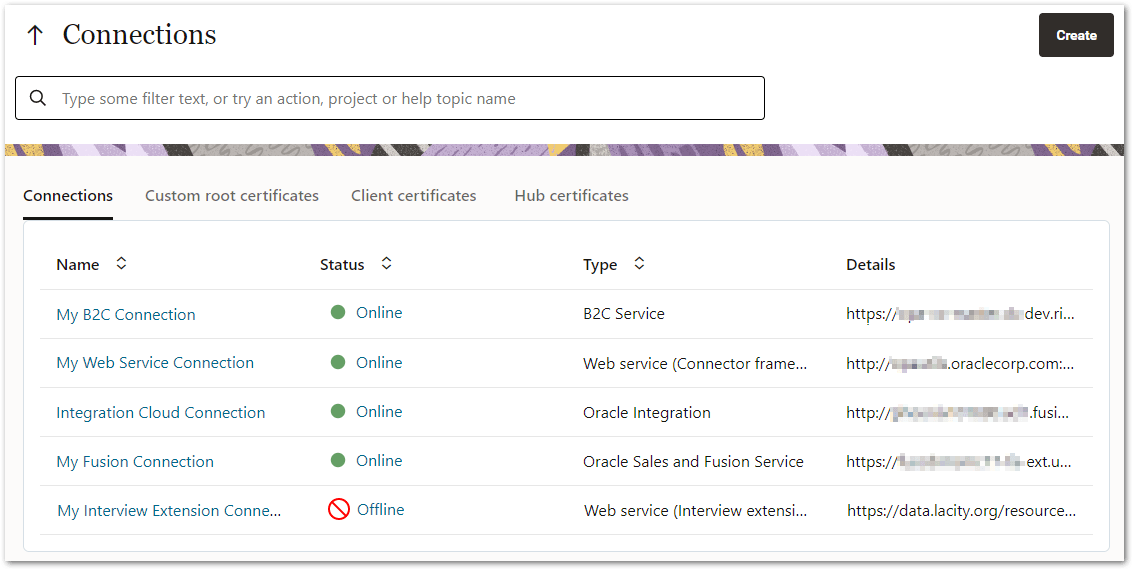
The Connections page is accessed by clicking either the View all connections link in the Connections column on the dashboard page, or Connections in the Navigation Pane.
Note: The Connections page is only accessible by users with a Connections administrator user role.
On the Connections page you can:
- Use the up arrow to navigate back to the dashboard page
-
Use the search field to filter the list of connections, custom root certificates, client certificates and Hub certificates.
Connections tab
On the Connections tab you can:
- View all the available connections to external applications. For each connection, the following information is displayed:
- connection name
- status (Online or Offline). To refresh the connection, you can click the Online or Offline link. Connections using a version which is scheduled for removal are indicated by Obsolete version.
- type of connection
- URL of the connection
- Sort the data by clicking on the up/down arrows in any of the column headings
- Create a new connection. For more information, see:
- Click on a connection name to view and edit the details for that connection
Custom root certificates tab
On the Custom root certificates tab you can:
- View all the available custom root certificates for web service connections. For each root certificate, the following information is displayed:
- root certificate name
- status (Active or Inactive)
- date valid until
- Sort the data by clicking on the up/down arrows in any of the column headings
- Create a new custom root certificate. For more information, see Add a custom root certificate.
- Click on a root certificate name to open a page where you can view and edit the details for that root certificate

Client certificates tab
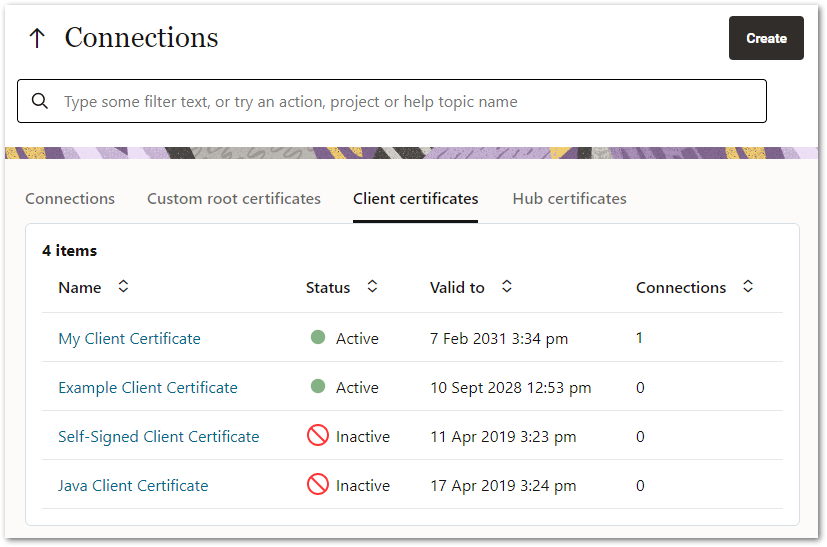
On the Client certificates tab you can:
- View all the available client certificates for web service connections. For each certificate, the following information is displayed:
- client certificate name
- status (Active or Inactive)
- date valid until
- Sort the data by clicking on the up/down arrows in any of the column headings
- Create a new client certificate. For more information, see Add a Client Certificate.
- Click on a client certificate name to open a page where you can view and edit the details for that client certificate
Hub certificates tab
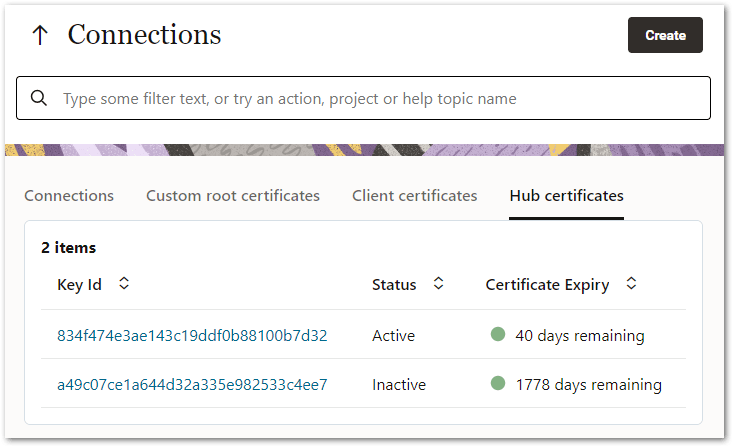
On the Hub certificates tab you can:
-
View all the Hub certificates. For each certificate, the following information is displayed:
-
Key Id
-
status (Active or Inactive)
-
certificate expiry (number of days remaining or Expired)
-
-
Sort the data by clicking on the up/down arrows in any of the column headings
-
Click on a Key Id to open a page where you can view and edit the details for that Hub certificate