Managing Role Access
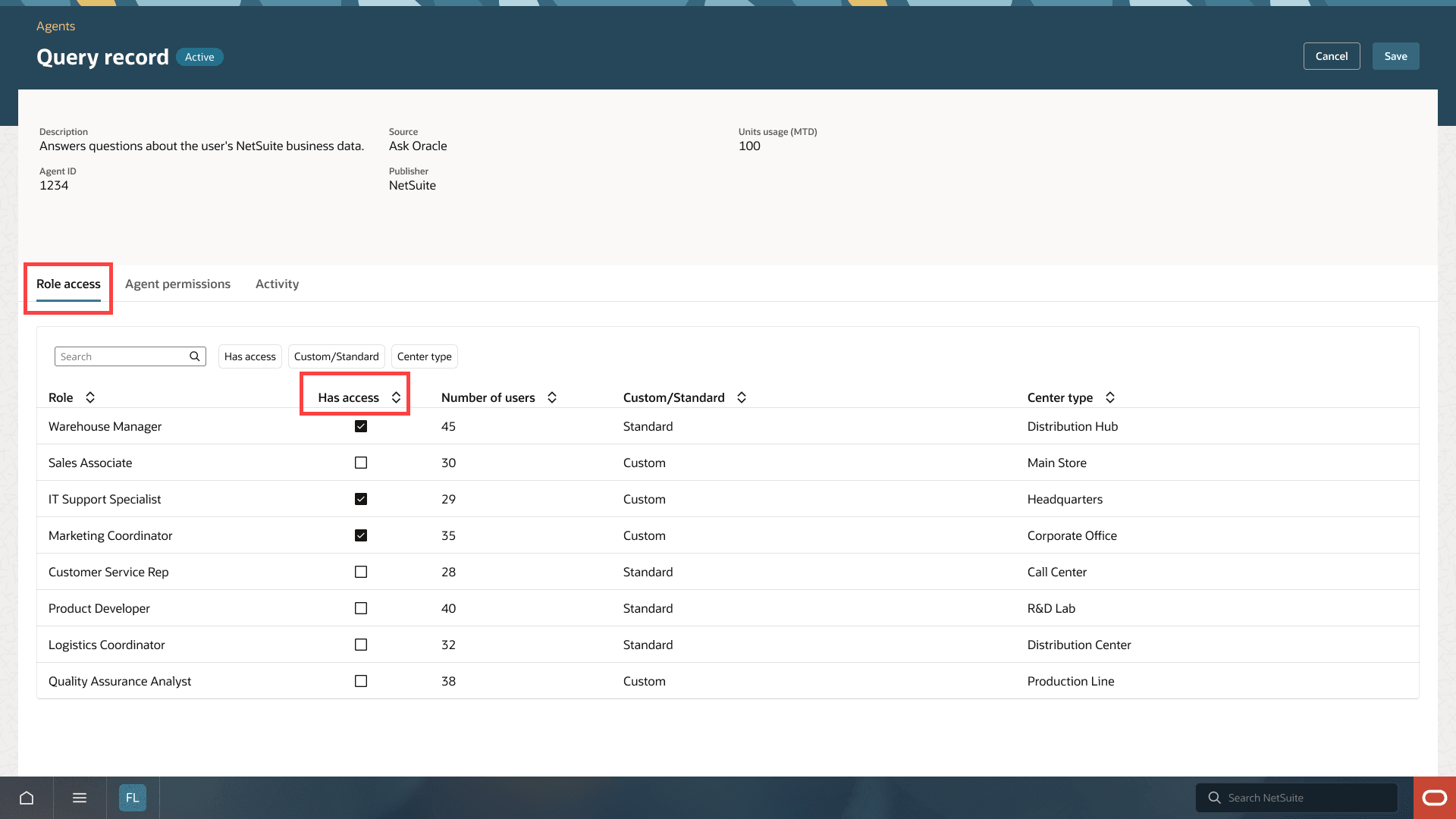
Use the Role Access tab to control which roles can access an agent.
Note:
Only eligible roles are listed on the Role Access tab. The Advanced Partner Center, partner roles, and external roles are not eligible for NetSuite Next.
To Manage Role Access for an Agent:
-
Go to Setup > Company > Agents.
-
Open the agent record.
-
Click Edit.
-
On the Role Access tab, check or clear the Has Access box for each role.
-
Click Save.