Working with Data Intelligence Dashboards
View dashboards from NetSuite Data Intelligence directly in NetSuite, without signing in to NetSuite Data Intelligence separately. Browse available dashboards and pin the ones you use to My Dashboards for quick access.
To access NSDI dashboards, go to Analytics > NSDI > Dashboards.
To see your pinned dashboards, in the Dashboards menu, click My Dashboards. The My Dashboards page contains your pinned dashboards and a Recommended section to help you discover dashboards to add. You can pin a dashboard so that it appears in the list of your dashboards. To pin a dashboard, click the  icon on the corresponding dashboard tile. Unpinning removes a dashboard from My Dashboards.
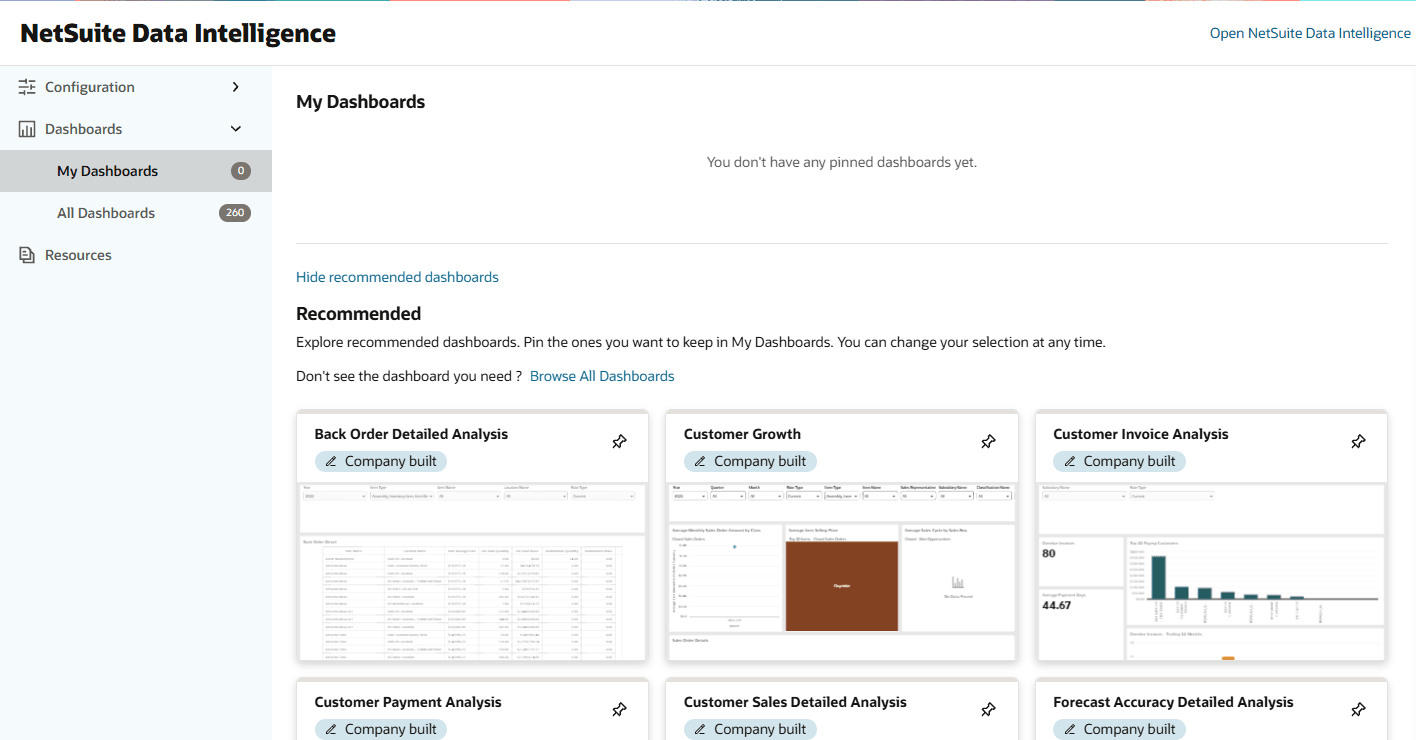
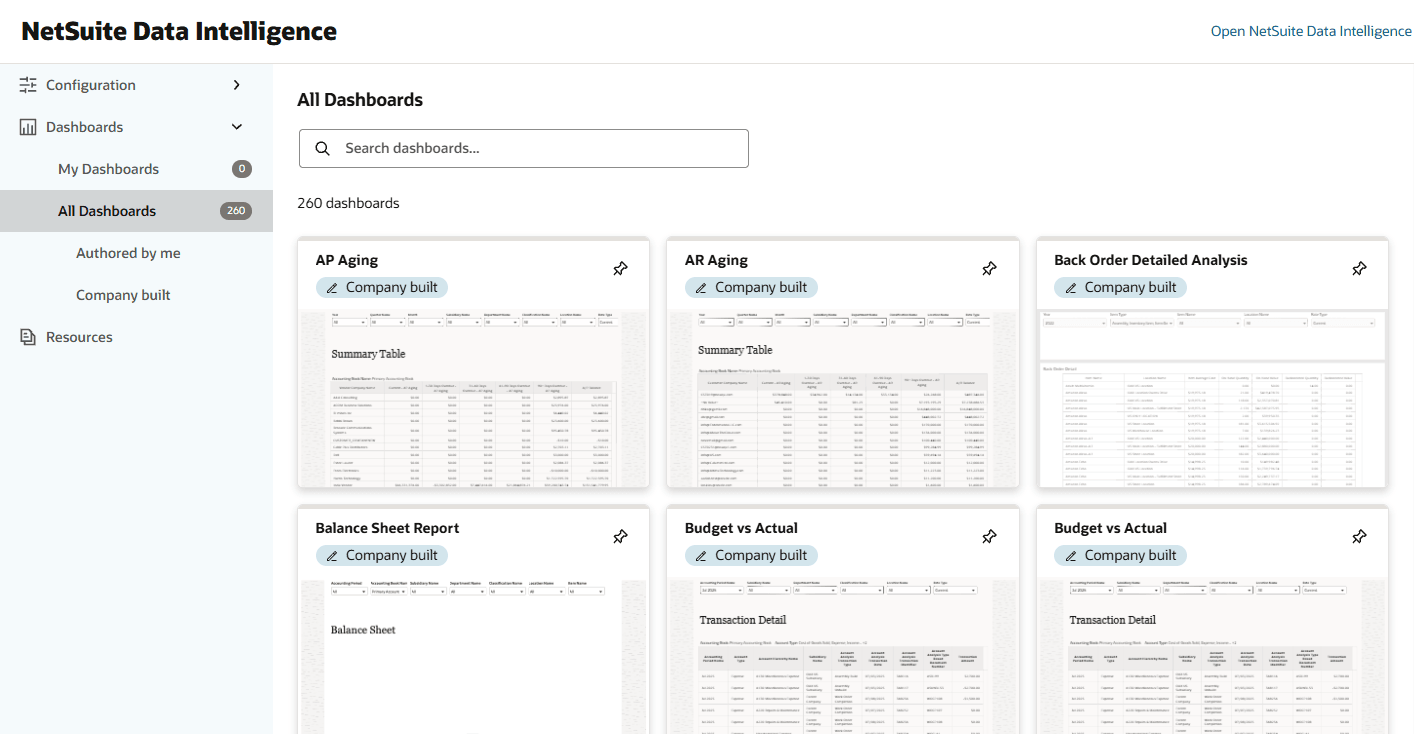
To see all available dashboards, in the Dashboards menu, click All Dashboards. The All Dashboards page includes dashboards created by you, by your company, or by NetSuite.
When you click a dashboard tile, a full dashboard page opens. You can view the dashboard, pin or unpin it, or open NetSuite Data Intelligence. You can view only dashboards that your NetSuite Data Intelligence permissions allow you to access.
Resolving the Safe Domain Error for NSDI Dashboards
If the dashboards don't appear and an error message asks you to add NetSuite as a safe domain, follow the steps outlined in this section.
To add NetSuite as a safe domain:
-
Log in to your Data Intelligence instance.
-
Click the Navigator menu icon
 . Then, select Console.
-
Click Safe Domains .
-
Click Add domain and paste your NetSuite account address (https://<accountID>.app.netsuite.com), where <accountID> is your NetSuite account ID.
-
Check all the boxes for the URL you added.
The changes might take a few minutes to take effect. After they take effect, you can access the NSDI dashboards.