To inactivate a user
-
Open the record list page.
-
Lists > Employees > Employees
-
Lists > Relationships > Vendors
-
Lists > Relationships > Partners
-
Lists > Relationships > Customers
-
-
Click Edit beside the user record you want to inactivate.
-
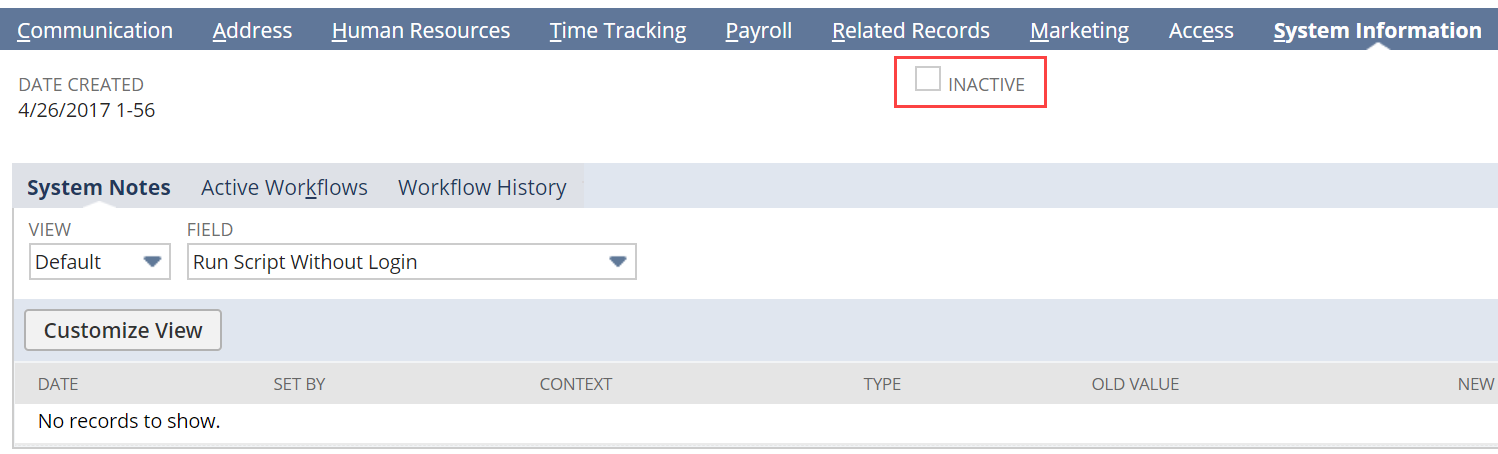
Click the System Information subtab.
-
Check the Inactive box.
-
Click Save.
To see inactivated users, go to the appropriate list of records and check the Show Inactives box at the top of the list.