Casting Field Values using TO_NUMBER and TO_NCHAR
Fields in NetSuite store values in different data types, such as STRING, INTEGER, and FLOAT.
-
String- text values, such as a customer name
-
Integer- positive or negative whole numbers that do not contain a decimal, such as counts
-
Float- numeric values that can contain a decimal, such as amounts
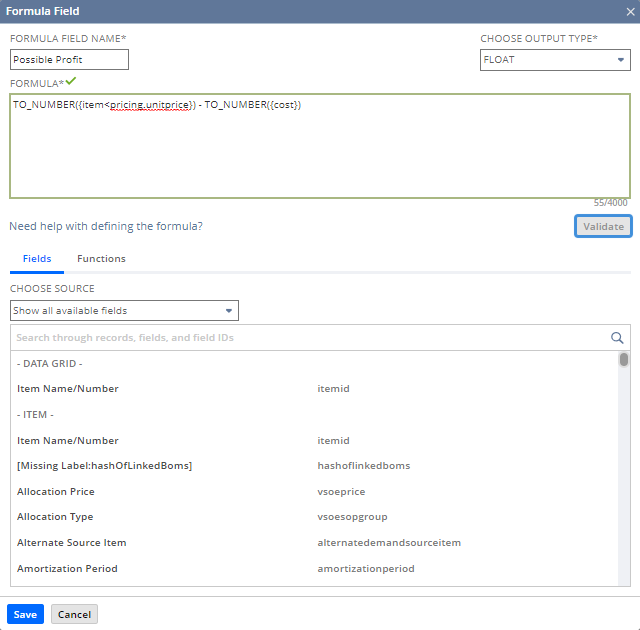
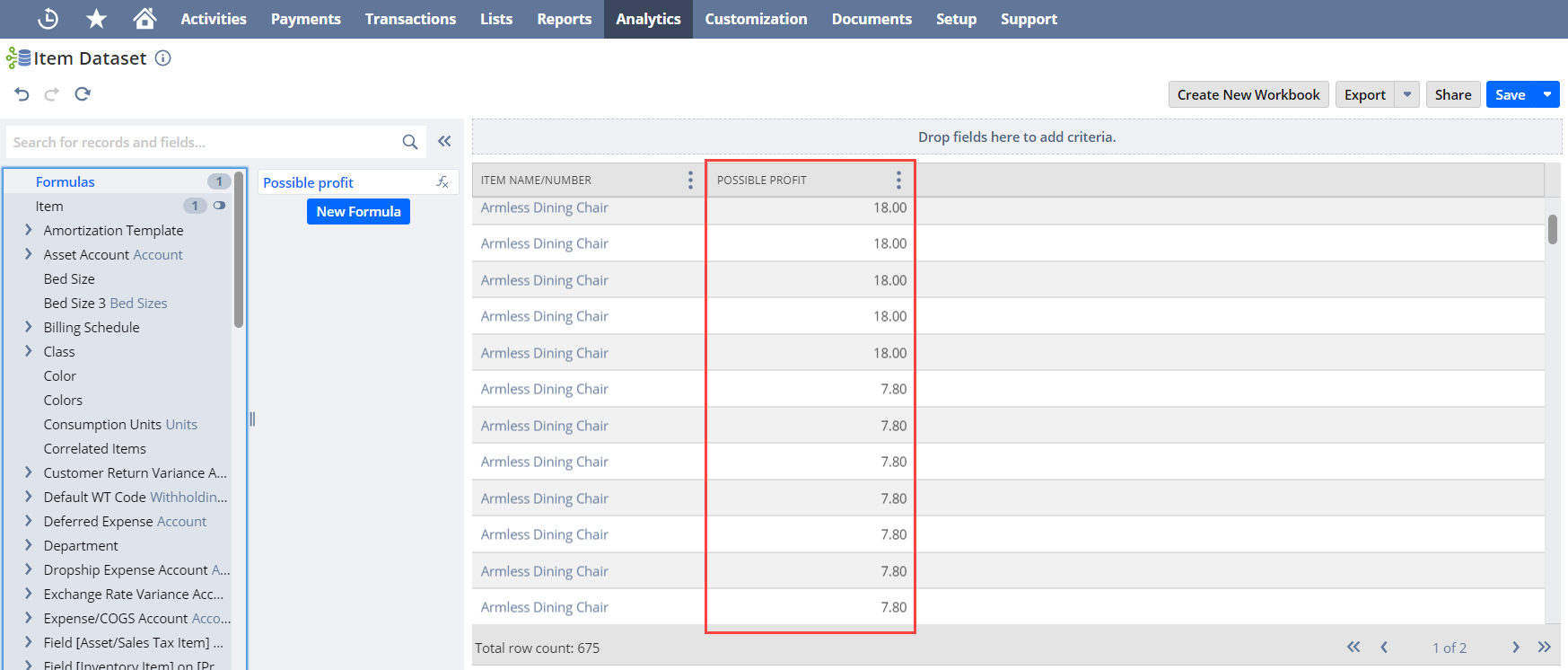
You may need to change a field to another data type before using it in a custom formula or running calculations. For example, if item price is an INTEGER and cost is a FLOAT, use this formula to get the difference:
TO_NUMBER({item<pricing.unitprice}) - TO_NUMBER({cost})
Use the formulas in the table below if you need to change a field to a different data type:
|
Data Type |
To cast to STRING |
To cast to INTEGER |
To cast to FLOAT |
|
INTEGER |
TO_CHAR({field_ID}) |
- |
Automatic casting |
|
FLOAT |
TO_CHAR({field_ID}) |
CEIL({field_ID}) FLOOR({field_ID}) ROUND({field_ID}) TRUNC({field_ID}) |
- |
|
BOOLEAN |
Automatic casting, returns 'T' or 'F' |
CASE field WHEN 'T' THEN 1 ELSE 0 END |
CASE field WHEN 'T' THEN 1 ELSE 0 END |
|
DATE |
TO_CHAR({field_ID}) |
- |
- |
|
DATETIME |
TO_CHAR({field_ID}) |
- |
- |
|
PERCENT |
TO_CHAR({field_ID}) Returns values between 0 and 1 |
- |
TO_NUMBER({field_ID}) |
|
DURATION |
TO_CHAR({field_ID}) Returns FLOAT values, not in the hours:minutes format |
- |
TO_NUMBER({field_ID}) |
|
STRING |
- |
TO_NUMBER({field_ID}) Not preferred |
TO_NUMBER({field_ID}) |
|
CURRENCY |
TO_CHAR({field_ID}) Returns values without the currency symbol |
- |
TO_NUMBER({field_ID}) |
|
CURRENCY_ |
TO_CHAR({field_ID}) Returns values without the currency symbol |
- |
TO_NUMBER({field_ID}) |
Related Topics
- Advanced Sample Formula Fields
- Calculating Duration Values with TO_NUMBER and TO_NCHAR
- Combining CONCAT and other Functions to Calculate String Values
- Currency Consolidation and Conversion Using Custom Formula Fields
- Conditional Evaluations Using CASE WHEN
- Calculating Amounts for Relative Date Ranges
- Calculating Specific Dates