Conditional Evaluations Using CASE WHEN
You can perform conditional evaluations by making a formula field with the CASE WHEN function. In these formulas, if values meet the conditions in WHEN you get the result from THEN; all others use the result from ELSE.
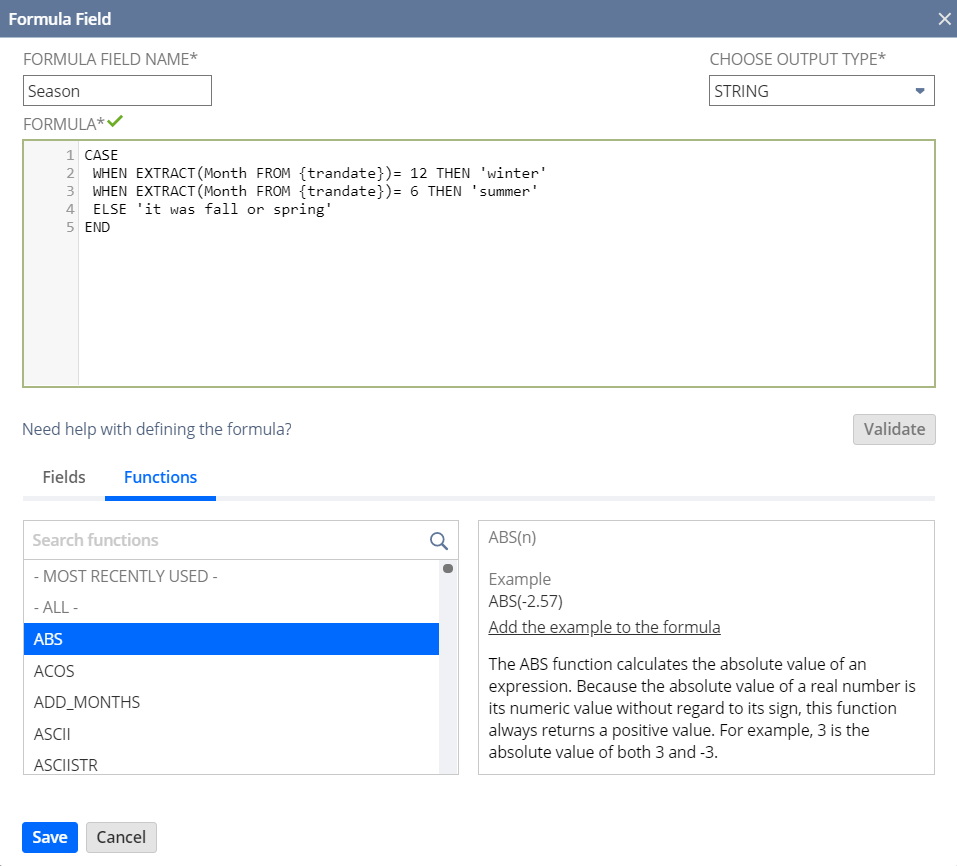
For example, to find out which season a transaction occurred, use this formula. The output type is STRING:
          CASE
 WHEN EXTRACT(Month FROM {trandate})= 12 THEN 'winter'
 WHEN EXTRACT(Month FROM {trandate})= 6 THEN 'summer'
ELSE 'it was fall or spring' END
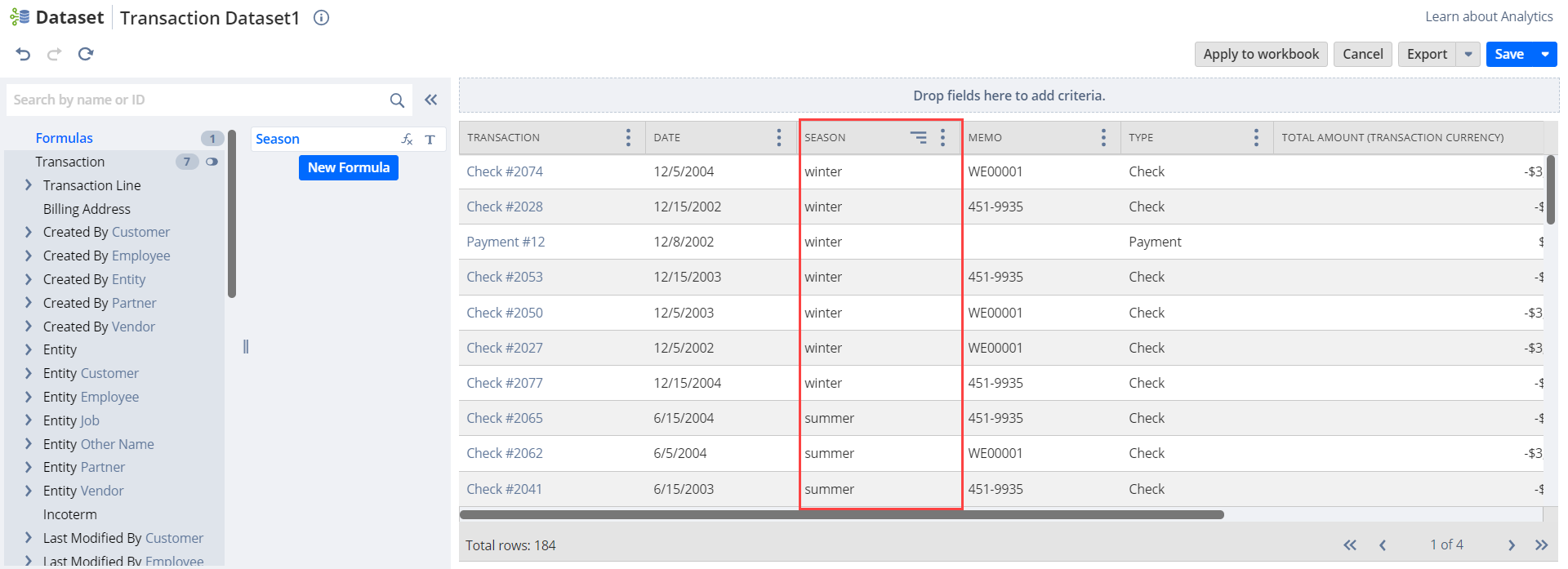
In Workbook, you can nest different CASE WHEN statements within the same formula.
Related Topics
- Advanced Sample Formula Fields
- Calculating Duration Values with TO_NUMBER and TO_NCHAR
- Combining CONCAT and other Functions to Calculate String Values
- Casting Field Values using TO_NUMBER and TO_NCHAR
- Currency Consolidation and Conversion Using Custom Formula Fields
- Calculating Amounts for Relative Date Ranges
- Calculating Specific Dates