Redwood Rich Media Player
There's a new Redwood native video player for MP4 content that replaces the current player. Here's what the new player offers:
- Smoother playback for videos
- A look and feel that matches the rest of the Redwood learning platform
- Fewer outside dependencies, making things simpler for both learners and learning administrators
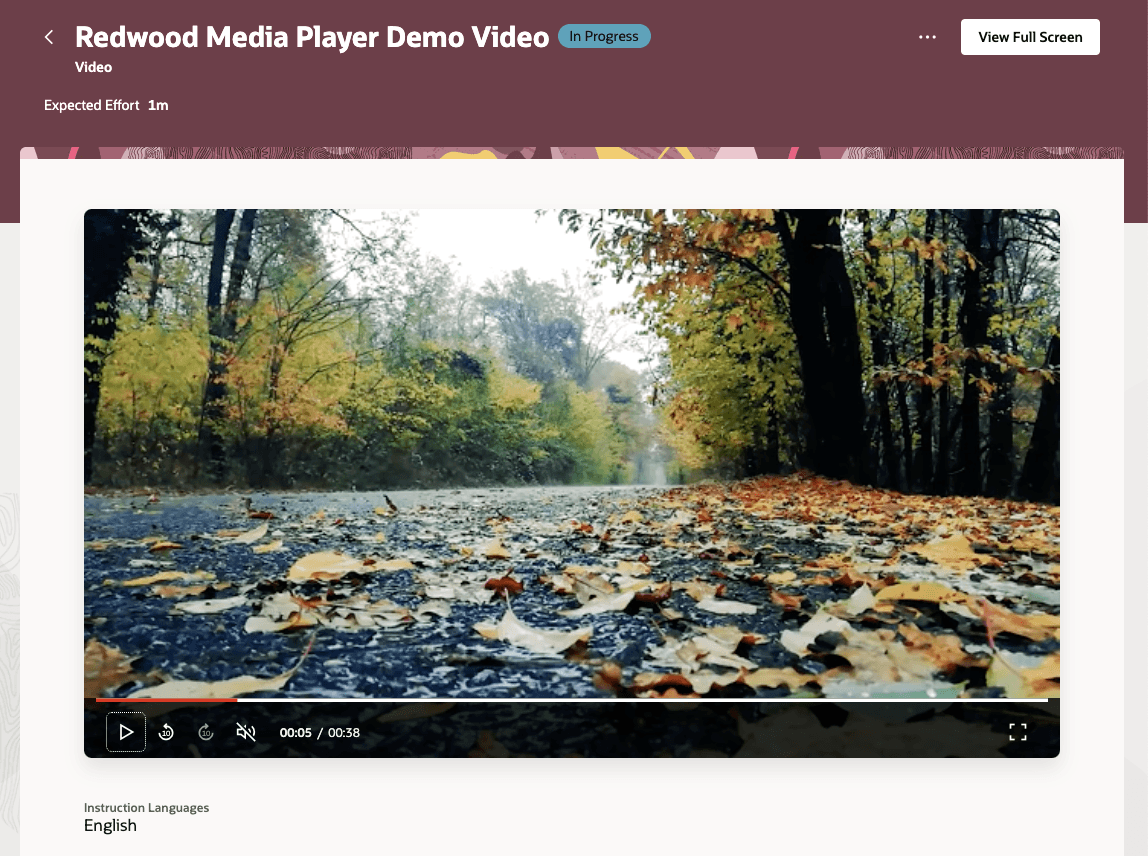
Redwood Video Player as Shown to a Learner
This enhancement makes playing videos feel more seamless and reliable. It is also paving the way to introduce even more video features down the road.
Steps to enable and configure
Set the site-level profile value to Y for the ORA_WLF_SP_MEDIA_PLAYER profile option. Go to Settings and Maintenance > Tasks panel > Search > Manage Administrator Profile Values.
Tips and considerations
- Videos currently start muted, the learner needs to manually unmute them.
- Trailer videos shown on learning item cards (when viewing the Catalog listings) show icons for unavailable actions, such as pause, skip, and unmute. They don't respond if learners click them.
- This is expected behavior because we can't hide the icons.
- Mozilla Firefox shows a picture-in-picture action.
Key resources
- Release 24D What's New feature Managing Self-Paced Learning Redwood Experience
- Learning Catalog Management: Redwood Experience [3052904.1] on My Oracle Support