Enhanced Population Selection for Redwood Mass Legal Employer Change
The Redwood Mass Legal Employer Change flow now provides additional options for identifying and selecting the workers whose assignments you want to update. The enhanced selection capabilities make it easier to define the required population using additional worker and assignment attributes and to select multiple workers from search results.
The enhanced population selection provides additional criteria for identifying the workers to include in the mass change, including supported person and employment attributes.
You can now select the population for which the changes are applicable using any of the following 2 options:
- Add by Criteria - You can add the population using specific criteria such as legal employer, business unit, and so on.
- Add by Assignment Number - You can add the population by providing specific assignment numbers. To add multiple assignments. you need to separate assignment numbers with a comma without any spaces, for example, E180777,E346777,E667843. You can add only up to 500 assignment numbers
If you provide any invalid assignments while searching by assignment number, the application will show only valid assignments.
These enhancements provide greater flexibility when identifying populations for large-scale employment changes and reduce the effort required to locate and select individual workers.
Review the selected population before continuing with the mass change to ensure that only the intended workers are included.
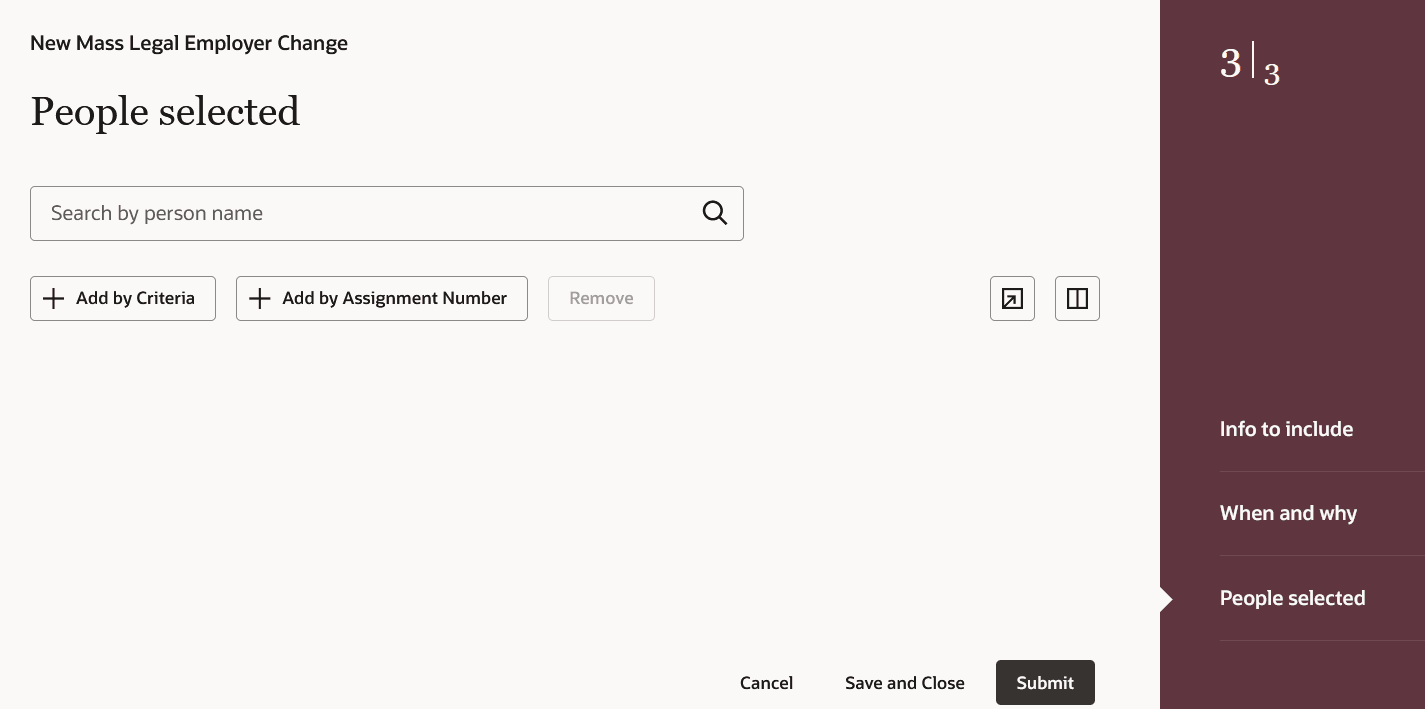
Select population
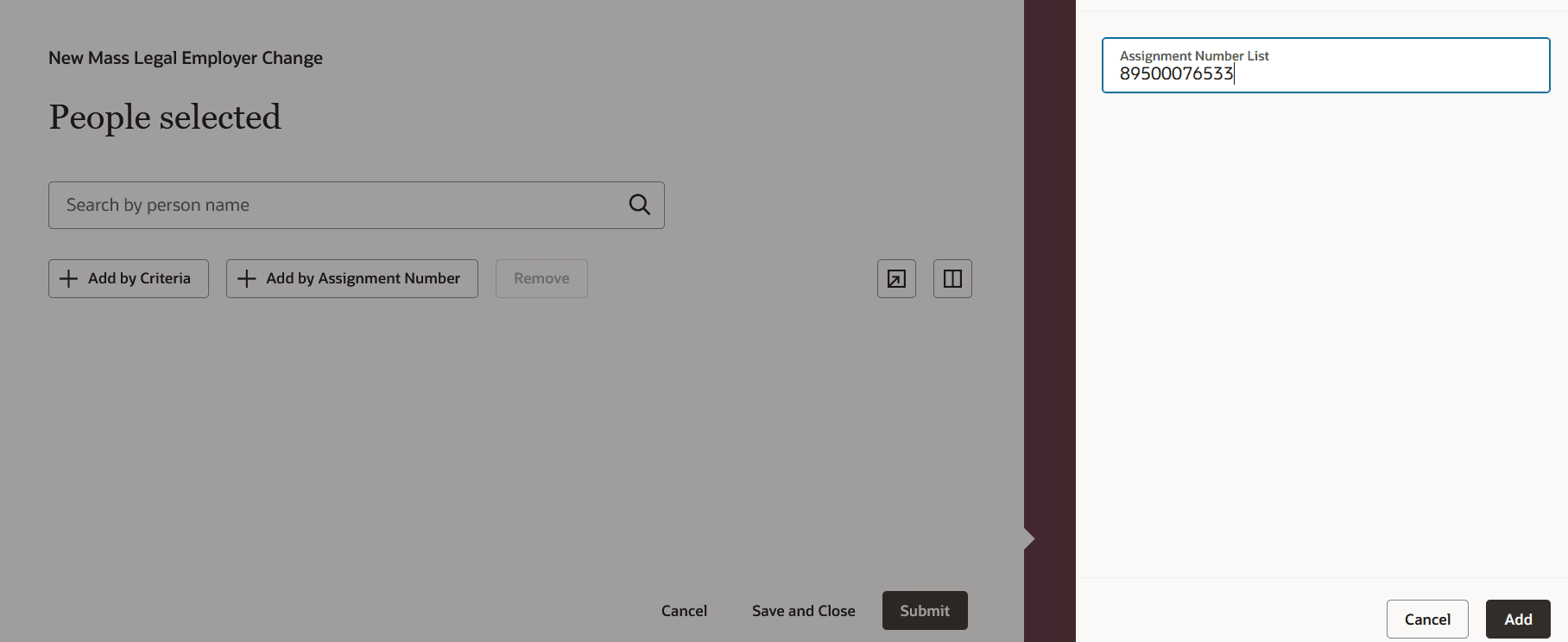
Select population by assignment number
The enhanced population-selection experience helps you:
- Narrow large worker populations using more relevant employment attributes.
- Reduce the need to locate and add workers individually.
- Select multiple workers from search results.
- Use a predefined worker population where supported.
- Perform Mass Legal Employer Change and Mass Assignment Change transactions more efficiently in the Redwood experience.
Steps to enable and configure
You don't need to do anything to enable this feature.
Key resources
For more info, refer to the following feature announcement: