Journey View for Displaying Public Hearing and Appeals Hierarchy in Planning and Zoning
Agency users can review and track the complete journey related to hearings for a planning and zoning application. The cards on the Hearing and Decision making page, provides the option to view the journey.
This example illustrates the View Journey action available on a card on the Decision and Hearing page.
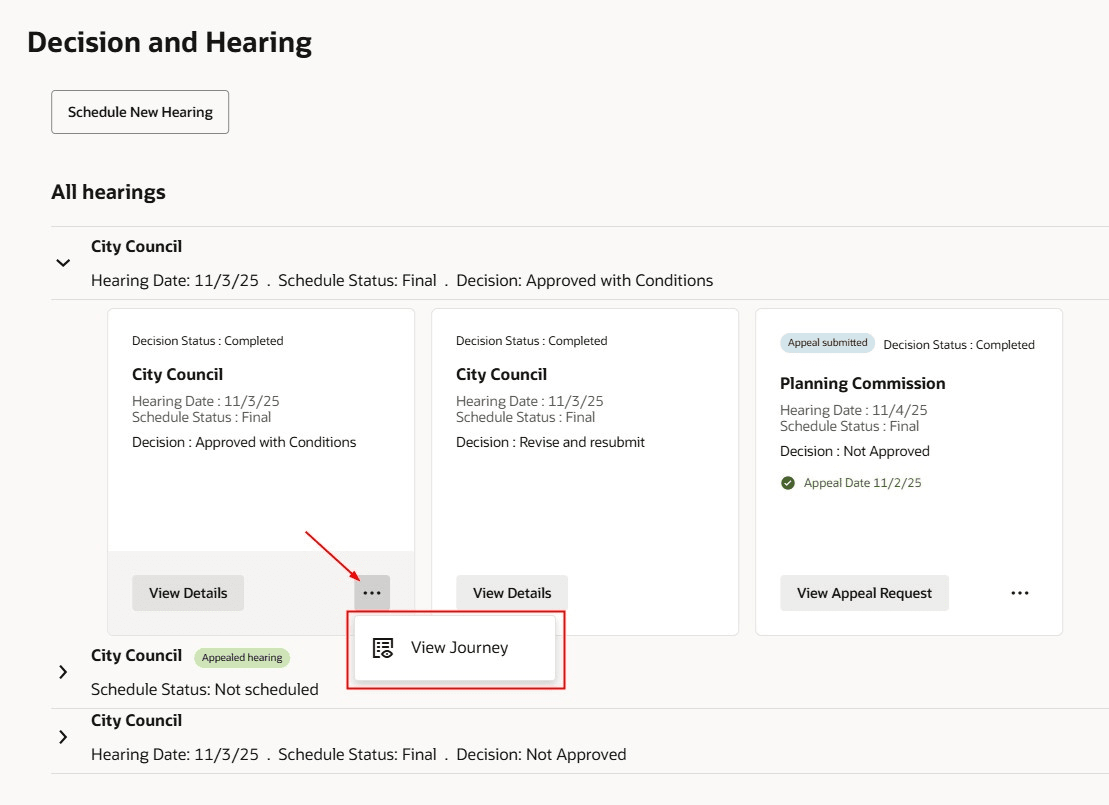
Card on the Decision and Hearing Page with the View Journey Action
This example illustrates the Hearing Journey drawer.
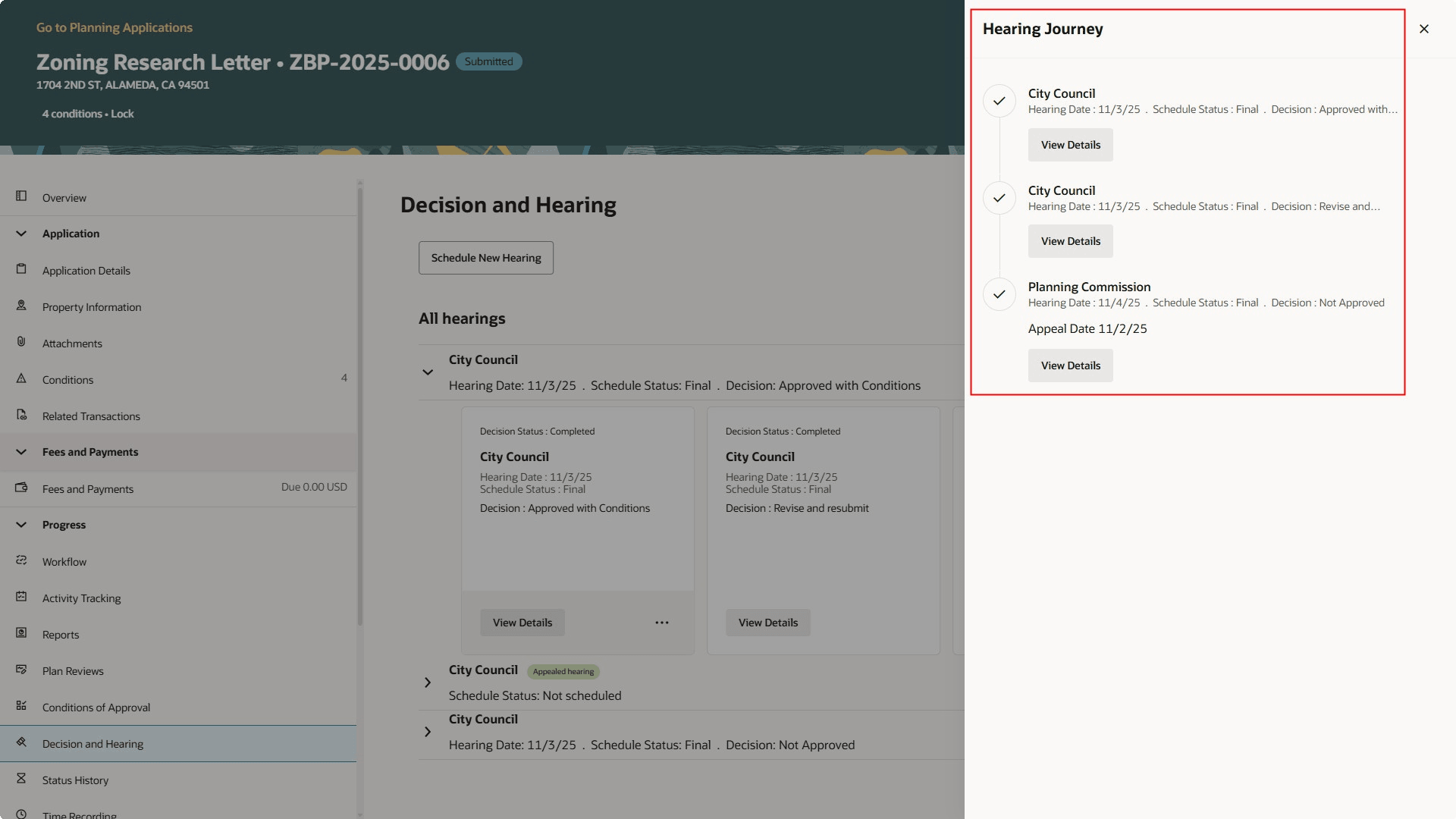
Hearing Journey Drawer
The enhanced user experience streamlines the look and feel of the Public Hearing and Appeals Hierarchy in Planning and Zoning.
Steps to enable and configure
You must have the "Redwood Experience for Application Intake, Payment, and Application List" (24D) and "Redwood Experience for Planning Application Details" (25C) features enabled prior to using this feature.
To enable:
- Navigate to Setup and Maintenance > Offering: Permits/Planning and Zoning/Business Licenses > Change Feature Opt In.
- In the <Offering> row, click the pencil icon in the Features column.
- Enable the "Redwood Experience for Application Intake, Payment, and Application List" row.
- Enable the "Redwood Experience for Planning Application Details" row.
- Click Done.
See Redwood Experience for Planning Application Details in Oracle Permitting and Licensing 25C What's New.
See Redwood Experience for Application Intake, Payment, and Application List in Oracle Permitting and Licensing 24D What's New.
Tips and considerations
Both Redwood Experience for Application Intake, Payment, and Application List and Redwood Experience for Planning Application Details must be enabled.
Key resources
See Using Community Development Planning and Zoning, "Managing Planning Application Details", Working with Public Hearings on the Oracle Help Center.