Redwood: Use Electronic Signatures and Electronic Records When Reporting Material Transactions During Production Execution
In a prior release, reporting and signing off on material transactions could be done using the e-signature and e-record process in a Redwood page. With this update, you can capture an inline e-signature approval and view the generated e-record when reporting material transactions for a work order operation using the Production Execution page in the Redwood user experience.
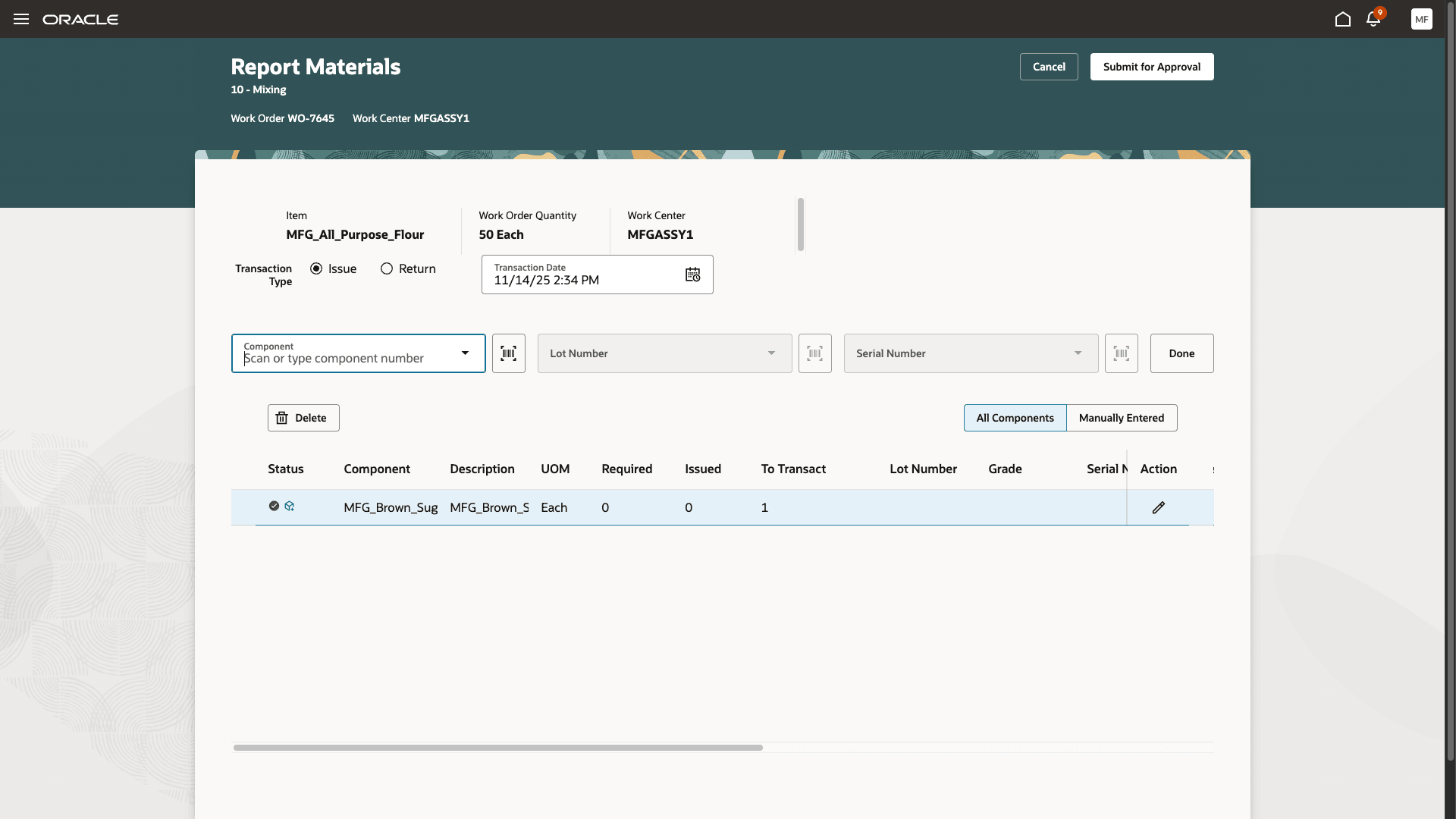
Submit Material Transaction for Approval
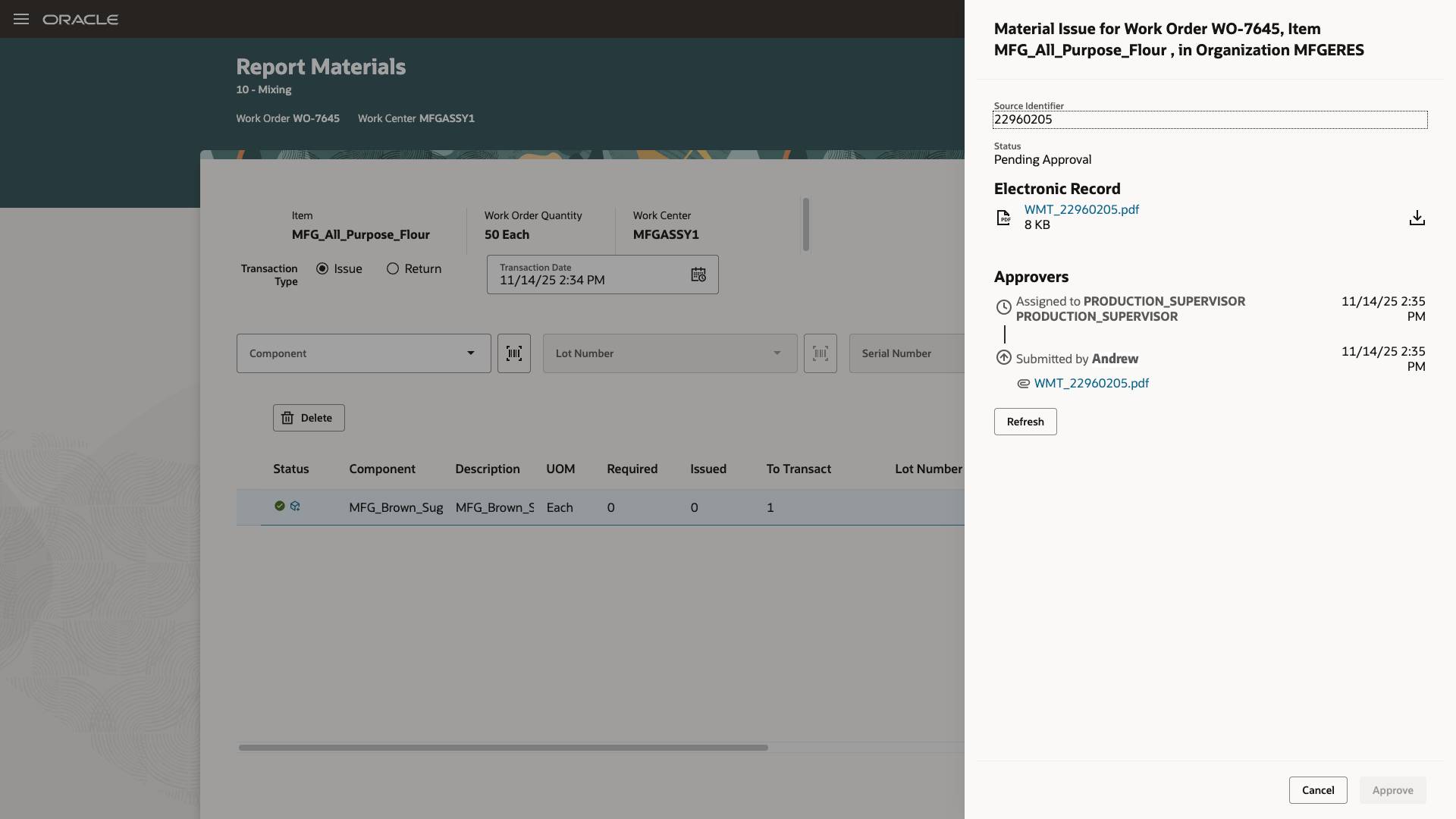
Operator Awaiting Approval for the Material Transaction
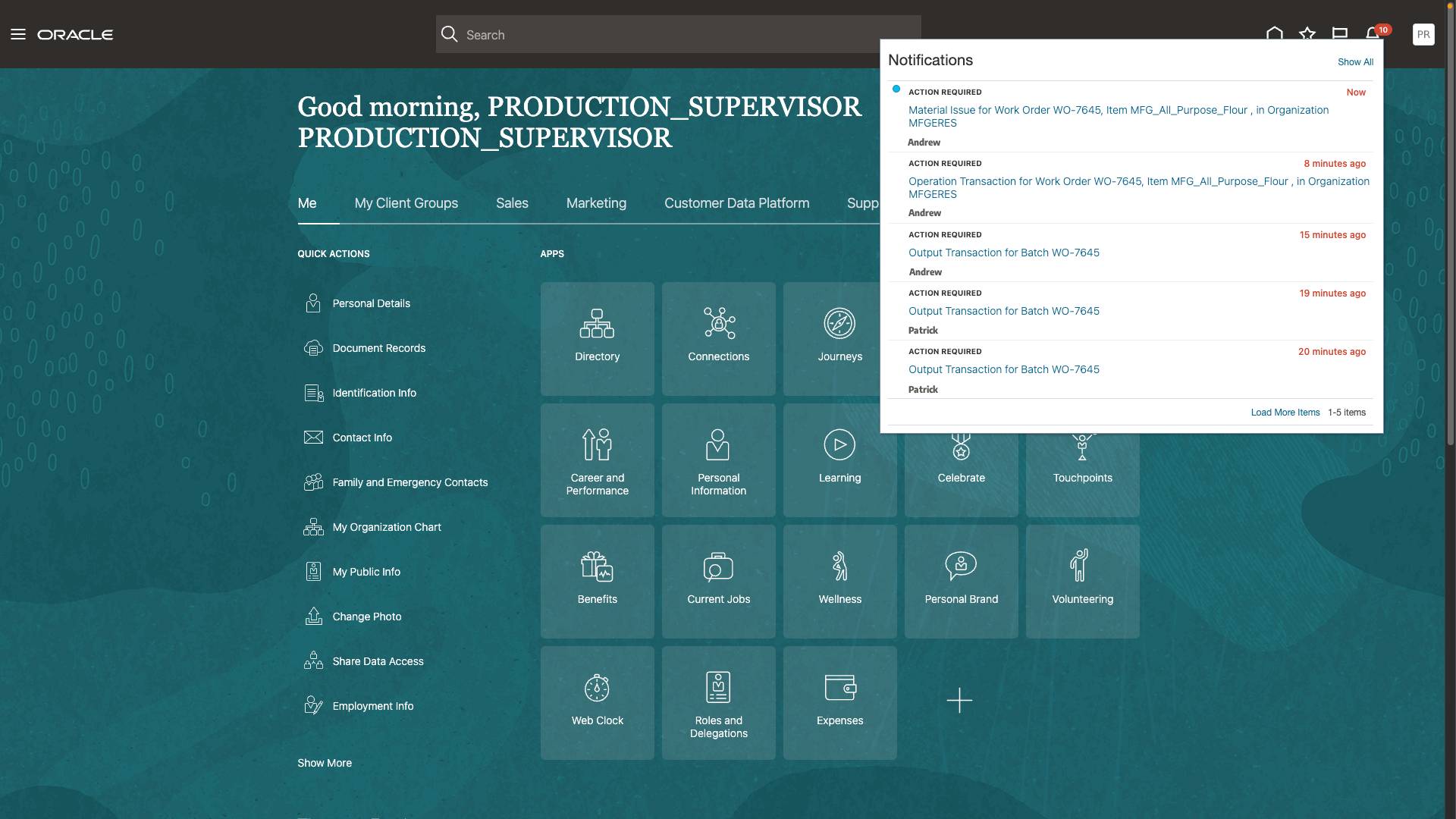
Approver Receives Approval Request Notification
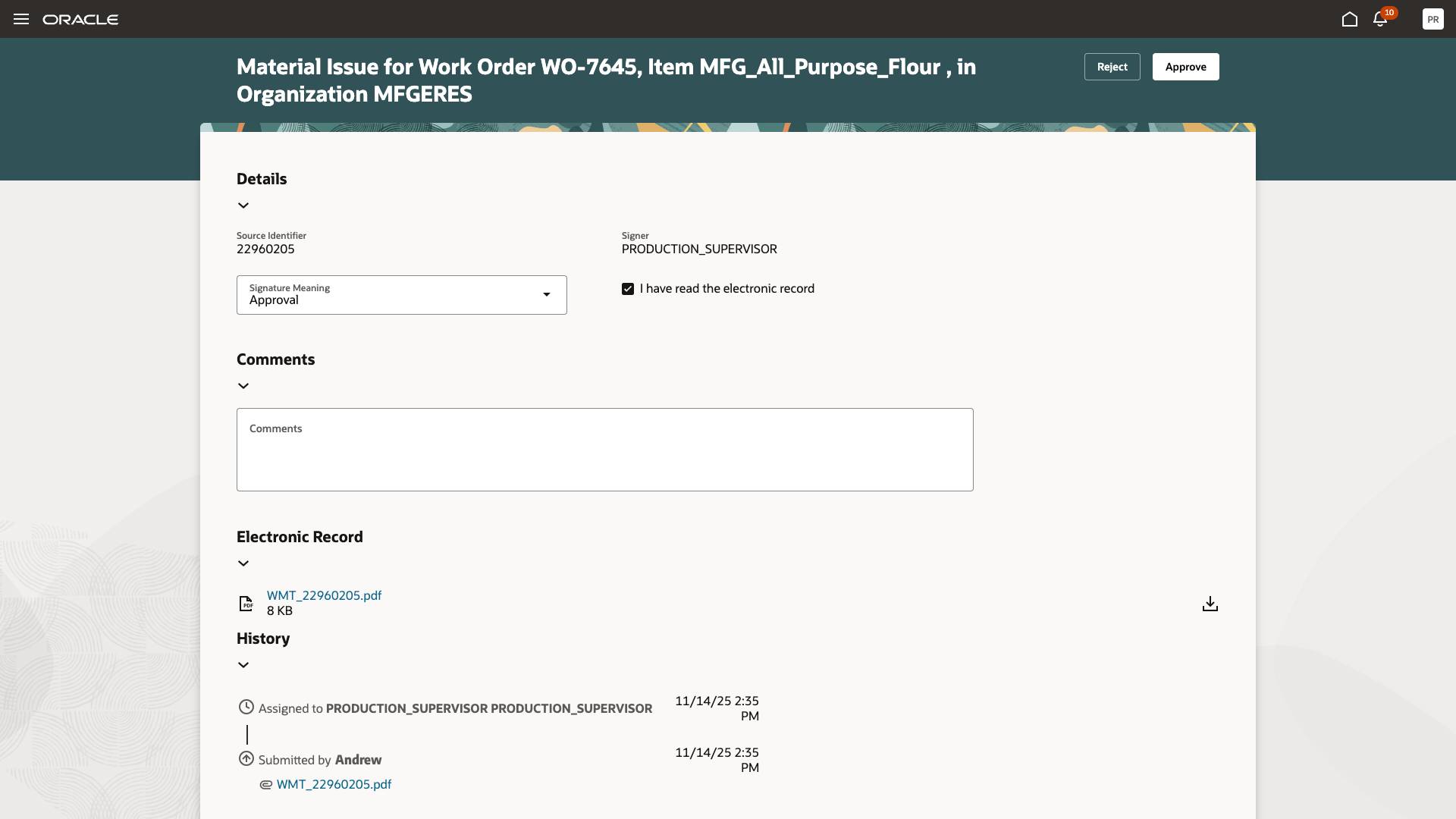
Approver Reviews the Material Transaction Details
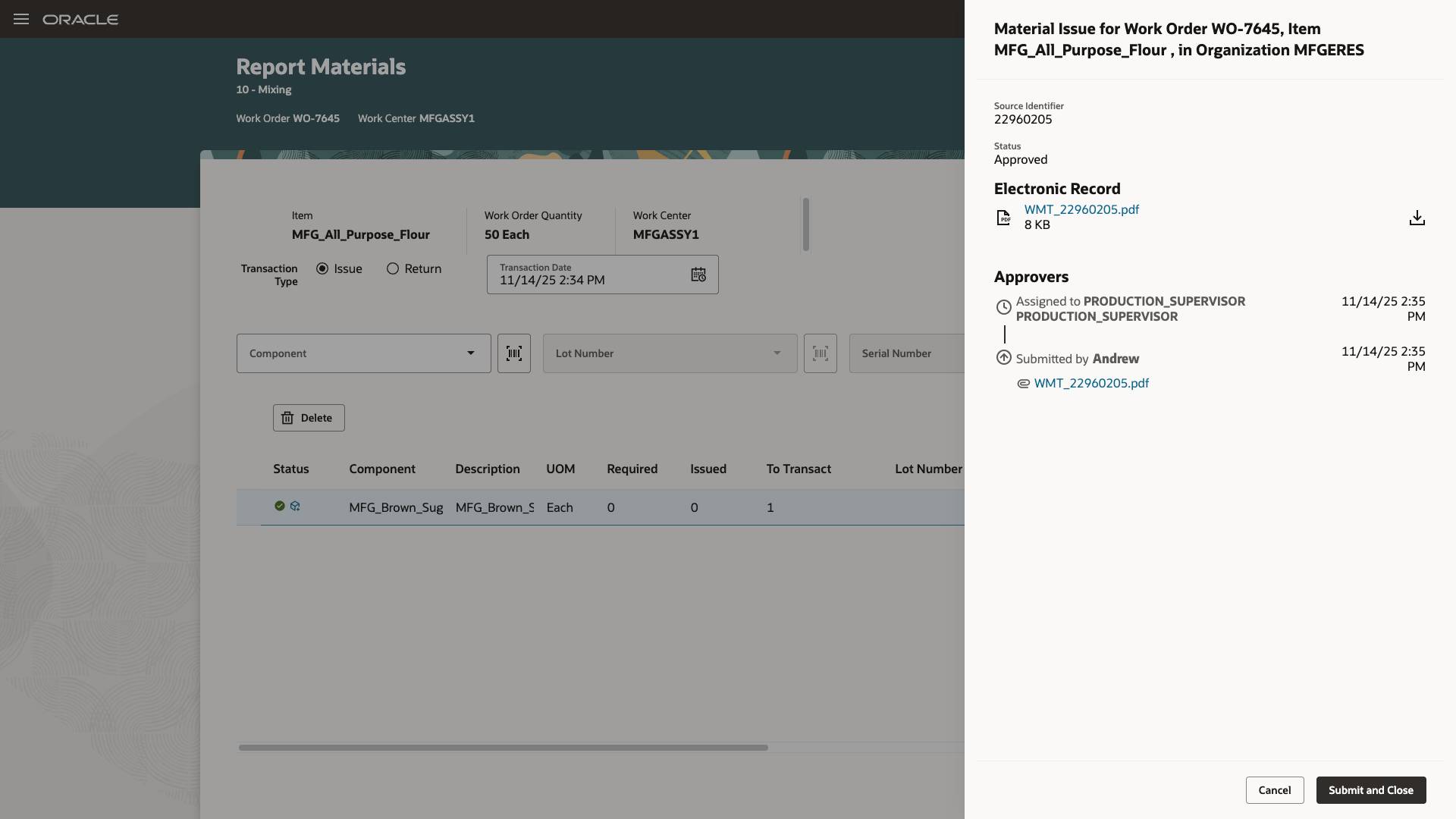
Operator Submits the Material Transaction After Approval
E-signatures and e-records are consistently enforced for regulatory compliance when using Production Execution.
Here's the demo of these capabilities:
Steps to Enable and Configure
Follow these steps to use this feature:
- Enable the Opt In for the "Capture Electronic Records and Electronic Signatures for Supply Chain Management Transactions" feature.
- Configure e-signature preferences by enabling Work Order Material Transaction for inline electronic signature approval for an organization under the task "Configure Electronic Signature Preferences". Refer to Configure E-Signature Preferences.
- After you enable electronic signatures for a transaction, you should also define configurable business process rules in Oracle Business Process Management using the Manage Task Configurations for Supply Chain Management task, and the Manage Approval Groups task in the Setup and Maintenance work area to determine the approvers for each transaction.
Tips And Considerations
- The electronic signature approval is supported only through the user interface. Electronic signature approval is not supported using Rest APIs, FBDI, and ADFdi.
- When reporting material transactions, electronic signatures and electronic records can only be generated in-line during execution. The operator has to wait on the approval screen till an approver approves the request.
Key Resources
- Watch the Redwood: Use Electronic Signatures and Electronic Records When Reporting Material Transactions During Production Execution demo.
- Refer to Redwood: Use Electronic Signatures and Electronic Records When Reporting Material Transactions for a Work Order in 25C.
- Refer to the Oracle Fusion Cloud SCM: Using Manufacturing guide, available on the Oracle Help Center.
- Refer to the Oracle Fusion Cloud SCM: Implementing Manufacturing and Supply Chain Materials Management guide, available on the Oracle Help Center.
- Refer to Using E-Signatures and E-Records.
- Refer to Implementing E-Signatures and E-Records.
Access Requirements
Users who are assigned a configured job role that contains these privileges and codes can access this feature:
Electronic Signature Approval Privileges:
- Electronic Signatures (EDR_ADD_ESIGNATURES_TRANSACTIONS_PRIV)
- View Electronic Records and Signatures (EDR_VIEW_RECORDS_ESIGNATURES_PRIV)
Guided Journeys : Role Codes
- Use REST Service - Guided Journeys Read Only (Role Code ORA_PER_REST_SERVICE_ACCESS_GUIDED_JOURNEYS_RO)
- Use REST Service - Guided Journey Responses (Role Code ORA_PER_REST_SERVICE_ACCESS_GUIDED_JOURNEY_RESPONSES)
Redwood Production Execution Privileges:
- Execute Production at a Workstation (WIP_EXECUTE_WORKSTATION)
- View Workstations (WIS_VIEW_WORKSTATIONS_PRIV)
These privileges were available prior to this update.