Set up supplier management
You can now view and configure these setup pages using the Redwood experience.
Suppliers:
- Supplier Numbering
- Supplier Products and Services Category Hierarchy
- New Supplier Notification
- Certifying Agencies
Supplier Portal:
- Supplier User Roles
- Supplier News Content
- Supplier Notifications
On the Supplier Numbering page, you can specify the supplier number to be used when the next supplier record is created.
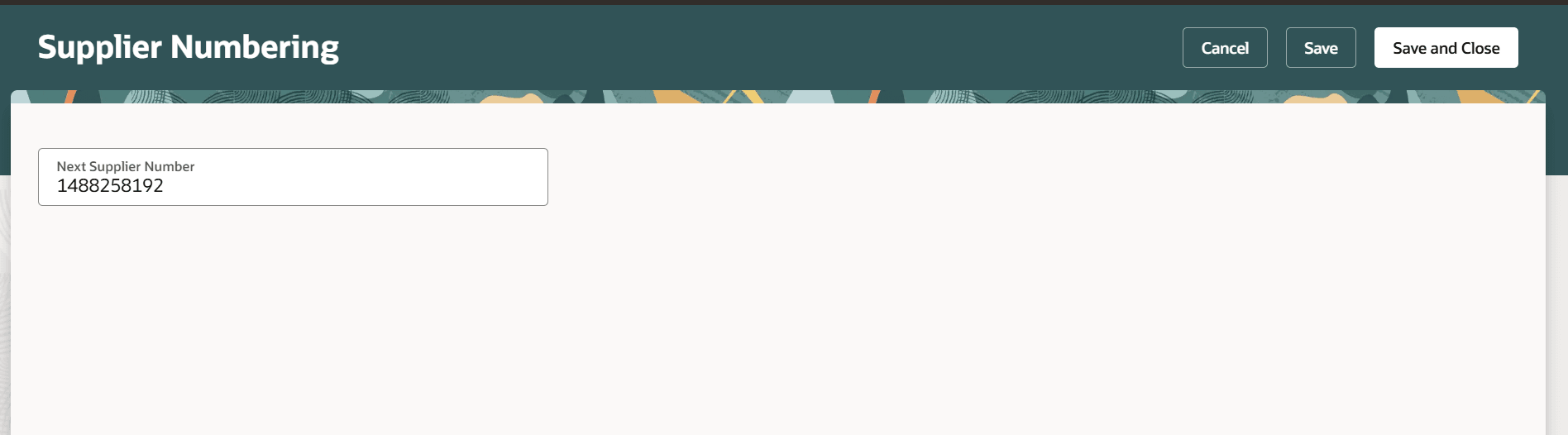
Supplier Numbering
On the Supplier Products and Services Category Hierarchy page, you can create and maintain the supplier products and services category hierarchy for supplier registration as well as supplier profile management.
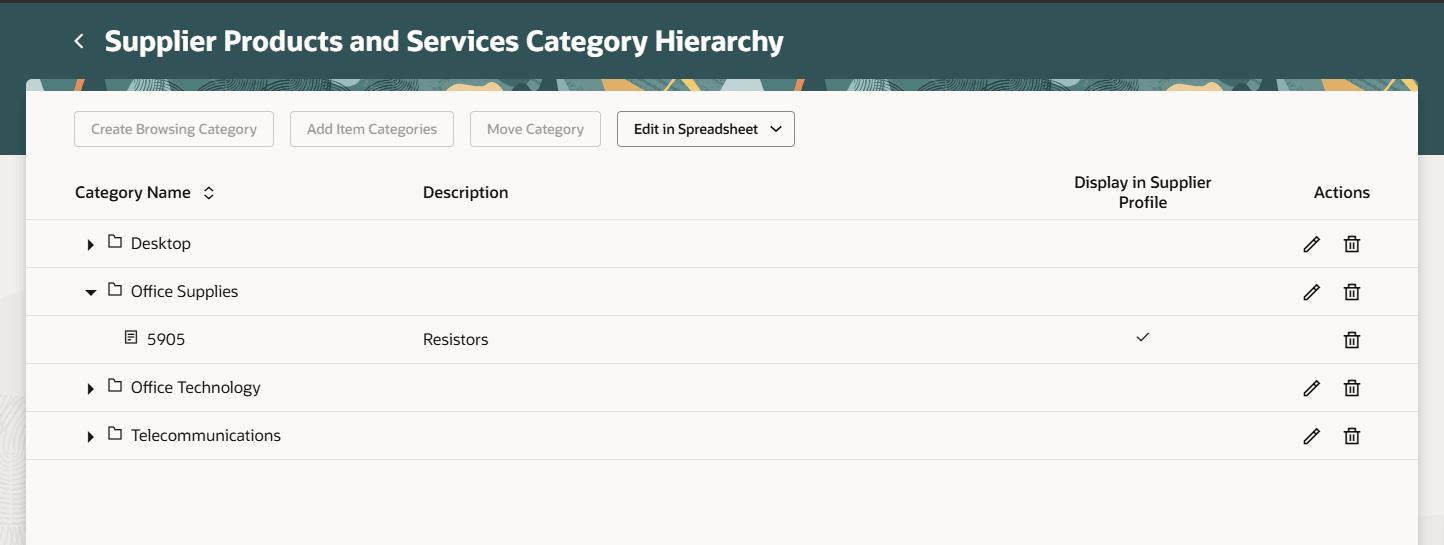
Supplier Products and Services Category Hierarchy
On the New Supplier Notification page, you can enable and configure the content of the email notification sent to the new suppliers that have been approved for spend. You can also include country-specific attachments to this email notification.
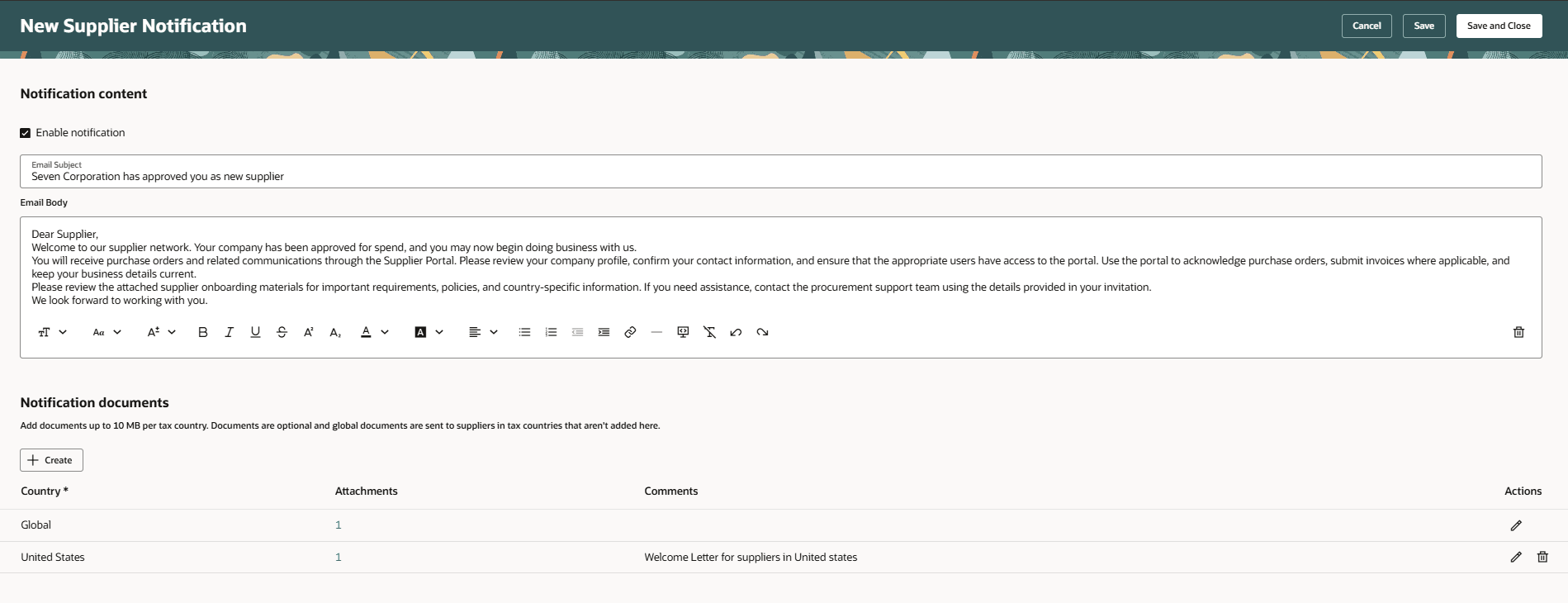
New Supplier Notification
On the Certifying Agencies page, you can create, manage certifying agencies and associate them to different supplier business classifications.
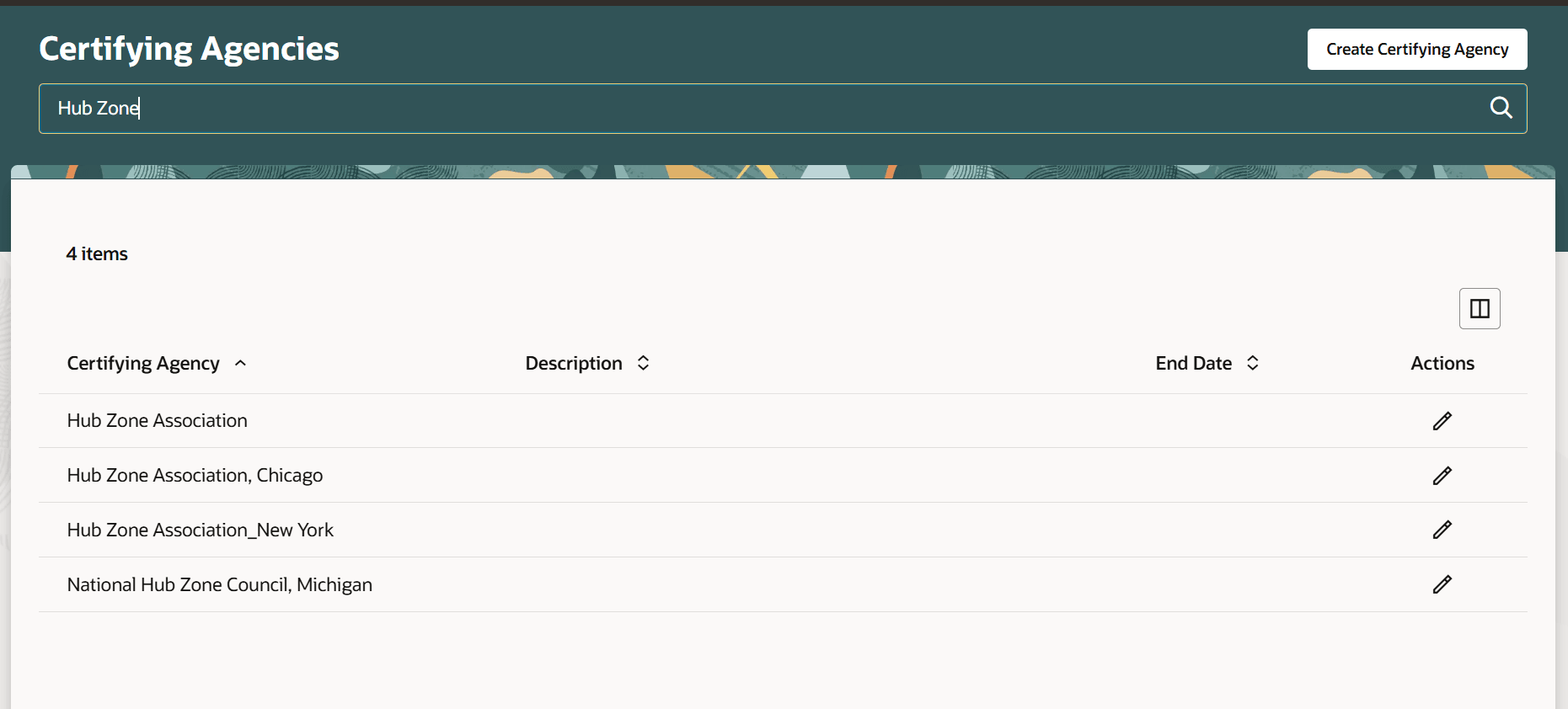
Certifying Agencies
On the Supplier User Roles page, you can define which roles can be assigned to supplier contact users. You can also set default roles for Oracle Fusion Supplier Portal and Oracle Fusion Sourcing.
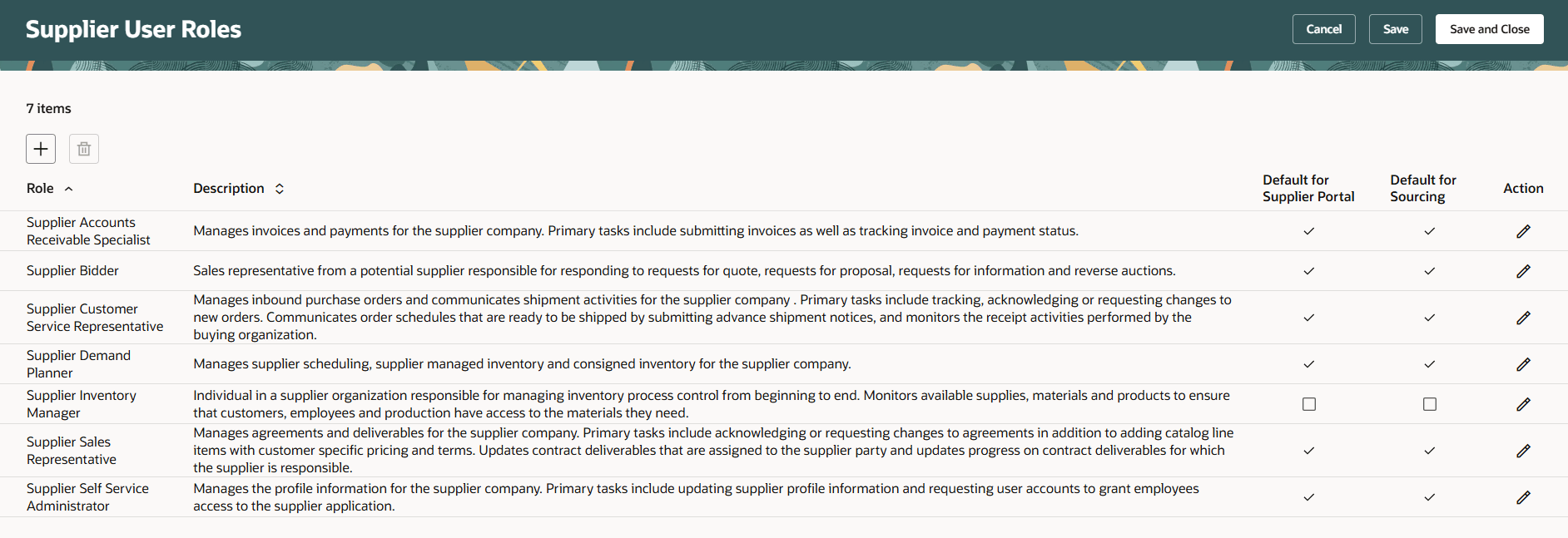
Supplier User Roles
On the Supplier News Content page, you can maintain the content for suppliers to view on the supplier portal home page.
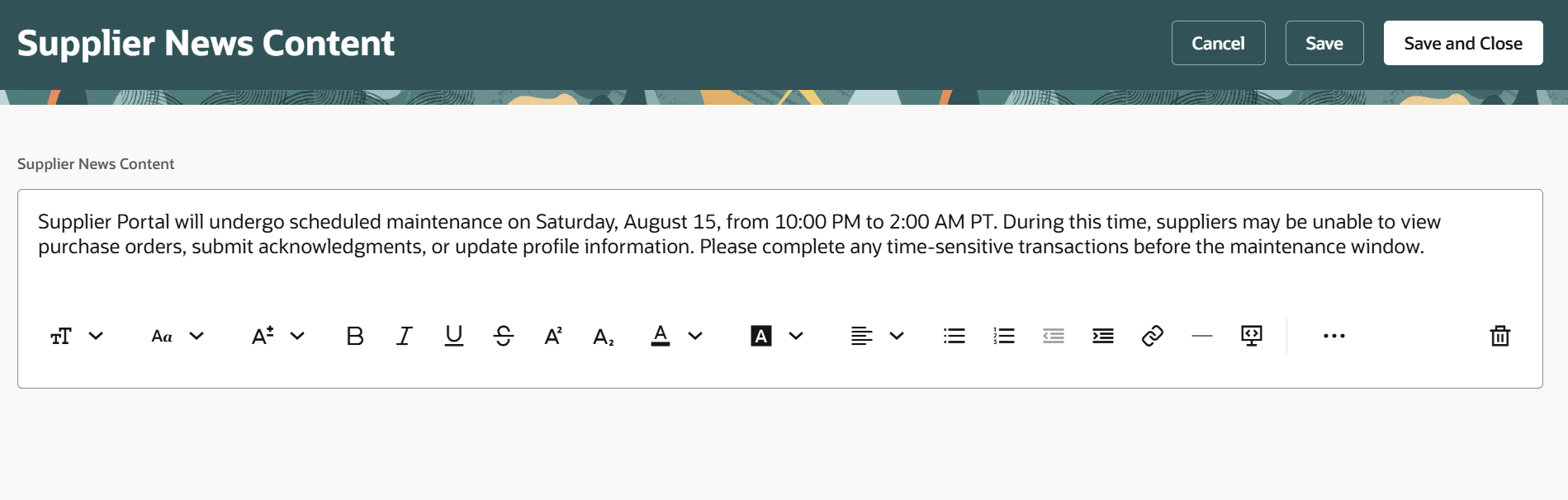
Supplier News Content
On the Supplier Notifications page, you can configure notification generation and delivery interval for supplier user notifications, such as expiring business classification.
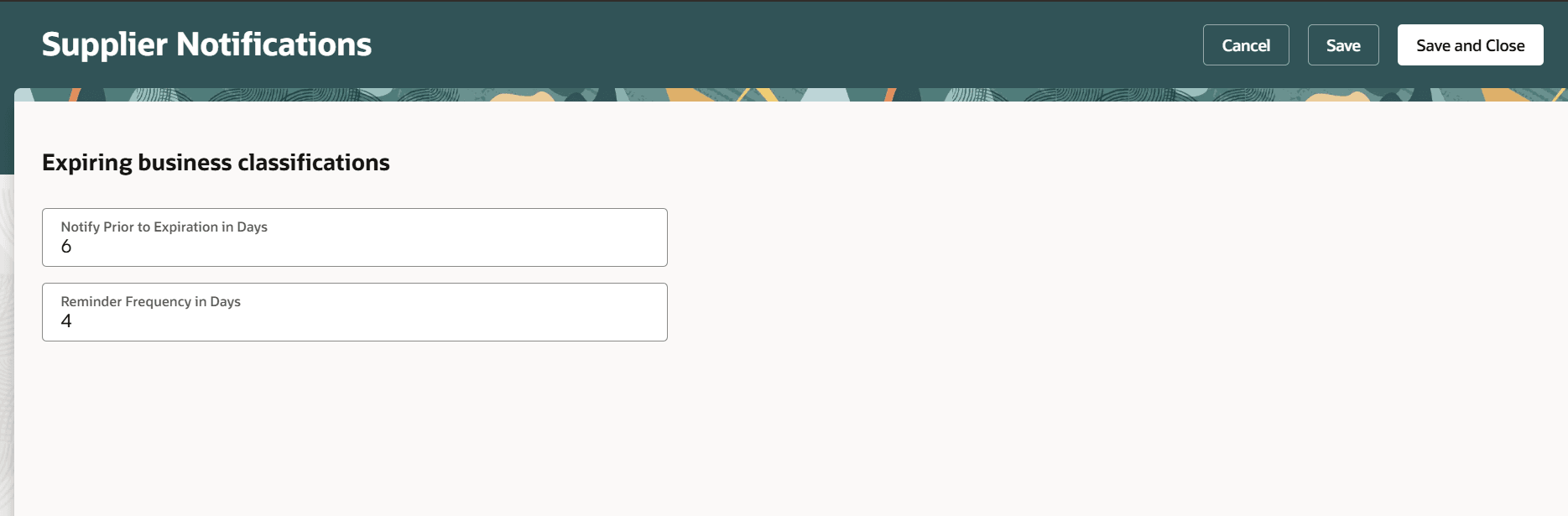
Supplier Notifications
Steps to enable and configure
Use the Opt In UI to enable this feature. For instructions, refer to the Optional Uptake of New Features section of this document.
Offering: Procurement
Note: This feature is enabled by default.
Follow these steps to manage the supplier management setup pages:
- In the Setup and Maintenance work area, search for and select any of the following tasks:
- Specify Supplier Numbering
- Manage Supplier Products and Services Category Hierarchy
- Configure New Supplier Notification
- Manage Certifying Agencies
- Manage Supplier User Roles or Manage Supplier User Role Usages
- Specify Supplier News Content
- Configure Supplier Notifications
- On the setup page, set your changes.
- Select Save or Save and Close.
Key resources
Refer to 26A update on set up supplier registration and profile change request.
Access requirements
If you're using custom job roles, then you need to add privileges identified as new in this update as well as validate that you have the existing privileges listed.
| Privilege status | Privilege name and code | Privilege purpose |
|---|---|---|
| Existing | Maintain Supplier Numbering Setup (POZ_MAINTAIN_SUPPLIER_NUMBERING_SETUP_PRIV) | Privilege to use the Supplier Numbering setup page. |
| Existing | Manage Procurement Category Hierarchy (POR_MANAGE_PROCUREMENT_CATEGORY_HIERARCHY_PRIV) | Privilege to use the Supplier Products and Services Category Hierarchy setup page. |
| Existing | Configure New Supplier Notification (POZ_CONFIGURE_NEW_SUPPLIER_NOTIFICATION_PRIV) | Privilege to use the New Supplier Notification setup page. |
| Existing | Manage Supplier Certifying Agency (POZ_MANAGE_CERTIFYING_AGENCIES_PRIV) | Privilege to use the Certifying Agencies setup page. |
| Existing | Manage Supplier User Roles (POZ_MANAGE_SUPPLIER_USER_ROLES_PRIV) or Manage Supplier User Role Usages (POZ_MANAGE_SUPPLIER_USER_ROLE_USAGES_PRIV) |
Privilege to use the Supplier User Roles setup page. Note that user with only the Manage Supplier User Role Usages privilege can only set default roles for Oracle Fusion Supplier Portal and Oracle Fusion Sourcing on this setup page. |
| Existing | Maintain Supplier News Content (POZ_MAINTAIN_SUPPLIER_NEWS_CONTENT_PRIV) | Privilege to use the Supplier News Content setup page. |
| Existing | Manage Supplier Notification Configuration for Profile Management (POZ_CONFIGURE_SUPPLIER_NOTIFICATIONS_FOR_PROFILE_MGMT_PRIV) | Privilege to use the Supplier Notifications setup page. |