Home Energy Analysis Completion Module
The Home Energy Analysis Completion module lets utilities embed interactive survey questions directly within Email Home Energy Reports, creating a seamless way to gather customer feedback and encourage customer engagement.
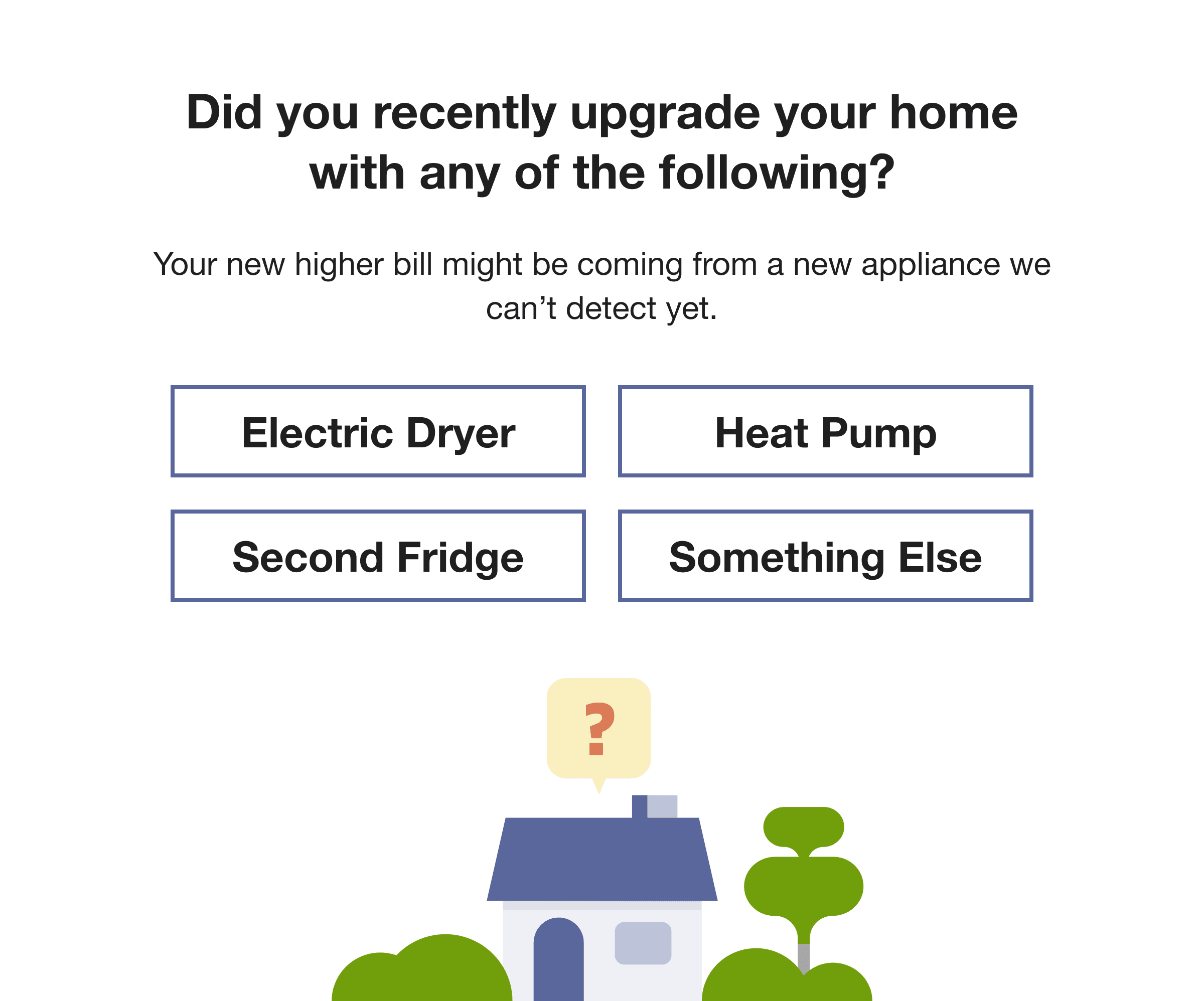
Home Energy Analysis Completion Module
Key features include:
- Embedded survey questions with supporting explainer copy to provide context and encourage informed responses.
- Single-response inputs that record customer selections and guide customers to the next step in the experience.
- Themed illustrations that enhance the survey experience and reinforce the question's context.
- Two configurable completion modes based on the number of available response options:
- Full mode: Displays a call to action that directs customers to continue and complete the full Home Energy Assessment.
- Mini mode: Allows customers to answer a specific question directly from the Home Energy Report and then presents a configurable follow-up experience, such as:
- A thank-you confirmation page
- A follow-up question to gather additional insights
- A targeted offer or recommendation based on the customer's response
By embedding survey experiences directly into Email Home Energy Reports and guiding customers to relevant next steps, utilities can increase customer engagement, collect actionable insights, and deliver more personalized energy-saving experiences.
The Home Energy Analysis Completion module helps utilities increase customer engagement by making it easy for customers to provide feedback directly in Email Home Energy Reports.
Steps to enable and configure
Contact your Service Delivery Manager to coordinate configuration of the module.
- Log in to Inside Opower (https://inside.opower.com). This is your portal for questions and information related to your program.
- Go to the Community tab and contact the Service Delivery Manager using the information provided.