11 Controlling Access with Users and Roles
Only authenticated users can access your app. They see only the pages and data they are authorized to use, and can perform only the actions their role allows. Their organizational duties shape their app experience.
Your app's Authentication Scheme defines how users sign in. Roles reflect relevant responsibilities, and Role Assignments link users to roles. APEX accounts are built-in, but role-based security works the same with external identity providers.
Each Authorization Scheme names a rule that grants or denies access based on flexible criteria. Role membership is most common, but custom rules can use SQL or PL/SQL, too. By configuring authorization rules on application elements, you tailor each user's experience based on their role.
When necessary, you can define row-level data security policies to control what data each user sees. A policy can reuse authorization schemes to keep access rules in one place.
The examples in this section use a simple Woods HR app based on
EBA_DEMO_EMP and a copy of the familiar EMP table,
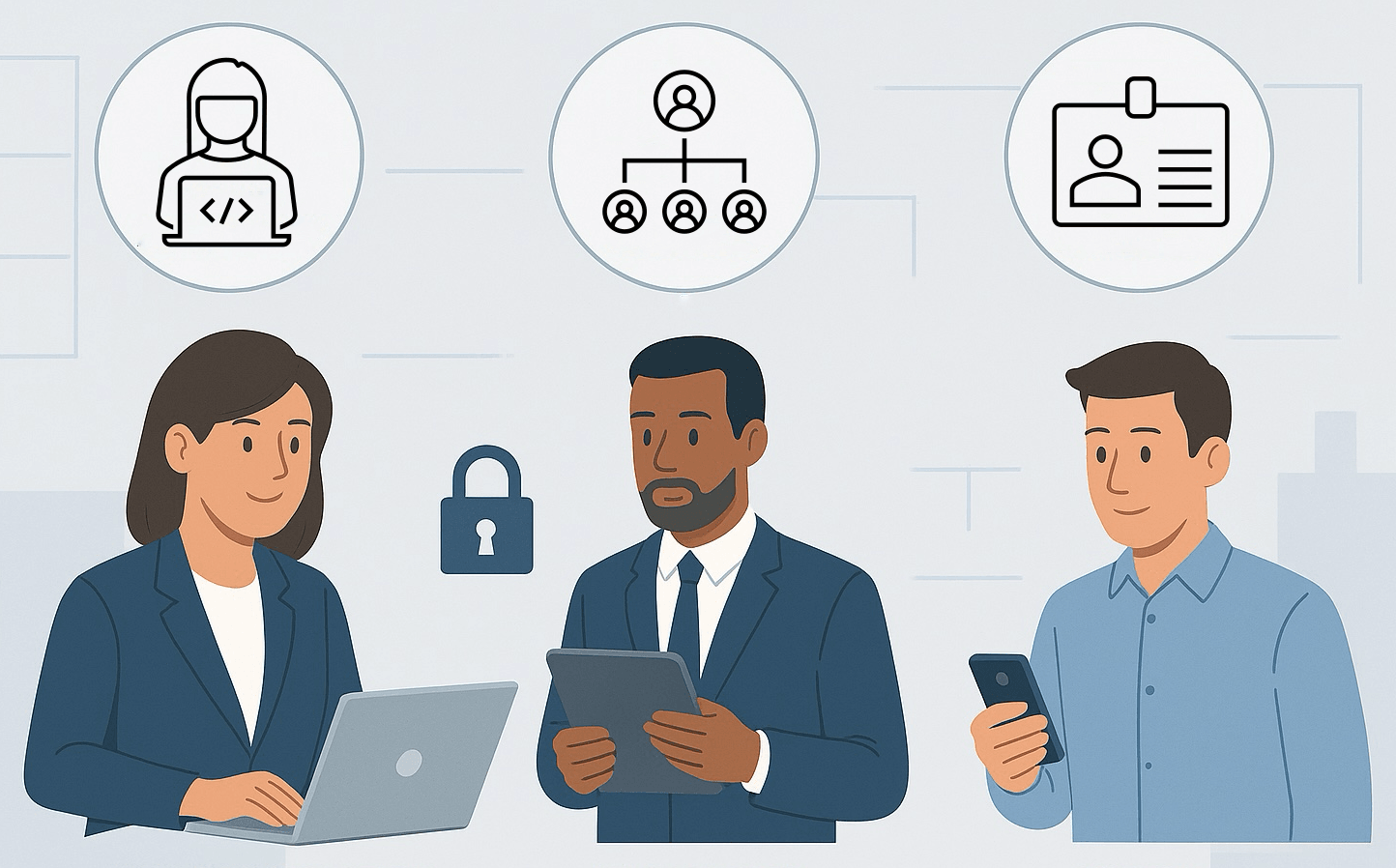
with a few additional employees added. The figure below shows three colleagues, one uses
a laptop, another holds a tablet, and a third uses his smartphone. Each one sees the
application functionality and data that is automatically tailored to their functional
role.
Figure 11-1 Deliver User Experience Tailored to Each User's Functional Role
- Requiring Authenticated Access to a Page
A page's Authentication property controls if users must login to view it. - Authenticating Access with APEX Accounts
Your app's Authentication Scheme controls how users login. The default option is to use native APEX user accounts. - Assigning Users to Roles
Assign users to one or more roles to reflect the functions they perform in the organization. - Shaping Experience with Rules and Roles
Authorization Schemes are rules you define and assign to virtually any kind of application element to declaratively shape the end user experience. - Enabling Row-Level Data Security Policy
Learn about where and when to use a row-level data security policy. - Refining Salary Review with Data Security
After setting up the view and row-level data security policy, you can enhance your app to use them. - Integrating an External Identity Provider
While APEX Accounts are easy and built-in, you might already manage users and roles with an external identity provider. If so, create a Social Sign-in type Authentication Scheme and after authentication dynamically enable the groups users belong to. - Exploring Context for Authorization Rules
Depending on your authorization scheme's evaluation point, additional context information is available to write more generic, data-driven rules.