Mark the Rackmount Location
Identify the location in the rack where you want to place the server. Oracle Communications Server E6-2L requires two rack units (2U). Use the Rackmounting Template to identify the correct mounting holes for the slide-rails.
Caution:
Always load equipment into a rack from the bottom up so that the rack does not become top-heavy and tip over. Extend the rack anti-tilt bar to prevent the rack from tipping during equipment installation.- Ensure that there is at least 1 rack unit (1U) or two rack units (2U) of vertical space in the rack cabinet to install the server.
See Rack Compatibility.
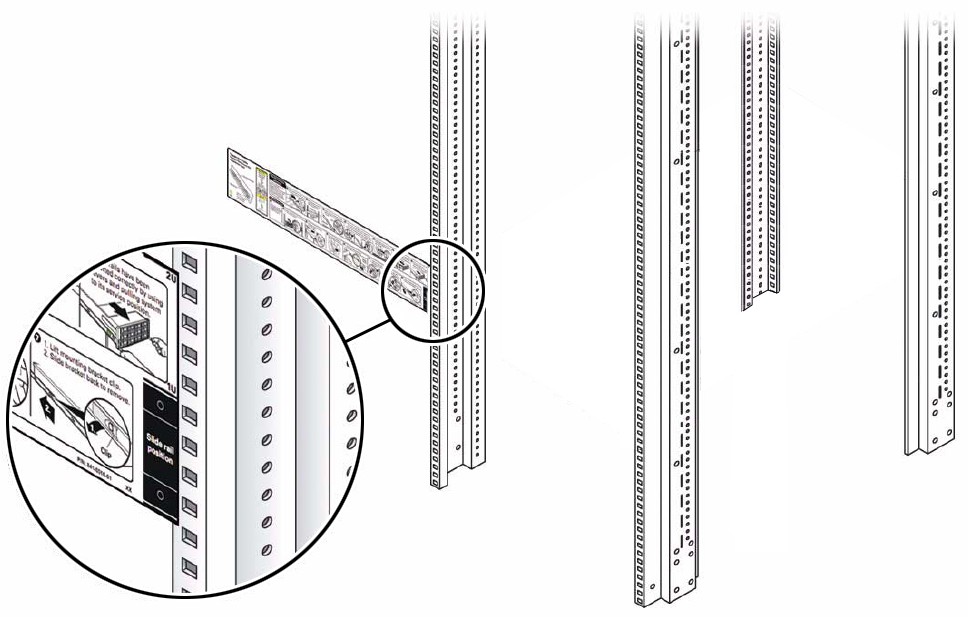
- Place the Rackmounting Template against the front rails, and measure up from the bottom of the Rackmounting Template.
The bottom edge of the Rackmounting Template card corresponds to the bottom edge of the server,
Figure 5-4 Rackmounting Template against the Front Rails
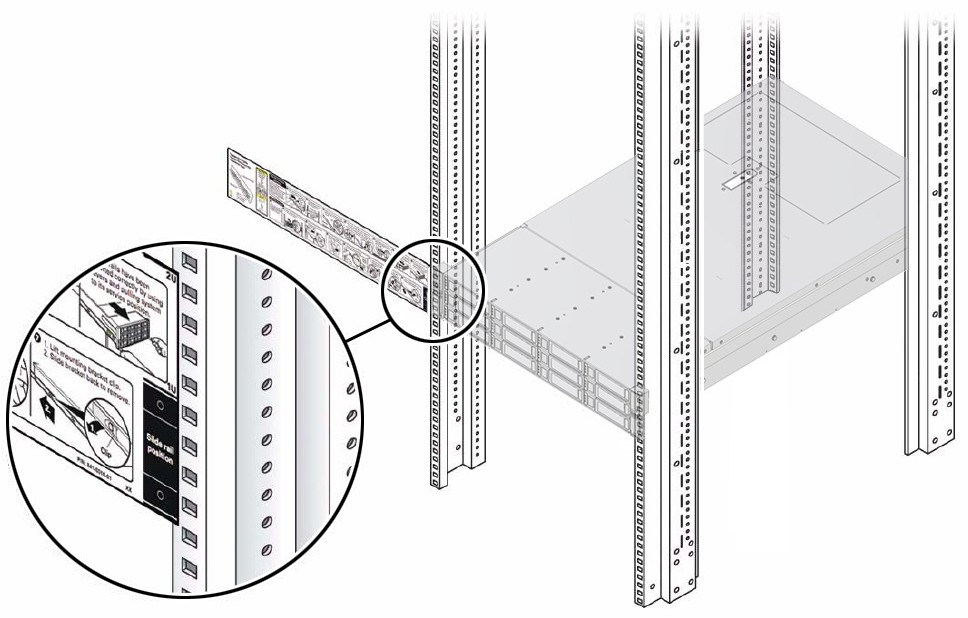
- Mark the mounting holes for the front slide-rails.
Figure 5-5 Mounting Holes for the Front Slide-Rails
- Mark the mounting holes for the back slide-rails.