3.4.5 Configuring Collateral
Configuring Collateral
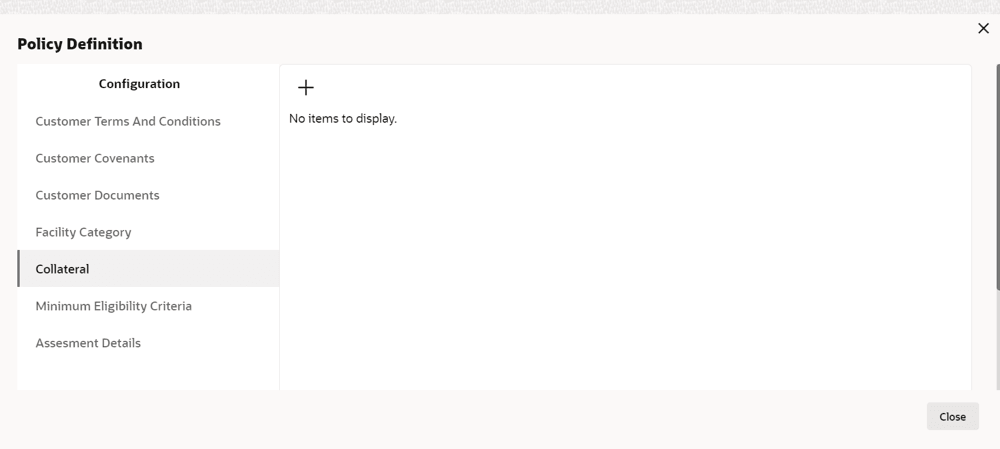
- To add collateral related policy, click Collateral from the
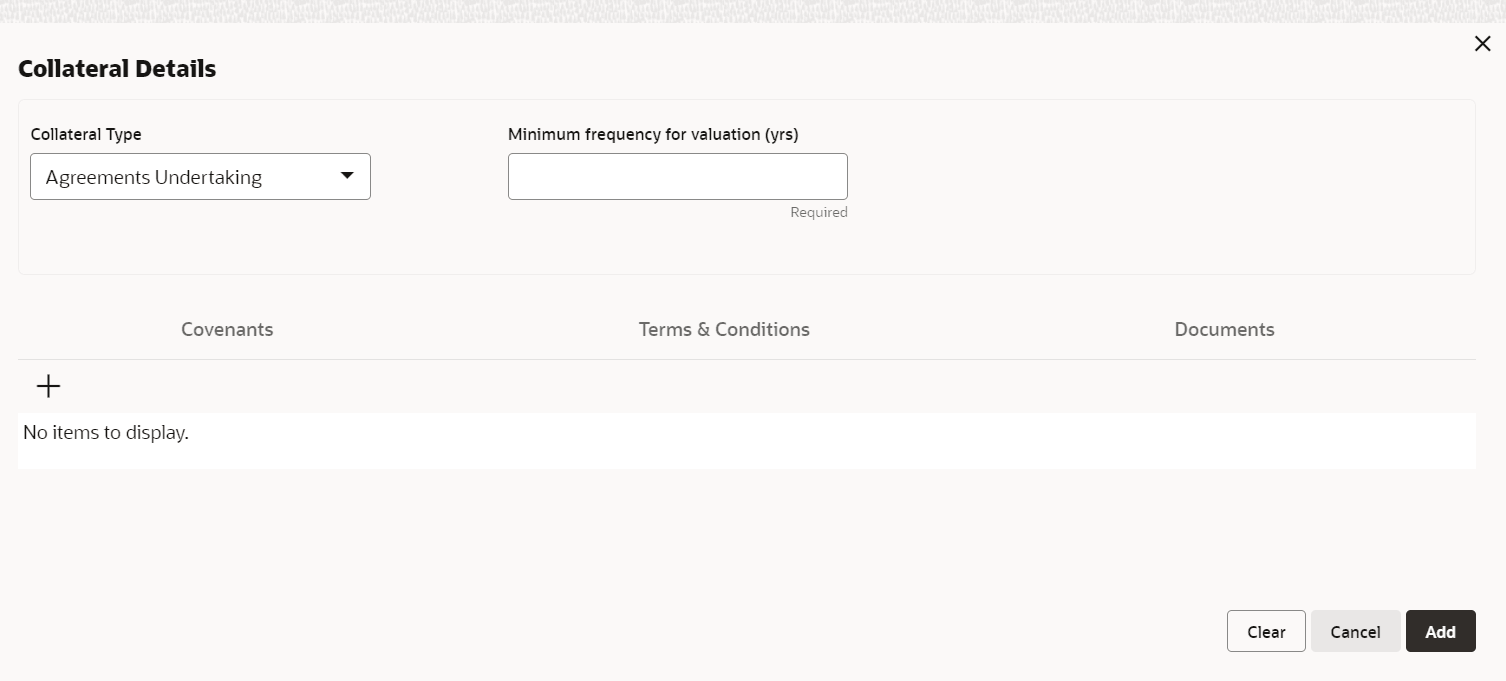
left menu and then click + icon. Collateral Details window is
displayed.
For information on fields in the Collateral Details screen, refer the below table.
Table 3-19 Collateral Details
Fields/ Icons Description Collateral Type Select Collateral Type from the drop-down list. The options available are: - Machine
- Deposits
- Bond
- Stock
- Fund
- Vehicle
- Guarantee
- Property
- Aircraft
- Insurance
- Precious Metals
- Ship
- Account Receivables
- Cash Collaterals
- Inventory
- Accounts Contracts
- Crop
- Commercial Paper
- Perishable
- Commodity
- PDC
- Bill Of Exchange
- Promissory Note
- Miscellaneous
- Corporate Deposits
- Livestock
- Intangible Assets
- Agreements Undertaking
Minimum frequency for valuation (yrs) Specify the frequency for evaluating the collateral in Minimum frequency for valuation (yrs) field. - Add Covenant, Terms & Conditions, and
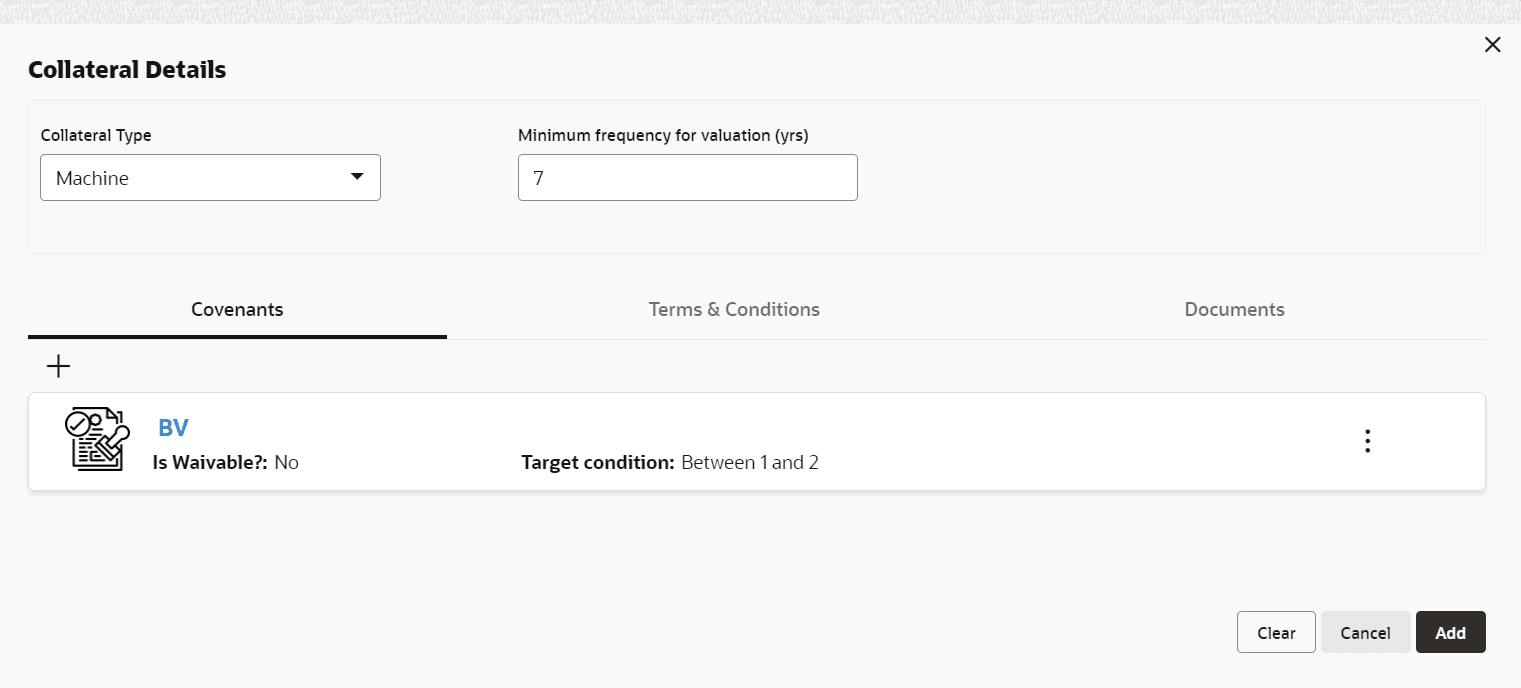
Documents details for the collateral.
Refer Configuring Covenants, Configuring Terms & Conditions, and Configuring Documents, for information on adding Covenants, Terms & Conditions, and Documents.
- Click Add in Collateral Details window.
The added details are displayed in the Policy Definition window:
Default and Validation
The following fields will get defaulted from Policy Definition to the OBCFPM processes which are linked to policy definition and policy validation.- Minimum frequency of validation will get defaulted
- Covenants (under Covenants - is Waviable?, Target Condition, and Target Value will get defaulted)
- T & C will get defaulted
- Document will get defaulted
The following fields will get validated against policy definition and the compliance will be reported in Policy Exception.- Type will get validated
- Minimum frequency of validation will get validated
- Covenants (under Covenants - is Waviable?, Target Condition, and Target Value will get validated)
- T & C will get validated
- Document will get validated
Parent topic: Policy Definition