View the details of a trial - Start-Up status
You can view the details of a Trial in Planning that has a status of Start-Up.
To view the details of a Trial in Planning with a status of Start-Up:
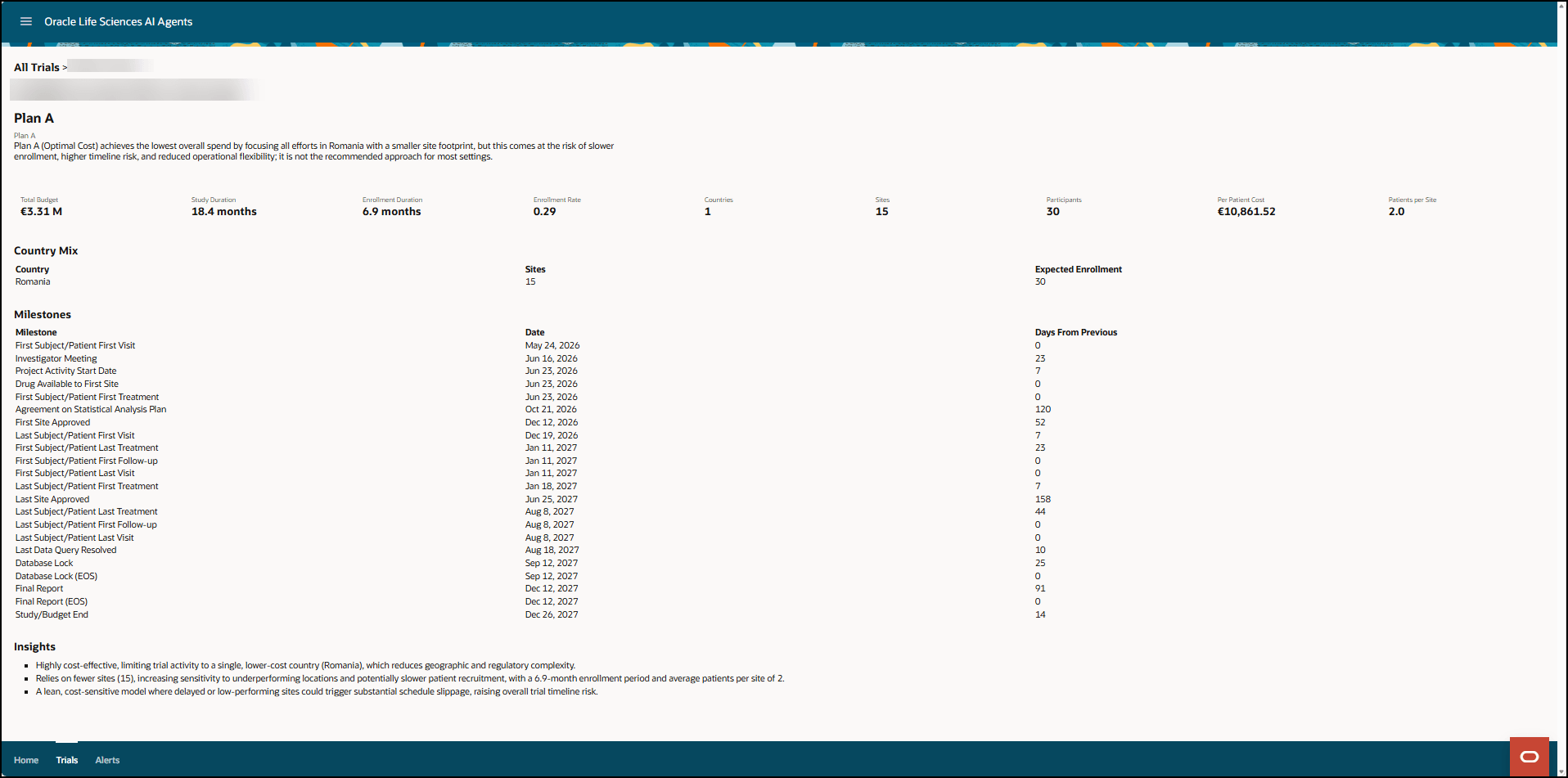
- In the Trials in Planning list view, in the Status column, find a study with a status of Start-Up, and in the Study column, select the identifier of the trial you want to view the details for. An information page for the [Trial Name] opens. For example:
Parent topic: View the details of a Trial in Planning