View the history of an alert
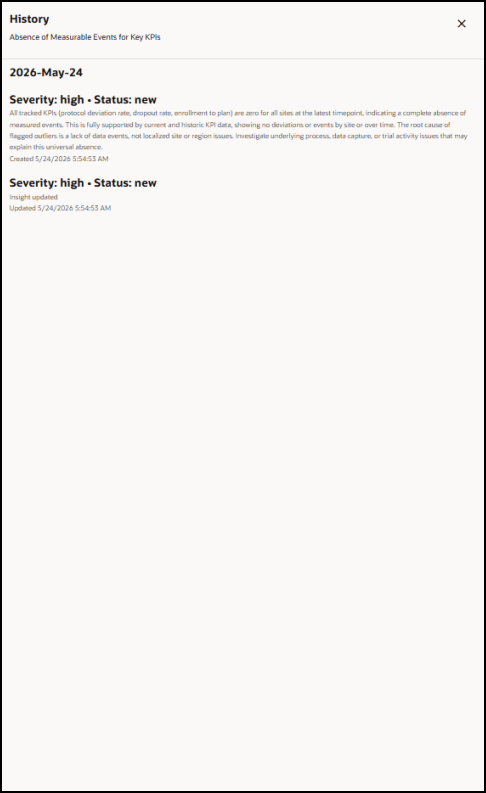
You can view the history of an alert to see its chronological history including the date the alert was first detected, and the actions taken on the alert including any severity or status changes. You can view the alert history from the Alerts list or from an Alert details page.
To view the history of an alert:
- To view the history of an alert from the Alerts list, open the Alerts list as described in View the list of alerts for all trials you can access.
- In the Alerts list, find the alert you want to view the history of, and in the Actions column on the right select View History from the Actions drop-down menu. The History panel opens. The name of the alert appears at the top of the panel below the title. For example:
- Select the X at the top right to close the History panel.
Parent topic: Manage the alerts for all Ongoing Trials