View the list of trials a user can access
As a Life Sciences AI Agents administrator, you can view the list of trials that a user can access.
To view the list of trials a user can access:
- In the User Management page, find the user whose trial access you want to view, and in the Actions column, select View Trials with Access from the Actions drop-down menu. The Access panel opens. For example:
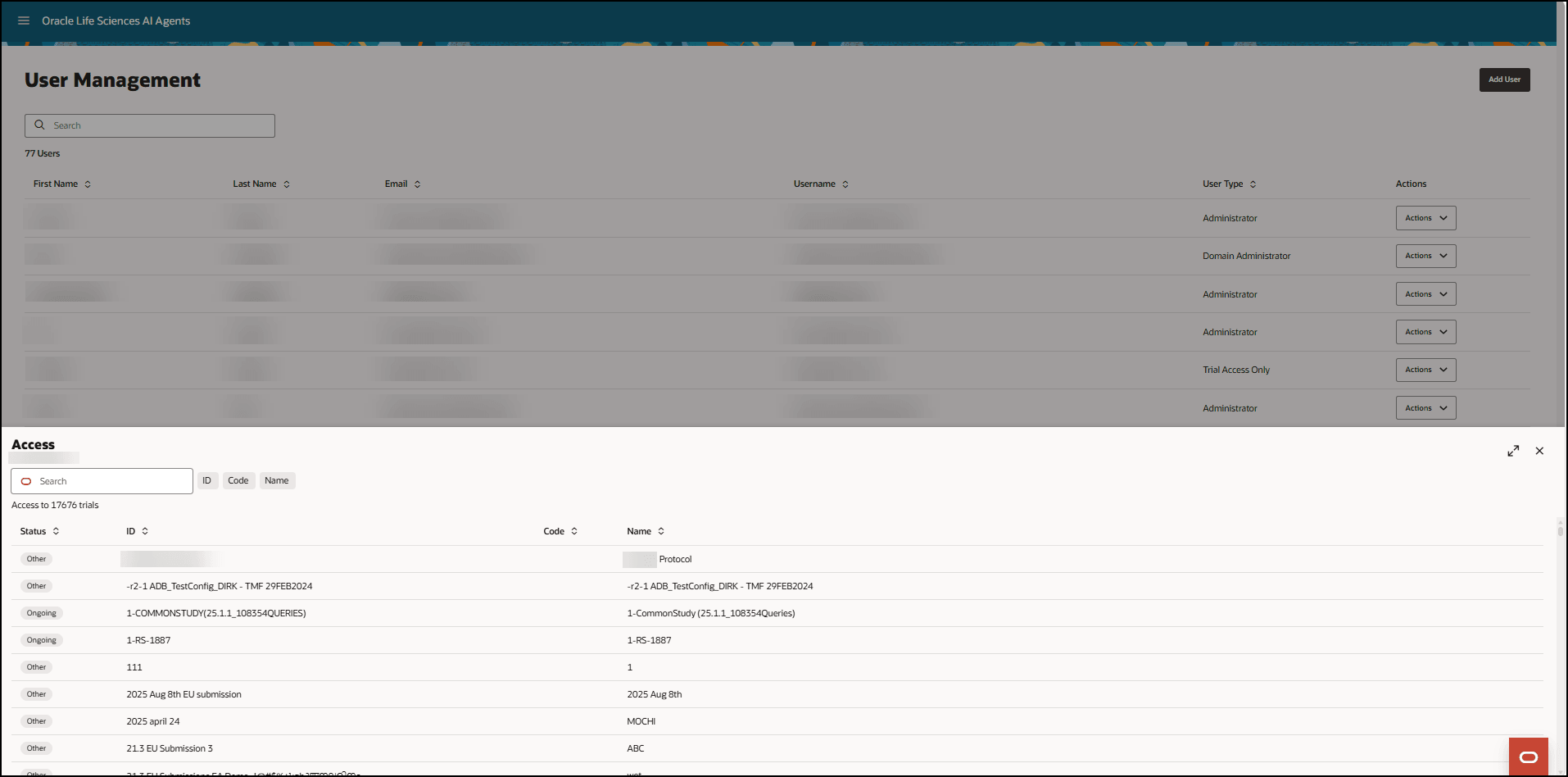
- In the Access panel you can:
- Search for a trial in the list. The search starts after you enter three characters in the Search field.
- Expand the list to full size by selecting the arrows
 at the top right.
- To exit the User Management interface:
- Select the Oracle icon
 at the bottom of the page to open the Profile dialog box.
- In the Roles drop-down menu, select Trials to return to the Trials interface.
- If you do not have any trial access, select Sign Out.
- Select the Oracle icon
Parent topic: Manage users and trial access