Assigning UPK-Based Services as Related Content
Access the Manage Related Content Configuration page. (Select .)
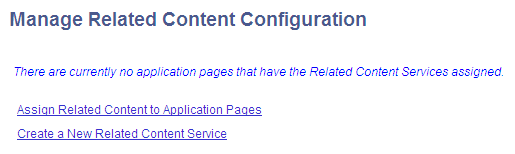
Use the Manage Related Content Configuration page to assign UPK-based services as related content:
-
Click the Assign Related Content to Application Pages link.
-
Browse the menu tree and select the content reference.
-
On the Related Content tab, add the UPK service as component-level related content.
See Assigning Related Content to Classic Components and Pages.
-
Configure either:
-
The related content menu. See Configuring Related Content Menus.
-
The related content frame. See Configuring the Related Content Frame.
-
-
Click the Save button.
-
Click the content reference link to test your configuration.