Get Started with Intelligent Advisor for Administrators and Managers
With Intelligent Advisor, you can:
-
manage projects from a central repository allowing you to deliver consistent cross-channel guidance
-
configure connections to external applications
-
easily integrate interviews with other applications and processes
-
perform general administrative tasks such as viewing message logs
Use Intelligent Advisor Hub
The Intelligent Advisor Hub is a cloud-based console used to manage, share and deploy your Policy Modeling, decision service and flow projects. It is also used to configure and manage connections to external applications.

To get started, see:
Manage deployments
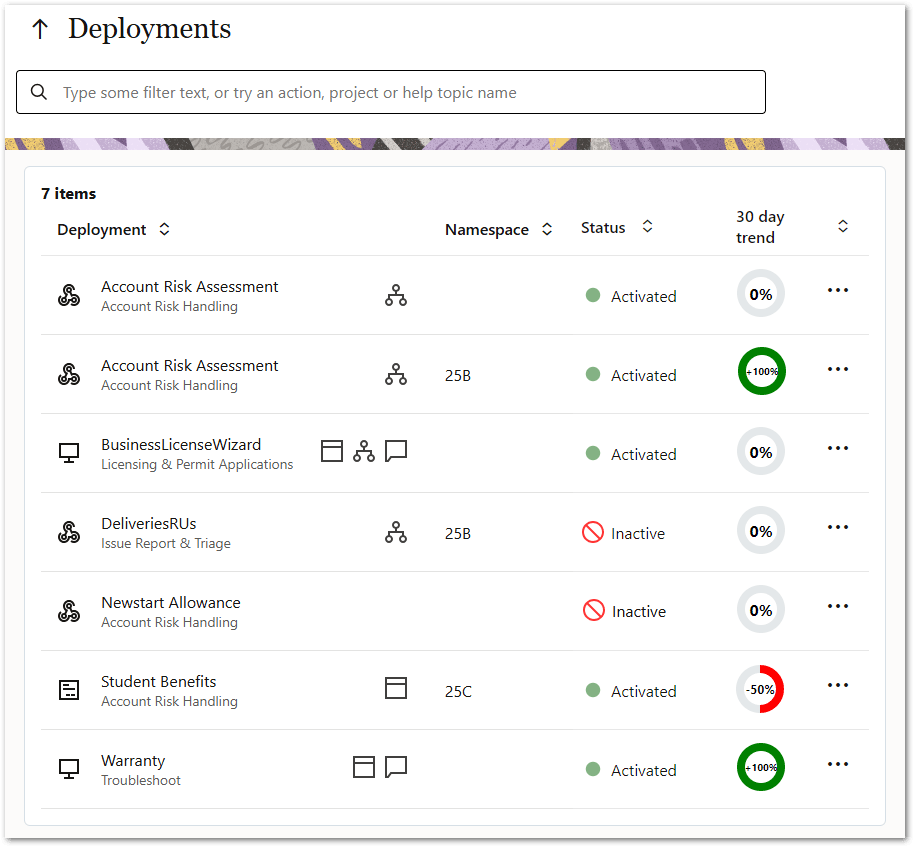
You deploy and activate projects via Intelligent Advisor Hub when you are ready to make them available as interviews, web services or for chat interactions.
Charts in Intelligent Advisor Hub provide insight into usage of deployed projects over a particular time period. This enables you to quickly see recent activity and trends and to create customized comparisons of usage data. This information can also be used to optimize experiences to reduce abandonments and accelerate time to successful completion.
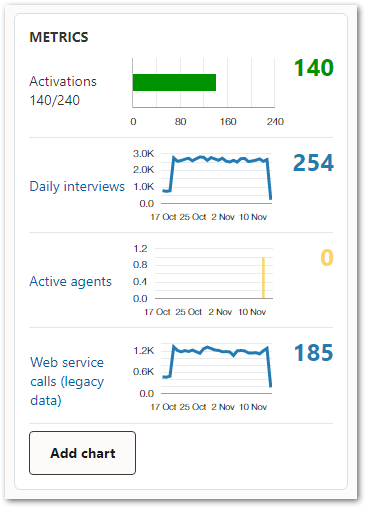
To get started, see:
Manage connections
Connections allow data from an external application to be loaded into, and saved out of, an interaction with a policy model (such as a web-based interview). Connections are created and managed in Intelligent Advisor Hub.
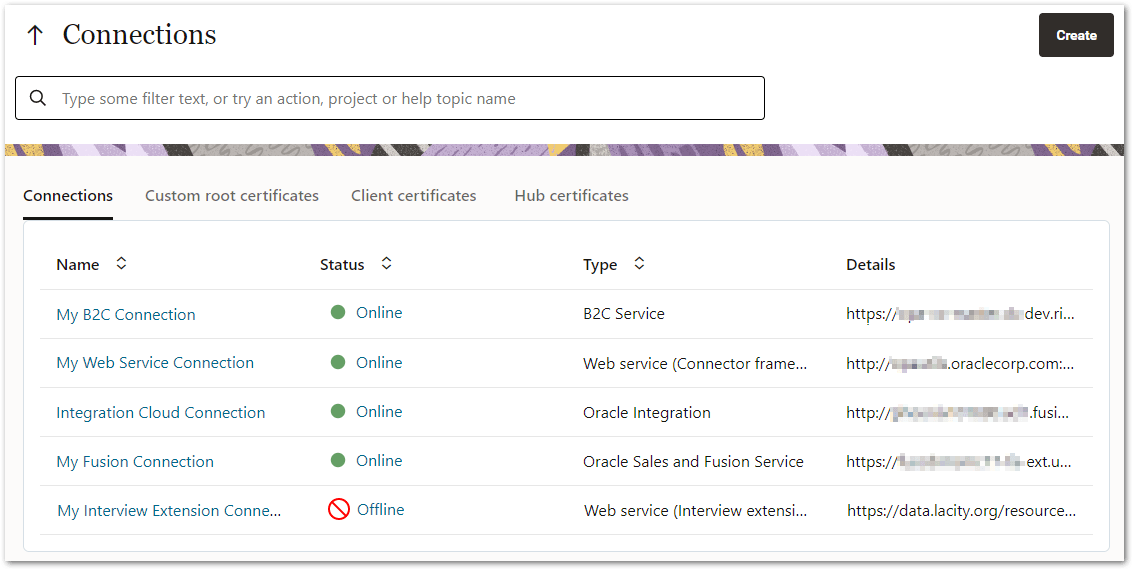
To get started see:
Manage test suites
Test suites that are created using the Test Suites REST API can be run and viewed in Intelligent Advisor Hub.
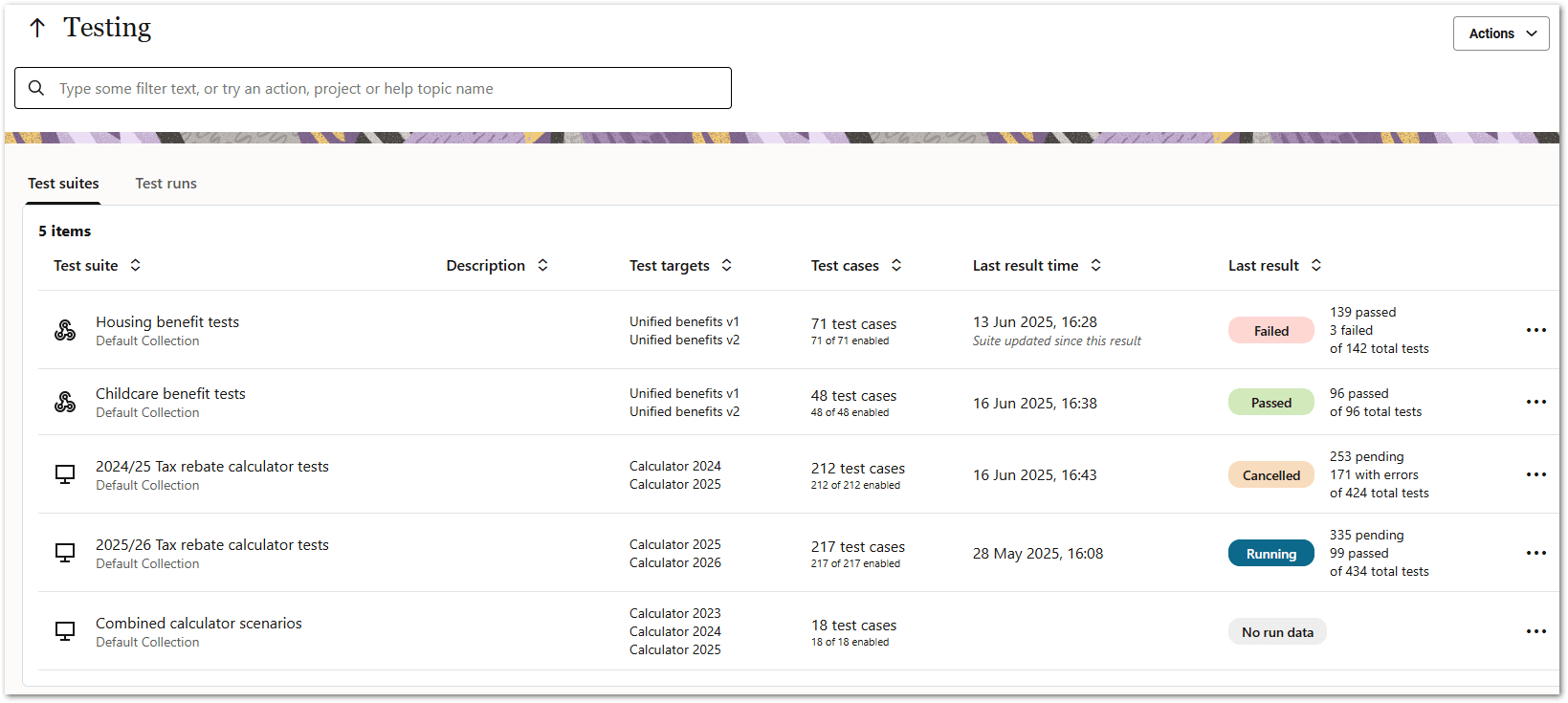
To get started, see:
Integrate with Oracle Fusion
Intelligent Advisor interviews can be added to any Oracle Fusion instance for use by agents/employees, customers or both. An interview can be launched by agents and employees from various places within Oracle Fusion, such as from a subtab, button, action menu item, and knowledge article.

An interview in Digital Customer Service (DCS) can be added using an Oracle Visual Builder web application.

To get started, see:
Integrate with Oracle B2C Service
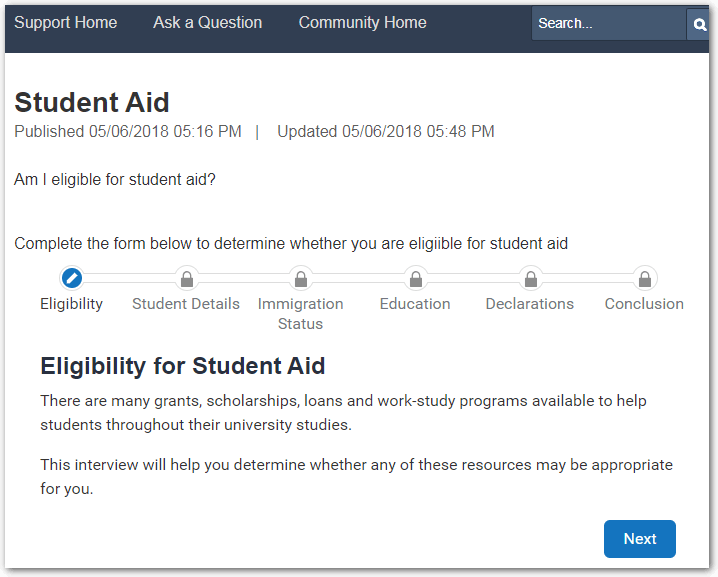
Intelligent Advisor can be used in Oracle B2C Service by customers, agents or both. Using Intelligent Advisor within Oracle B2C Service Customer Portal, interviews can be embedded in answers, or embedded directly on a page.
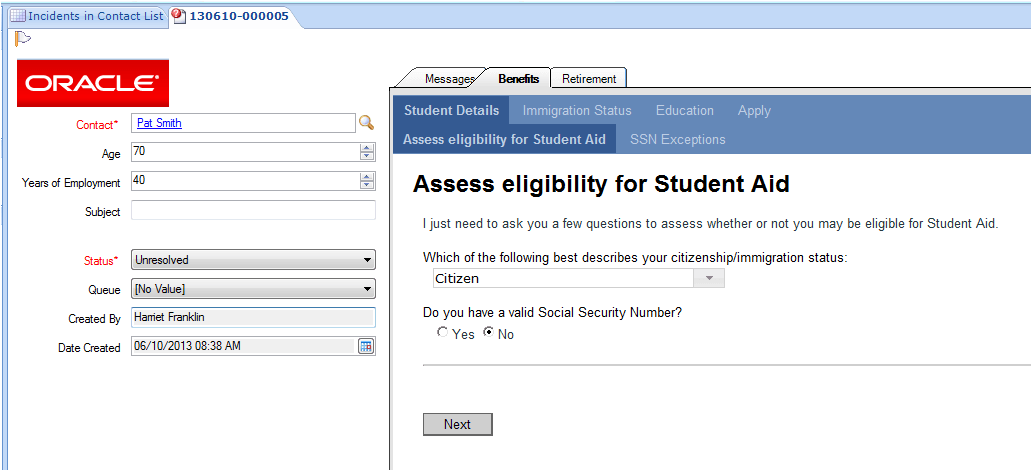
Using Intelligent Advisor within Oracle B2C Service Console, interviews are added using the Intelligent Advisor workspace control.
Intelligent Advisor can also be used standalone, for example, integrated with any other portal or website.
To get started, see:
Integrate using Oracle Integration
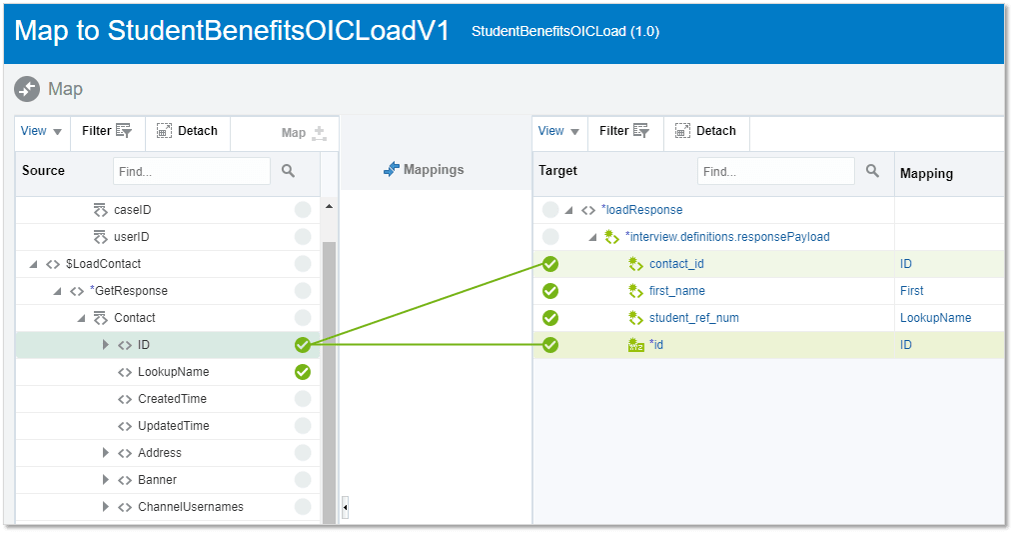
An Intelligent Advisor adapter is available in Oracle Integration to allow your Intelligent Advisor interviews to trigger Oracle Integration integrations as the endpoints for data operations. The adapter also allows Intelligent Advisor decision services, as well as headless Intelligent Advisor decisions, to be invoked at any point in an integration.
To get started, see:
Integrate with other applications
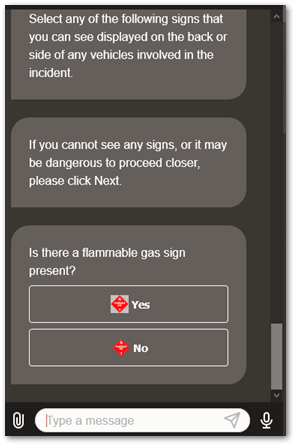
Intelligent Advisor interviews, decision services and flows can be integrated into other systems, processes and work flows. For example, Intelligent Advisor interviews can be integrated into Oracle Digital Assistant flows using an out-of-the-box connector and system component.
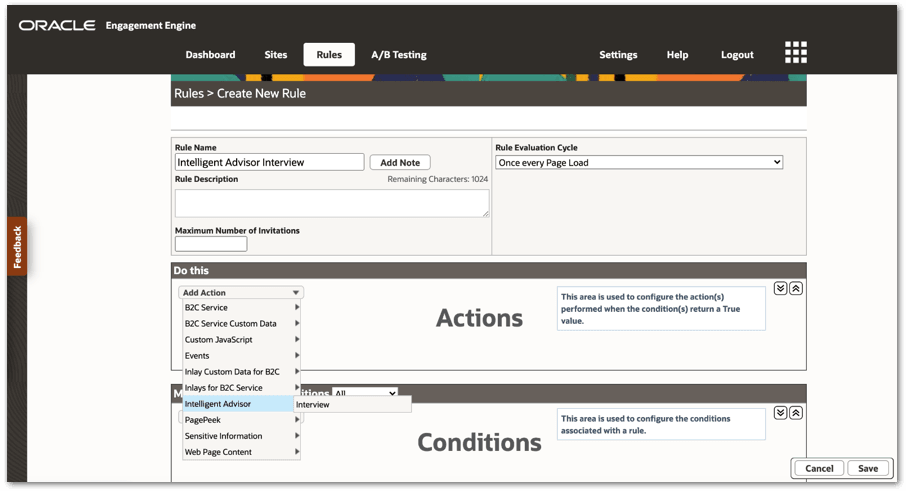
Intelligent Advisor can also be used with Engagement Engine to create dynamic, data-informed interview engagements. There is an action available in the Engagement Engine rule editor to launch your Intelligent Advisor interview.
The generic integration protocol allows you to also build your own external adapters for other applications.
To get started, see: