Asset Screen in Detail
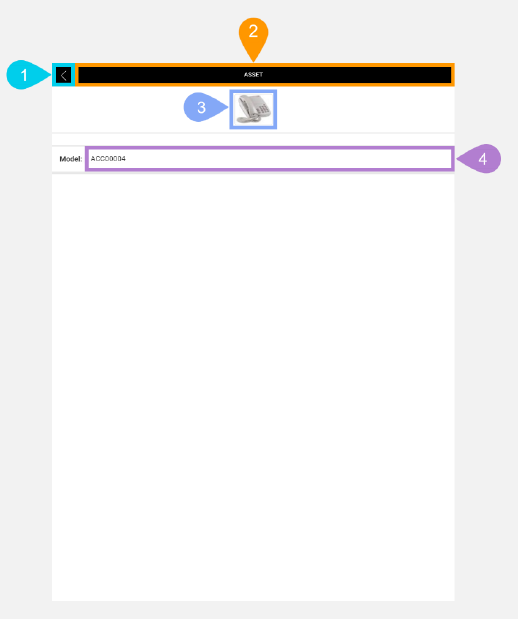
The Asset screen lets you view the model name and a photo of a task's asset.
|
Section |
Task |
Effect |
Availability |
Errors/Alerts Shown |
Highlighted in Screenshot |
|---|---|---|---|---|---|
|
Back button |
Lets you go to the Selected Task Details screen. |
Shows the Selected Task Details screen. |
Always |
None |
1 |
|
Toggle Selected Task Details Screen Visibility button |
Lets you access functions on the Selected Task Details screen. |
Shows the Selected Task Details screen. |
Always |
None |
2 |
|
Asset image |
Displays an image of the selected task's asset. |
None |
None |
None |
3 |
|
Asset Model text display field |
Displays the model name of the selected task's asset. |
None |
Always |
None |
4 |