4.4 Data Entry
Note:
This functionality doesn’t work when CSRF is enabled. To disable CSRF, see the Update General Details section in the OFS Analytical Applications Infrastructure User GuideData Entry within the Data Entry Forms and Queries section of the Infrastructure system facilitates you to view, add, edit, copy, and delete data using the various layout formats and Authorize/Re-authorize Data Records based on the permissions defined during the Form creation.
You can use the Search option to query the records for specific data and also export the data in Microsoft Excel format for reference. You can launch multiple instances of the Data Entry Window using the URL to search and update records, simultaneously.
You can access DEFQ - Data Entry by expanding the Data Entry Forms and Queries section of the Data Model Management Module within the tree structure of the LHS Menu.
Note:
An alert message is displayed if you are not mapped to any Forms in the system.Figure 4-26 DEFA – Data Entry Window
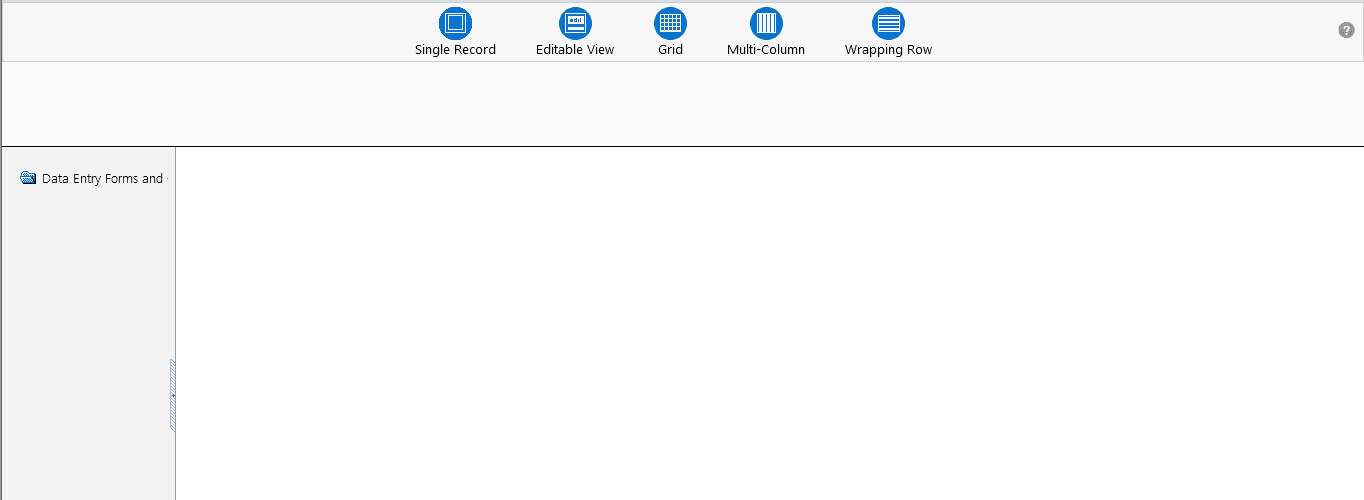
The DEFQ - Data Entry Window displays the list of Data Entry Forms and Query Forms mapped to the logged-in user in the LHS Menu. You can select the required Form to view the details. In the DEFQ - Data Entry Window, you can do the following: