View the portfolio health summary
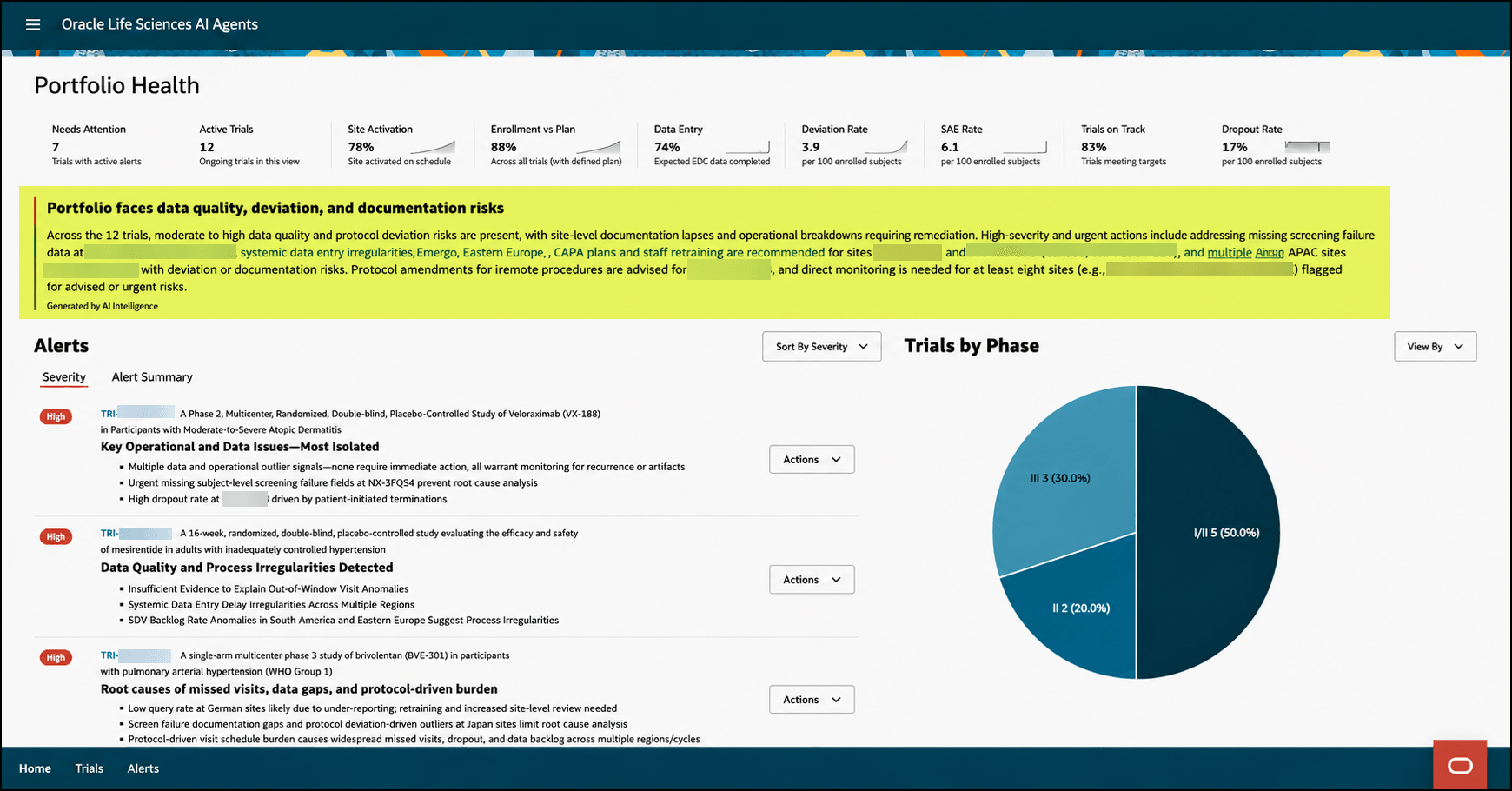
As a user with access to all trials, you can view the AI-generated health summary of all active ongoing trials in a customer's portfolio. The health summary highlights top risks, study-level callouts with direct (deep) links, and cross-portfolio trends impacting efficiency and quality.
The health summary provides executives, study managers, and clinical operations leads with access to all trials a consolidated view of the portfolio health by surfacing the most critical risks, trends, and study-level callouts.
Note:
The portfolio health summary appears on the Portfolio Health Overview page only if you have access to all trials.To view the portfolio health summary for all ongoing trials:
- Open the Portfolio Health overview. The AI-generated health summary appears at the top of the overview below the KPIs and is highlighted in the following example:
Note:
A Generated by AI Intelligence disclaimer appears below the health summary text. - In the health summary, select any Study name link (highlighted in blue) to open the details page for the study. For example:
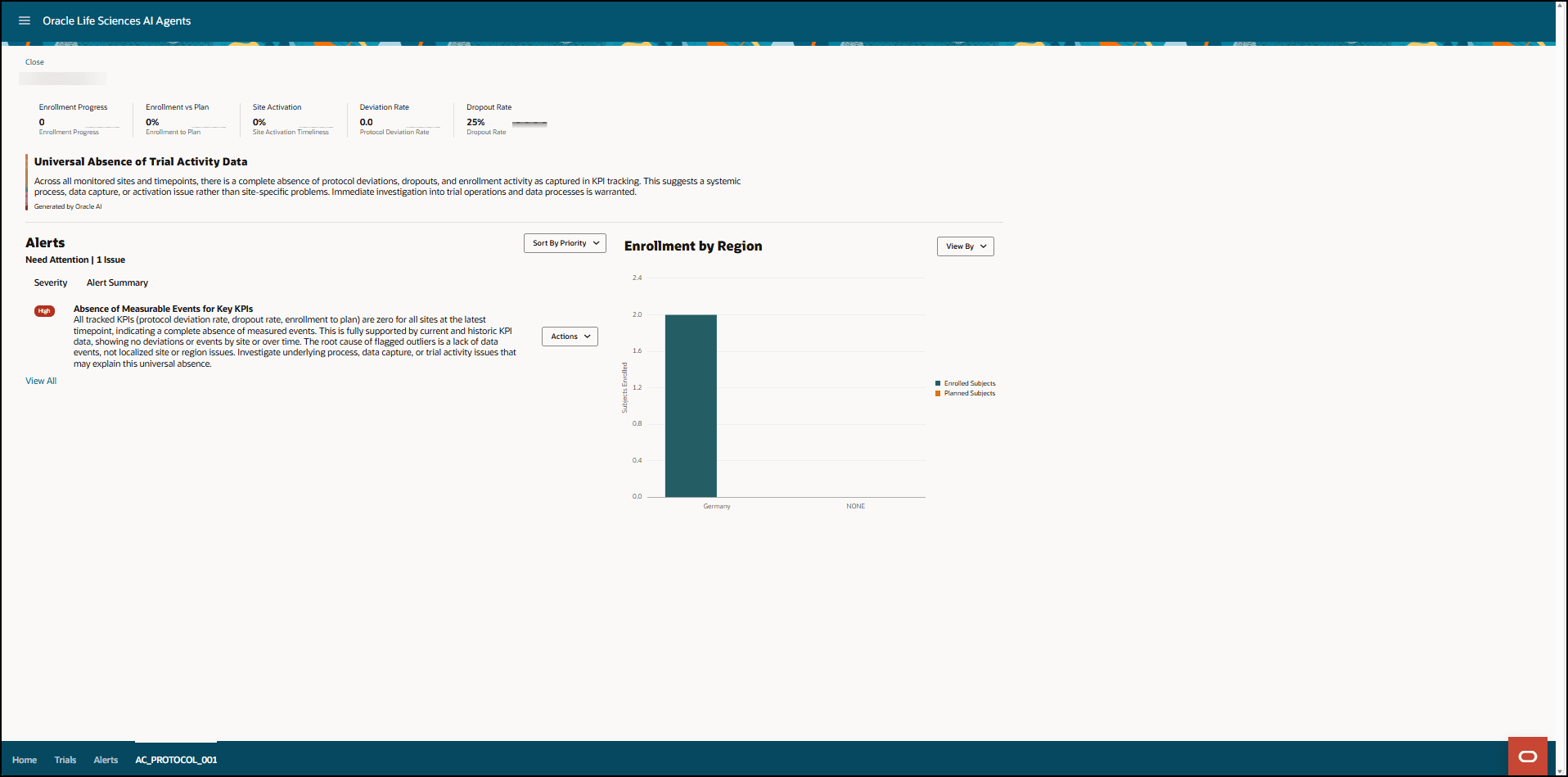
For more information, see View the details of an Ongoing Trial.
Parent topic: Review the Portfolio Health overview