Grouping Pivot Table Fields
Grouping fields in the pivot table Layout panel changes how detailed your table data is. If you set more than one field as a row or column, you can show subsets of data in your table.
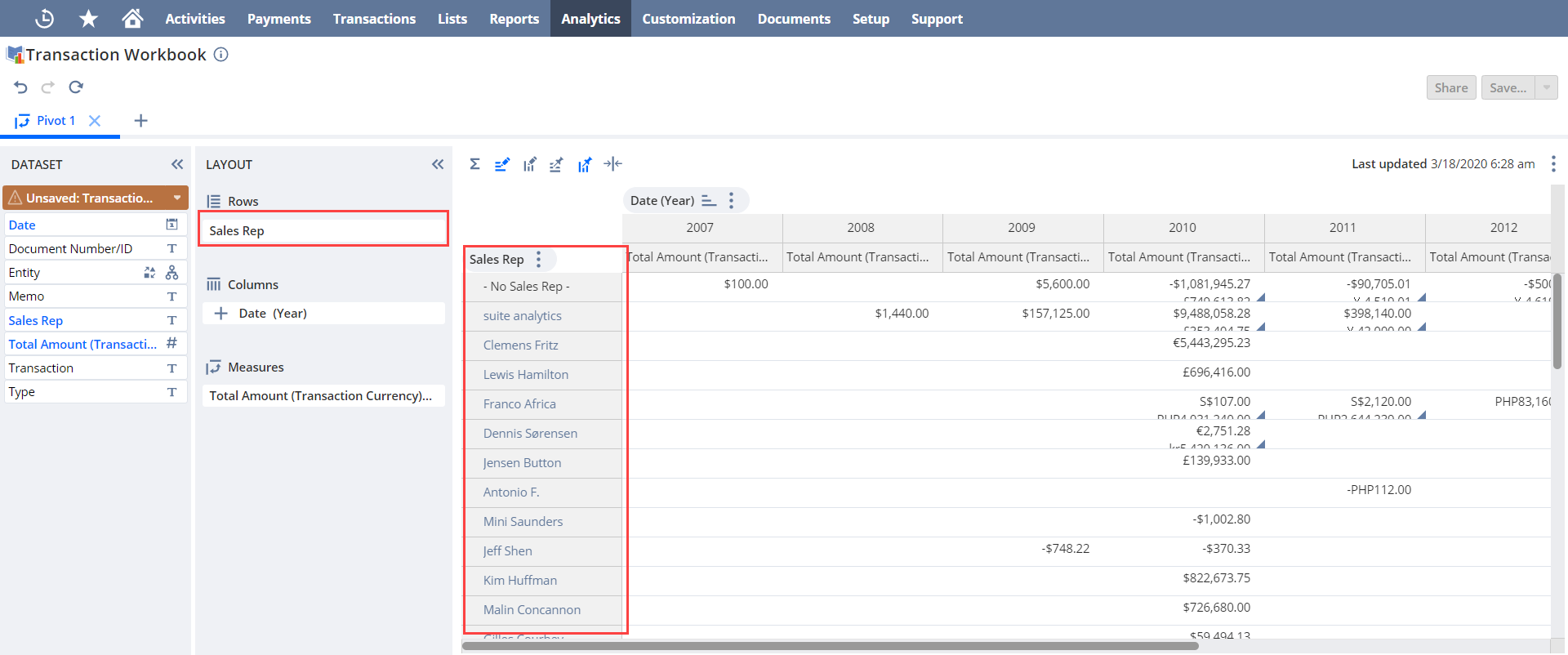
For example, in the transaction table below, only the sales rep field is set as a row. The pivot table only shows total transactions for each sales rep.
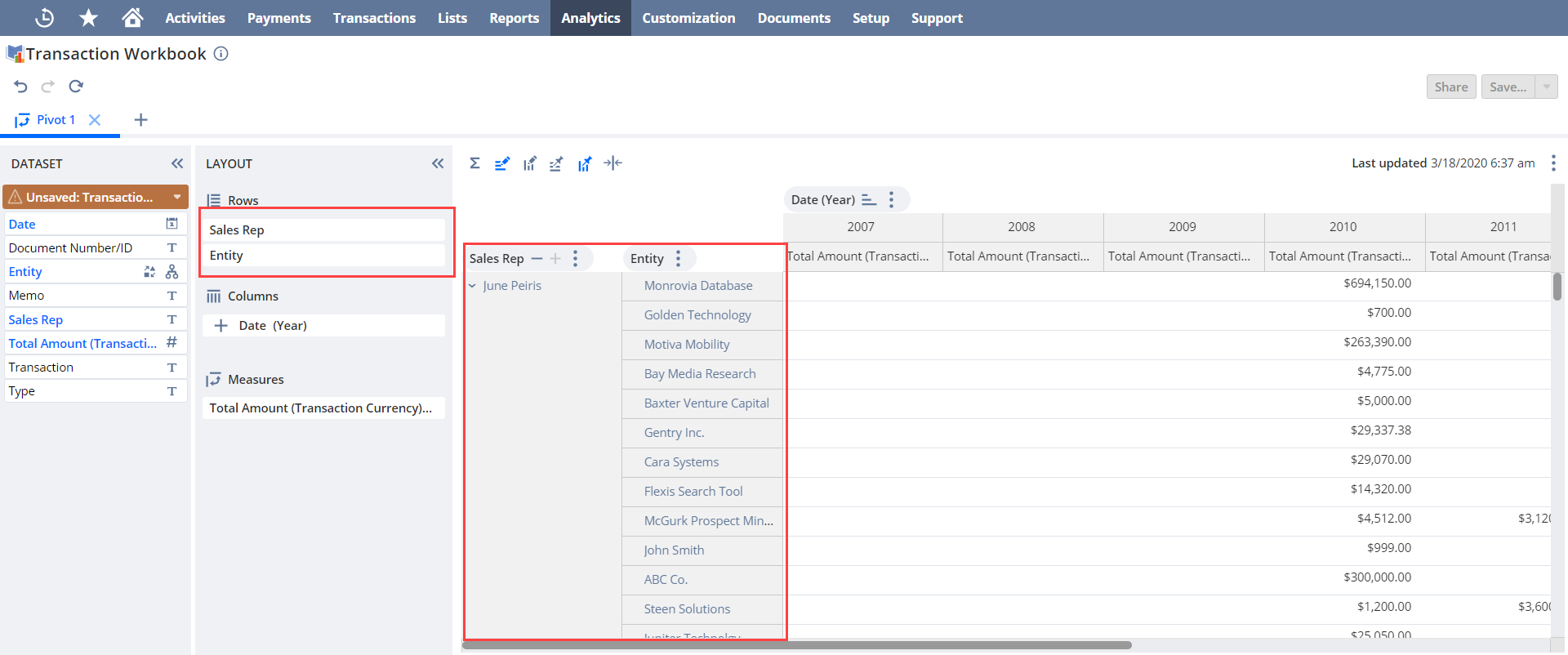
If you also define the entity field as a row however, the table displays the total transactions per sales representative and customer.
Try grouping different fields in your pivot table layouts to analyze different subsets of data.