Creating the Equipment Custom Record Type for the Equipment Service Example
This topic describes Step 1 of Equipment Service Example using Custom Record Types.
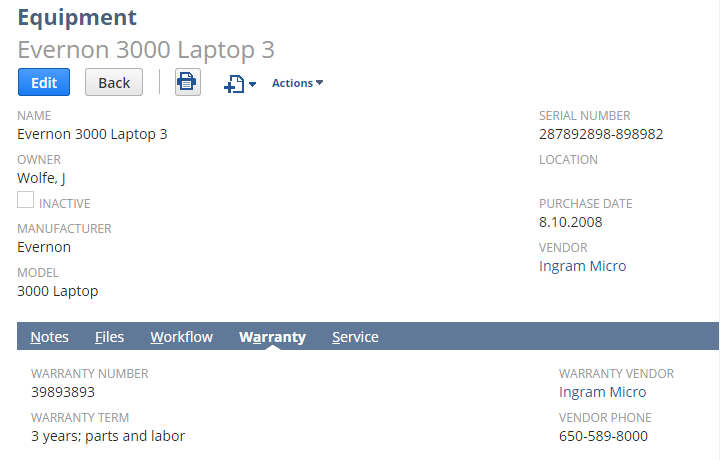
Your company needs to track information about computer and electronic equipment. Because there's no such standard record type in NetSuite, you create a custom record type called Equipment. Then, on the Equipment record, you add custom fields in which you enter serial numbers, location, purchase date, and service and warranty information.
Your custom records can be attached to standard records and other custom records. For example, on the Equipment record type, you want to track details each time you service your equipment, so you create a new custom record called Equipment Service.
Continue to Step 2: Creating the Parent-Child Relationship for the Equipment Service Example.