Adding Translations for Saved Search Titles
To add translations for saved search titles:
-
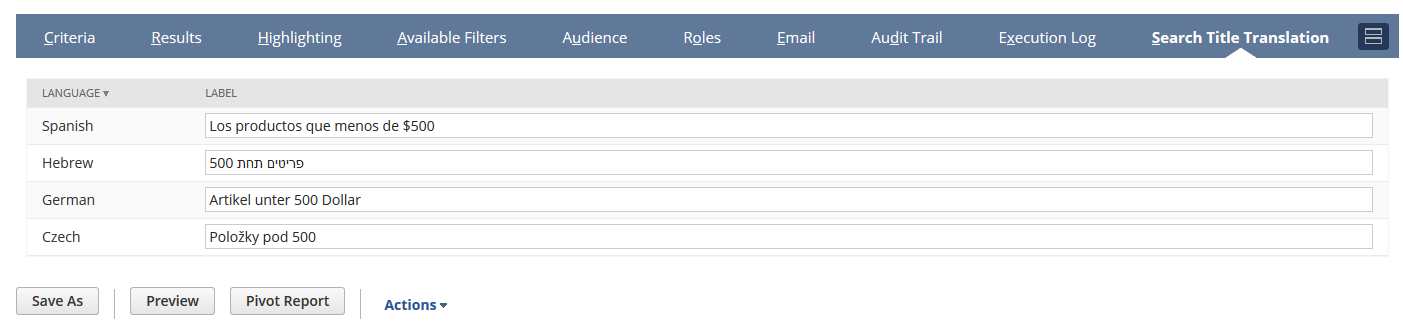
From the Saved Search definition page, click the Search Title Translation subtab.
-
For each language listed, enter the translated text into the Label column.
-
Click Save.
Note:
If the Multi-Language feature is enabled, the Saved Search definition page will display an additional subtab Search Title Translation.