Introduction
Introduction modules identify that the reports are part of the customer's Home Energy Report experience and prepare the customer for what they will see in the report. The design of the modules varies by report type.
Appears in: Progress Report, Welcome and Announcement Report, Time of Use Report, Seasonal Report, Solar Report, and Peak Focused Report
Requirements
Utility Requirements
| Category | Description |
|---|---|
| Required Cloud Service | Oracle Utilities Opower Energy Efficiency Cloud Service |
| Scale | Not applicable. |
Customer Requirements
| Category | Description |
|---|---|
| Billing Frequency | Monthly, bi-monthly, or quarterly |
| Data Delivery Frequency | Daily, monthly, bi-monthly, or quarterly. |
| Data Requirements | Not applicable |
| Data History |
Announcement, Promotional, Welcome, and Time of Use Introduction modules:
Seasonal Introduction:
Solar Introduction: Not applicable. |
| Data Coverage | All billing and data delivery frequencies are supported. |
| Supported Fuels |
Promotion, Announcement and Welcome Report, Limited Income Report, Time of Use Report: Electric-only, gas-only, dual fuel Solar Report: Electric-only, dual fuel |
Limitations
- Promotion Report: Customers must meet the following criteria to receive the promotion report and this module:
- The customer is using more than the regional average for the utility selected end use.
- Oracle Utilities Opower have confirmed presence of the end use either through presence discovery or Home Energy Analysis.
- The customer has appliance detection and disaggregation, heating and cooling disaggregation, or simple disaggregation with Home Energy Analysis.
User Experience
This section describes the user experience of the Introduction module for the Promotion Report
The Promotion Introduction module appears at the top of the report within the report Header. It provides the customer with a preview of three energy use categories where they could save money. The categories can be drawn from the customer's top three energy use categories or selected by the utility to support the report promotion. The goal of this module is to identify the promotion report type as part of the customer's Home Energy Report experience and provide them with a preview similar to the Energy Use Benchmark seen in the Progress Report.
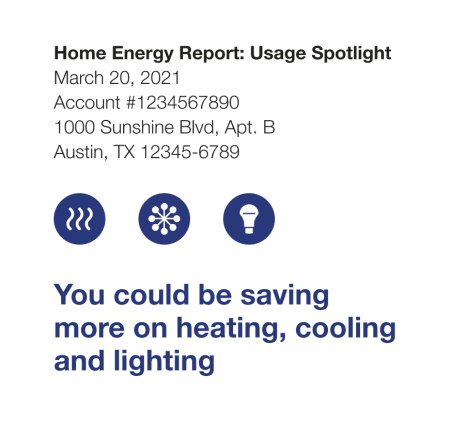
Report Type Label (Not depicted): The label "Home Energy Report: Usage Spotlight" appears at the top of the report header and explains what the piece of mail is and identifies it as a Home Energy Report. See the Header to learn more about the header module that appears at the top of the front page of every report.
Icons: The icons that appear above the intro message correlate to the energy use categories.
Intro Message: The intro message provides the customers with an overview of the energy use categories in which they could save more. They are listed in the order in which they appear in the report.
User Experience Variations
This section provides examples of the Introduction module experience varies for other report types.
Announcement Introduction
The Announcement Introduction module appears at the top of the Announcement Report within the Header module. The goal of this module is to identify the report type as part of the customer's Home Energy Report experience and prepare the customer for what they will see in the report. The module text is customized to emphasize the selected report theme.
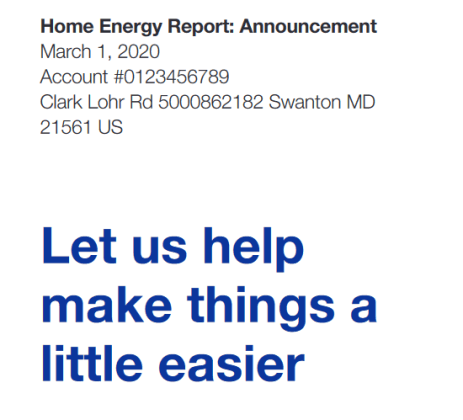
Report Type Label: The report title identifies the report as part of the Home Energy Report series and notes that the report will share an important announcement or update. For example, "Home Energy Report: Announcement."
Announcement Introduction: The announcement introduction places the utility's announcement or update in context. See the Announcement Introduction module for more information.
Promotion Introduction
Utility Selected Preferred State: If the utility selects a preferred energy use category to support the main promotion, the icons that appear above the intro message correlate to the promoted end-use category, followed by the customers' second and third or first and second highest end-use categories. The intro message provides the customers with an overview of the energy use categories in which they could save more.
Heating and Cooling Top Use State: If a heating and cooling top use state is selected, the icons that appear above the intro message are heating and cooling icons, and the customer's other high end-uses are not mentioned in the introduction. However, the customer's tips will be related to their large end-use categories.
Heating and Cooling Utility Preferred: If a heating and cooling utility preferred state is selected, the icons that appear above the intro message are heating and cooling icons. The intro message tells the customer that they could be saving more in heating and cooling.
Gas-only Fuel Type: The introduction message for gas customers is, "Your top 3 gas costs."
Promotion Report: Dual fuel: If the customer's fuel type is dual fuel (combined) or electric they will see "Your top 3 energy costs" in the intro message. For example, Last year your top three energy costs cam from heating, water heating, and cooling."
Welcome Introduction
The Welcome Introduction module appears within the header of the welcome version of the Welcome and Announcement Report Modules, and the Limited Income Welcome Report. The goal of the module is to introduce Home Energy Report recipients to their new report experience.
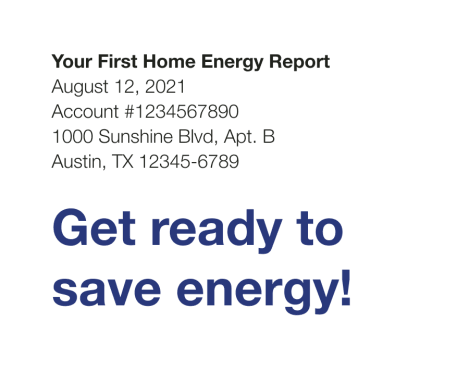
Report Type Label: The report type label identifies the report as the customer's first in a series of Home Energy Report. For example, "Your First Home Energy Report."
Welcome Introduction:The Welcome Introduction module provides the customer with a quick overview of the report topic. The introduction text varies slightly for new and legacy customers:
- Legacy customers: Customers that have received earlier versions of the reports are considered legacy customers. The Welcome Report and Limited Income Report for legacy customers acknowledges how the report has changed. The intro message for legacy customers is "Get ready to save more!"
- New customers: Customers that have never received a Home Energy Report are considered new customers. The Welcome Report and Limited Income Report for new customers introduces them to the new report and insights. The intro message for new customers is "Get ready to save energy!"
Seasonal Report Introduction
The Seasonal Introduction appears in the Seasonal Report, and provides customers with a preview of their seasonal report focus. The goal of this module is to identify the report as part of the customer's Home Energy Report experience, and provide them with a preview similar to the Energy Use Benchmark seen in the Progress Report.
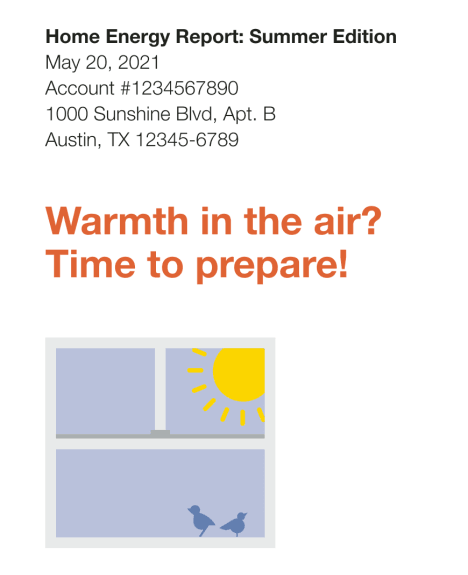
Report Type Label: The label "Home Energy Report: Summer Edition" appears at the top of the Summer Seasonal Report Header. The label explains what the piece of mail is and identifies it as a type of Home Energy Report.
Icons: A seasonally appropriate window image is included in the Introduction module.
Intro Message: A short, dynamic, seasonally-focused message places the report in context. For the summer variation, this message is, "Warmth in the air? Time to prepare!"
Time of Use Introduction
The Time of Use Introduction module appears within the header at the top of the Time of Use Welcome Report. The goal of this module is to identify the report type as part of the customer's Home Energy Report experience and prepare the customer for what they will see in the report.
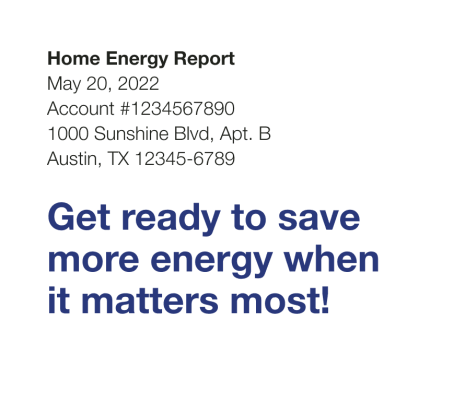
Report Type Label: The label "Home Energy Report" appears at the top of the report and identifies it as part of the Home Energy Report Series. See the Header to learn more about the header module that appears at the top of the front page of every report.
Introduction Text: A short, time of use-focused message places the report in context. For example, "Get ready to save more energy when it matters most!"
Electric Vehicle Introduction
The Electric Vehicle Introduction module appears in the header of the Electric Vehicle Report. The goal of this module is to identify the report type as part of the customer's Home Energy Report experience and prepare the customer for what they will see in the report.
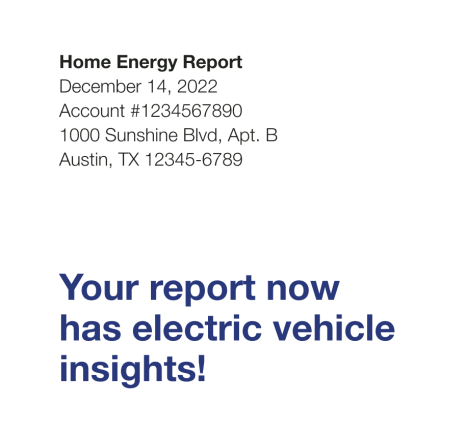
Report Type Label: The label "Home Energy Report" appears at the top of the report and identifies it as part of the Home Energy Report Series.
Intro message: A short message a reminds the customer that their report includes electric vehicle insights. The introduction message varies by customer type and use state.
Peak Focused Introduction
The Peak Focused Introduction module appears in the header of the Peak Focused Welcome Report. The goal of this module is to encourage the customer to initiate energy reduction during peak usage hours.
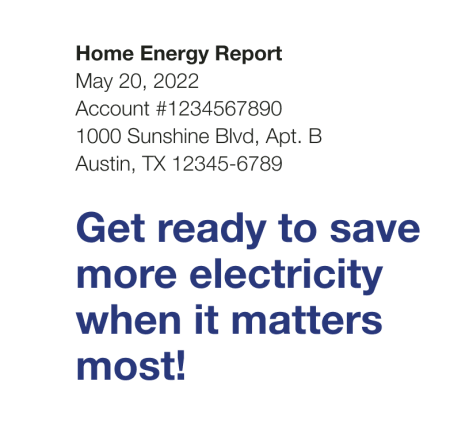
Report Type Label: The report title identifies the report as part of the Home Energy Report series.
Intro message: A short message tells the customer that their report includes information that will help them save electricity at key moments.