Header
The report header appears at the top of each report communication vary by report type. The report header is composed of a report image (logo), customer address block, and Johnson Box. The Johnson Box includes the program name or report type label, report date, account number, service address, and a benchmark insight or introduction module. The title of the report and whether a benchmark insight or introduction module is included in the report varies by report type.
Appears in: All report types.
Requirements
Utility Requirements
| Category | Description |
|---|---|
| Required Cloud Service | Oracle Utilities Opower Energy Efficiency Cloud Service |
| Scale | Less than 100,000 per week |
Customer Requirements
| Category | Description |
|---|---|
| Billing Frequency | Not applicable. |
| Data Delivery Frequency | Not applicable. |
| Data Requirements |
For the Promotion Report, the Oracle Utilities Opower platform requires data about how much energy customers used in specific end-use categories, such as heating or cooling, so that the top three categories can be highlighted. Minimum: The minimum requirement is to have average energy use data for households in a utility's region. This data is typically obtained from public data sources and is used as a baseline for the Home Energy Analysis survey. Responses to the survey can then be used to determine a breakdown of how customers used energy in different categories. Recommended: The recommended approach is to use Oracle Utilities Opower data science models to generate more accurate energy use disaggregation results. In this case, the data requirements include a combination of billed usage data, daily or subdaily AMI data, and weather data. Your Delivery Team will work with you to explain the specific requirements and help you identify the best approach for your situation. |
| Data History | Not applicable. |
| Data Coverage | Not applicable. |
| Supported Fuels | Not applicable. |
Limitations
-
Report Image (Logo): The report image must be provided by the utility. The maximum allowable size is 132 x 72 pixels (1.83 x 1 inches).
User Experience
This section describes the user experience of the header module for the Progress Report. See the User Experience Variations for examples of how this module varies for other report types.
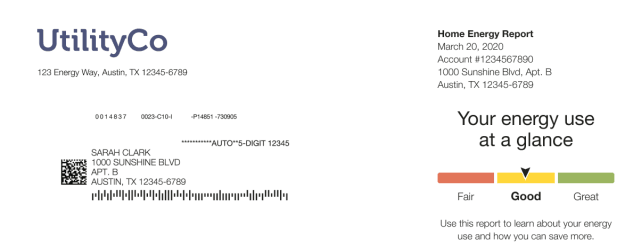
Logo: The logo appears in the top-left corner of the front page of the report, and the utility's address appears underneath it. The logo also appears at the back of the report in the lower-right corner of the Utility Info module.
Customer Address Report Block: The customer address always appears in the top-left corner of the report, in the space beneath the logo and utility's address. This is the proper space for it to display in the envelope window. The report template has a blank area set aside for the address to be stamped on by the print vendor.
Johnson Box: The Johnson Box is the section that appears in the top-right corner of the front page of the report.
-
Report Type Label: The report label identifies the report as a Home Energy Report.
- Report Date: The report date indicates the end date of the most recent billing period covered in the report. The goal is to inform the customer of the latest date for which we have data. This date does not correspond to the actual date that the report was generated.
- Account Number: The account number is unique to each customer and should match the number they see on their utility bill
- Service Location: The Service Location field displays the service address for which the report applies. This helps customers who receive reports for multiple service addresses distinguish between their reports. The Service Location field is displayed on all reports, including for customers who do not have multiple service locations.
Benchmark Module: The Benchmark module provides a dynamic, personalized, at-a-glance interpretation of the customer's energy use broken on the three sections of a gauge: Fair, Good, and Great. See the Energy Use Benchmark module.
Note:
Some report type headers includes an Introduction Module instead of a Benchmark module. See the User Experience Variations.User Experience Variations
This section provides examples of the Header module varies for other report type experiences.
Promotion Report
This image is an example of the Header module design for the Promotion Report.
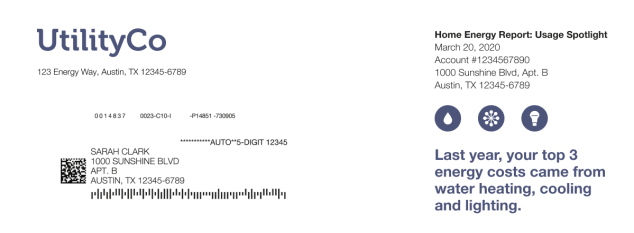
The Promotion Report Header includes a unique report type label and Promotion Introduction module. See Introduction.
Welcome and Announcement Report
The Welcome and Announcement Report header varies depending on whether the customer receives a welcome or announcement version of the Welcome and Announcement Report.
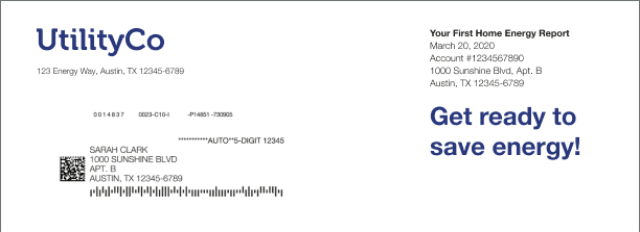
This image is an example of the Header module design for the welcome version of the report. The report header includes a unique report type label and Announcement Introduction Module. See Introduction.
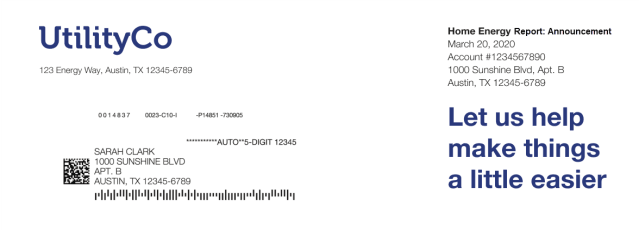
This image is an example of the Header module design for the announcement version of the Welcome and Announcement Report. The report header includes a unique report type label and Announcement Introduction Module. See Introduction.
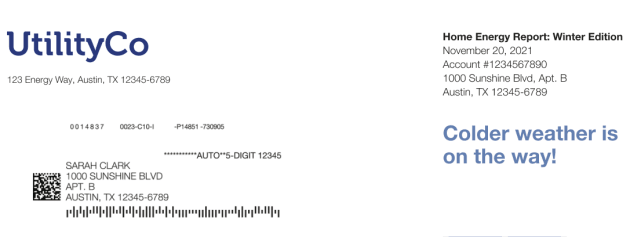
Seasonal Report
This image is an example of the Header module design for the Seasonal Report with a winter season focus. The report header includes a unique report type label and Seasonal Introduction Module. See Introduction.
Limited Income Report
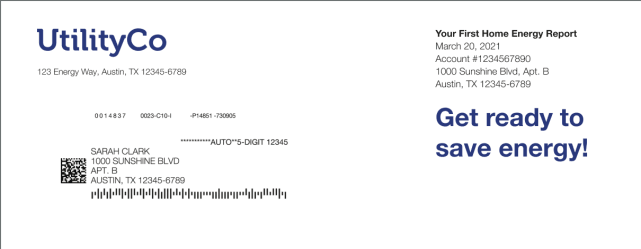
The header of the Limited Income Report varies depending on whether the customer receives a welcome or progress version of the report
This image is an example of the Header module design for the Limited Income Welcome Report. The report header includes a unique report type label and Welcome Introduction Module. See Introduction.
This image is an example of the Header module design for the Limited Income Progress Report.
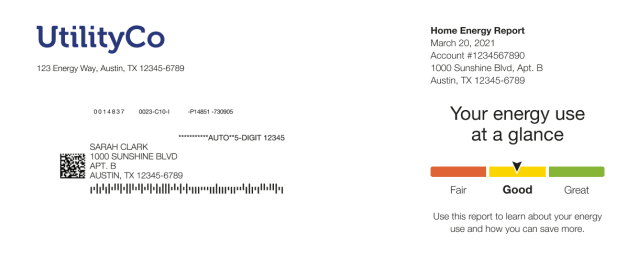
Report Type Label: The report type label identifies the report as part of the Home Energy Report series.
Benchmark Module:The Benchmark module provides a dynamic, personalized, at-a-glance interpretation of the customer's energy use broken on the three sections of a gauge: Fair, Good, and Great. See the Energy Use Benchmark module for more information.
Time of Use Report
The header of the Time of Use Report varies depending on whether the customer receives a welcome or progress version of the report.
This image is an example of the Header module design for the Time of Use Welcome Report . The report header includes a unique report type label and introduction text. See Introduction.
This image is an example of the Header module design for the Time of Use Progress Report Modules.
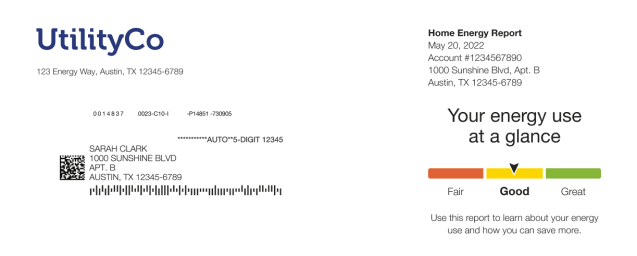
Report Type Label: The report type label identifies the report as part of the Home Energy Report series.
Benchmark module:The Benchmark module provides a dynamic, personalized, at-a-glance interpretation of the customer's energy use broken on the three sections of a gauge: Fair, Good, and Great. See the Energy Use Benchmark module for more information.
Solar Report
The Solar Report header design varies slightly depending on whether the customer receives a welcome or progress version of the Solar Report.
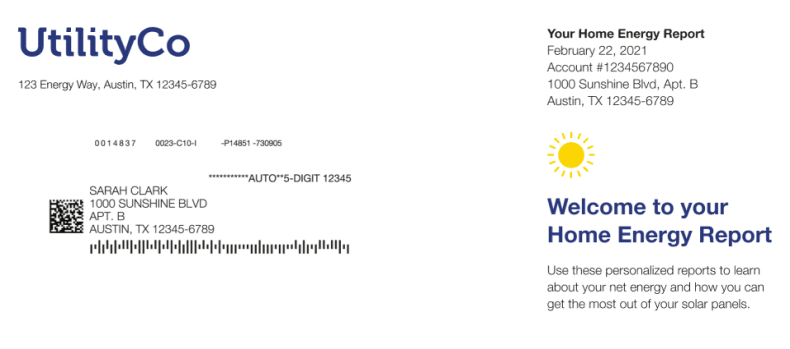
This image is an example of the Header module design for the Solar Welcome Report. The report header includes a unique report type label and Solar Introduction Module. See Introduction.
This image is an example of the Header module design for the Solar Progress Report.
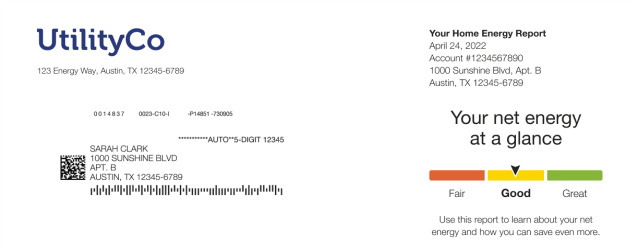
Report Type Label: The report label identifies the report as a Home Energy Report.
Benchmark Module: The Benchmark module provides a dynamic, personalized, at-a-glance interpretation of the customer's net energy broken on the three categories: Fair, Good, and Great. See the Energy Use Benchmark module for more information.
Electric Vehicle Report
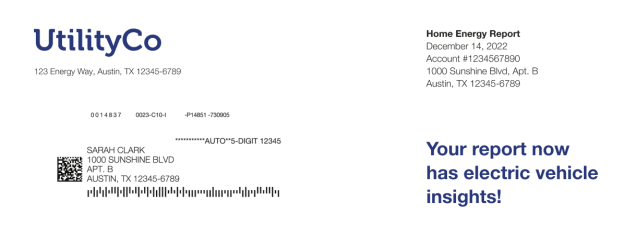
This image is an example of the Header module design for the Electric Vehicle Report. The report header includes a unique report type label and Solar Introduction.
Peak Focused Report
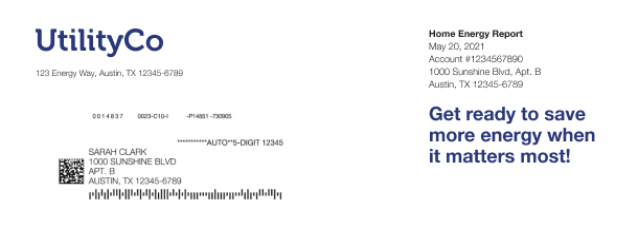
The Peak Focused Report header design varies slightly depending on whether the customer receives a welcome or progress version of the report. This image is an example of the Header module design for the Peak Focused Welcome Report.
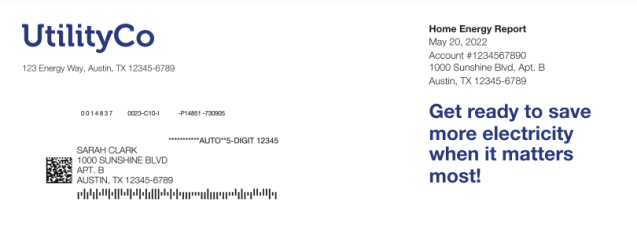
Introduction Module: A short welcome message appears at the top of the report encouraging the customer to get excited about their new report experience. The message varies slightly depending on intro message is "Get ready to save more energy when it matters the most!"
This image is an example of the Header module design for the Peak Focused Progress Report.
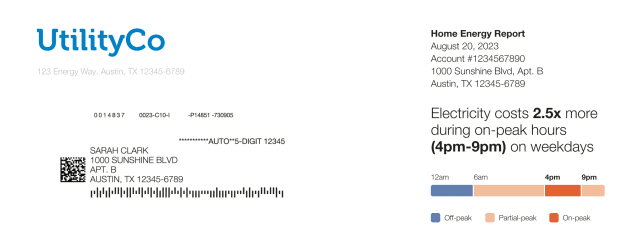
Mini Time of Use Reminder Module: A short reminder located at the top of the report reminds the customer of when the peak period is based on their Time of Use plan. The graph labels identify which periods in the graphs fall into high, medium, and low cost periods. See Mini Time of Use Reminder.