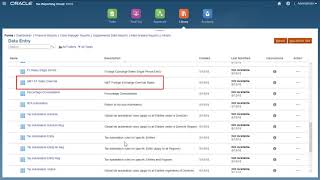
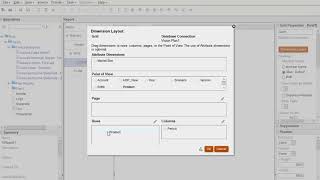
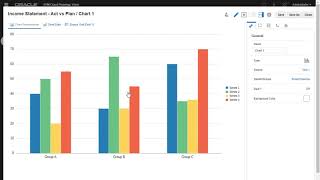
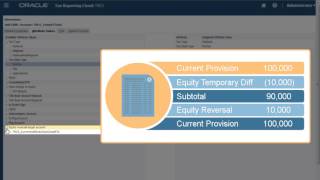
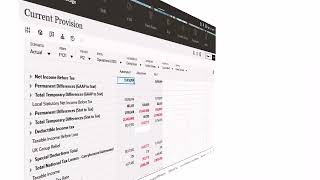
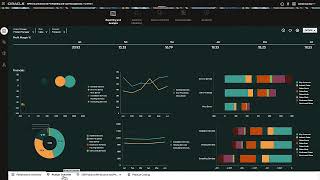
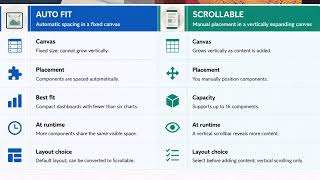
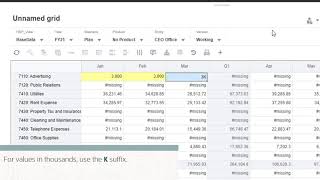
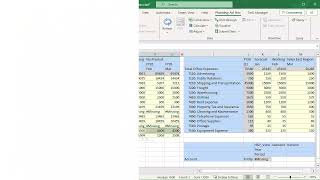
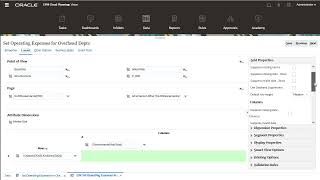
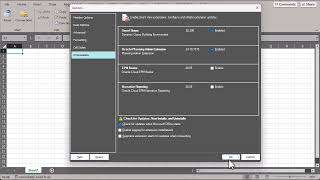
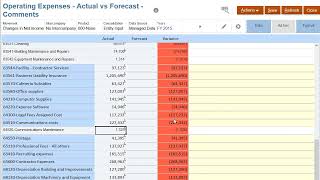
(3:51) In this tutorial, you learn how Smart View Ad Hoc Standard mode offers enhanced Essbase parity features unavailable in Native mode, providing closer alignment with classic Essbase Ad Hoc grid behaviors in Oracle EPM Cloud. First, you learn how to enable Standard mode and use cell-based POV displays, submit data with automatic refresh, and work in free-form mode. Then, you learn how to save and share Ad Hoc grids across platforms, create multi-grid analyses, perform multiple-cell selections, and use advanced zoom options like Sibling Level and Same Generation. Finally, you see how to display member names with aliases, identify invalid members for troubleshooting, and use the "Refresh Saved Sheet as is" option to preserve external changes.
For more information, see the documentation.